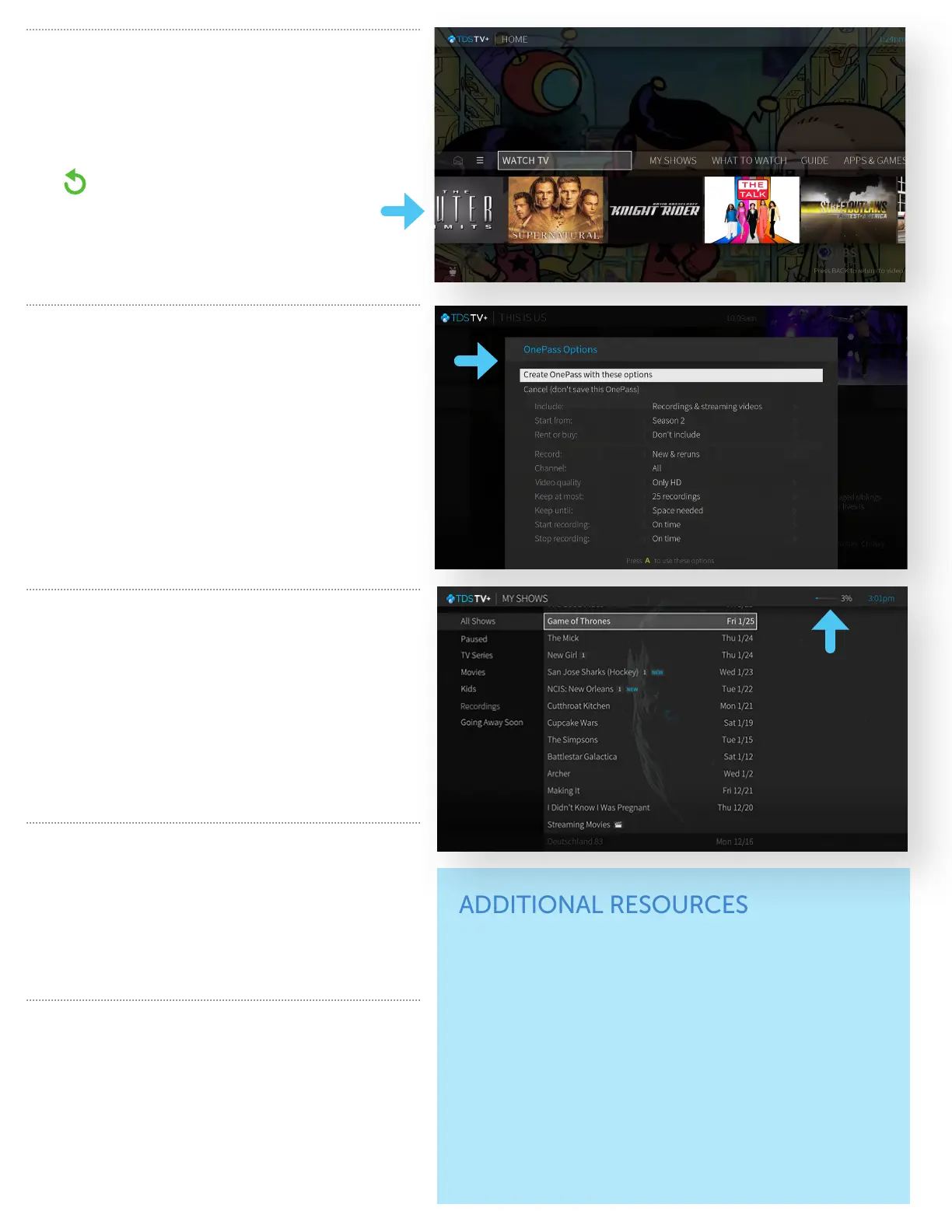
SMARTBAR
The SmartBar learns and recommends shows for
you based on what you usually watch at a particular
time and/or day. When a live show appears in the
SmartBar, you can click on it to go directly to the show
in progress.
TIP: The green “Start Over” icon appears
next to certain shows listed in your guide. It
means you can start the program over from
the beginning. Press and hold the OK button
to enable Start Over.
RECORDING SHOWS
& MOVIES
• When watching Live TV or searching for upcoming
airings in the Guide, press the “i” info button for the
fastest way to record just this episode or movie or set
up a OnePass for series recordings.
• Set up a series to record in OnePass with a
variety of options to fit your recording preferences.
See your Welcome Kit for more information about
recordings and OnePass.
DVR STORAGE
• OnePass
™
helps you manage your recordings so you
never miss an episode or overtime of the game.
• To access recordings, select My Shows from the
Navigation Bar.
• Record up to 10 shows simultaneously.
• Total DVR storage space used is indicated by a
percentage displayed at the top bar of My Shows.
TDS TV+ ON YOUR DEVICES
• TDS TV+ is available in the Apple and Google app
stores. The app can also be downloaded on to AppleTV,
Amazon Fire (TV and Cube) and Android TV.
• For TV away from home, go to content provider
websites or apps and log in using your TDS account.
TROUBLESHOOTING
• For the best connection, use an ethernet cord to
connect your TDS TV+ equipment to a modem.
• Location of your Wi-Fi router and Wi-Fi signal strength
may impact video quality.
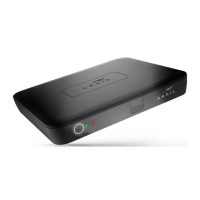
• To reboot the TDS TV+ receiver, hold down its power
button for 6-10 seconds or unplug the receiver and
plug back in.
ADDITIONAL RESOURCES
TDS TV+ User Guide:
Located in the Welcome Kit you were provided with during
install. It includes detailed and expanded explanations of
TDS TV+ features and functionality.
Online Customer Support:
Hellotds.com/support
Customer Care:
1-844-848-9087, available 24/7.
Delinquent accounts may lose service. Certain services not available in all areas. Price may vary by
serving area and is subject to change without notice. Services subject to TDS Subscriber Agreement at
tdstelecom.com/agreement, TDS Privacy Policy at tdstelecom.com/privacy, and Acceptable Use Policy at
tdstelecom.com/use. TDS® is a registered trademark of Telephone and Data Systems, Inc. Copyright ©
2020, TDS Telecommunications LLC, All Rights Reserved. TiVo and OnePass are trademarks or registered
trademarks of TiVo Brands LLC. 204052_Cable_R1.7/11-20/12080


 To Previous Page
 Loading...