EasyManua.ls Logo

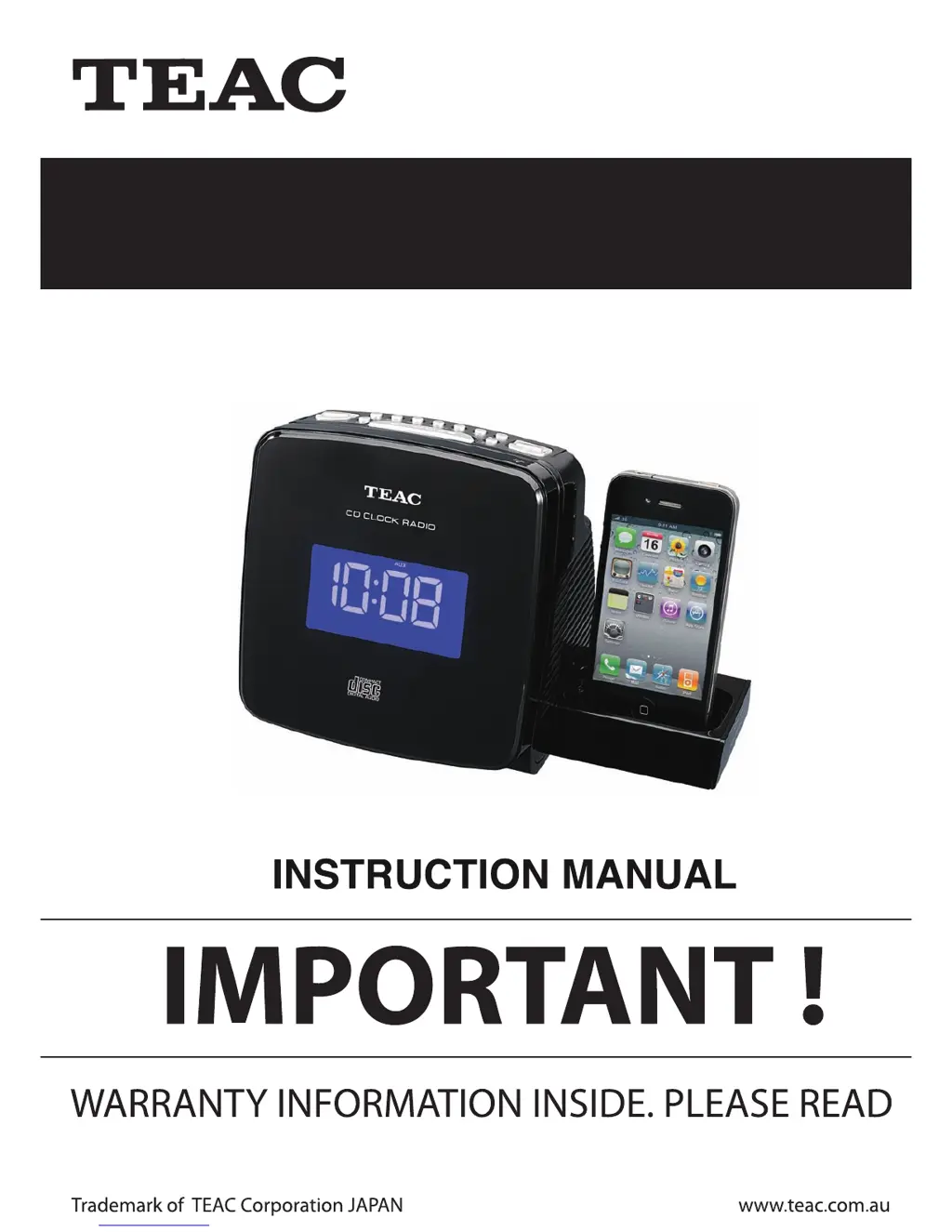
Teac CRX350iP - User Manual

Teac CRX350iP
24 pages
Print Icon
To Next Page IconTo Next Page
Loading...
Docking Alarm Clock for iPhone and iPod
CRX350iP

Questions and Answers

  • E
    Elizabeth SchroederAug 7, 2025
    How to improve weak FM reception on my Teac CRX350iP Alarm Clock?
    • A
      Angela RyanAug 7, 2025
      If you're experiencing weak FM reception on your Teac Alarm Clock, make sure the FM antenna wire is fully extended. Try extending or repositioning the wire antenna to find the best reception.
  • S
    stewartericAug 11, 2025
    How to fix a Teac Alarm Clock that won't turn on?
    • K
      Kelly MillerAug 11, 2025
      If your Teac Alarm Clock isn't powering on, first ensure the AC adapter is securely plugged into both a functioning wall outlet and the power supply jack on the back of the unit. If the outlet isn't working, try plugging another device into it to confirm.
  • W
    William DuranAug 16, 2025
    What to do if my iPod/iPhone is not charging on my Teac CRX350iP Alarm Clock?
    • T
      Tiffany HarrisAug 16, 2025
      If your iPod/iPhone isn't charging when docked in the Teac Alarm Clock, make sure the unit is not in CD or radio mode; select another mode to enable iPod charging. Also, remove the iPod/iPhone, check for any obstructions on the connectors of both the dock and your device, and then reseat it firmly. Ensure your iPod/iPhone is working correctly; if it's frozen or has battery issues, refer to its manual for troubleshooting.
  • C
    cruzannAug 20, 2025
    Why is my iPod/iPhone not responding to my Teac CRX350iP?
    • J
      Jessica HowardAug 20, 2025
      If your iPod/iPhone isn't responding to the Teac Alarm Clock, remove it from the dock and inspect the connectors on both the dock and your device for any obstructions, then reseat it properly. Also, ensure your iPod/iPhone is functioning correctly before docking; consult its manual for resetting instructions if it's locked up.
  • A
    Ashley CummingsAug 25, 2025
    What to do if the CD player on my Teac CRX350iP Alarm Clock will not play?
    • R
      ryankleinAug 25, 2025
      If the CD player on your Teac Alarm Clock won't play, first ensure the unit is in CD function mode. Check that the CD is loaded correctly with the label side up. If you're using a self-compiled CD, the media might not be compatible; try using a higher quality blank media and retest.
  • E
    Elizabeth ObrienAug 28, 2025
    Why is the sound from the CD player on my Teac CRX350iP intermittent?
    • D
      dkingAug 28, 2025
      If you're experiencing intermittent sound from the CD player on your Teac Alarm Clock, the disc may be dirty or defective; try cleaning or replacing it. The pick-up lens might also be dirty; use a CD lens cleaning disc to clean it. Additionally, relocate the player away from sources of excessive shock or vibration.
  • S
    sheltonrussellSep 1, 2025
    What causes my Teac CRX350iP Alarm Clock CD player to skip?
    • S
      stephen76Sep 1, 2025
      If the CD skips while playing on your Teac Alarm Clock, the disc might be dirty or scratched. Try wiping the CD with a clean cloth, or use another disc.

Teac CRX350iP Specifications

General IconGeneral
BrandTeac
ModelCRX350iP
CD PlayerYes
RadioAM/FM
Display TypeLCD
Power SourceAC Adapter
Battery BackupYes
iPod CompatibilityYes
Clock FeaturesAlarm, Snooze
Audio InputAuxiliary input
TypeAlarm Clock Radio with CD Player