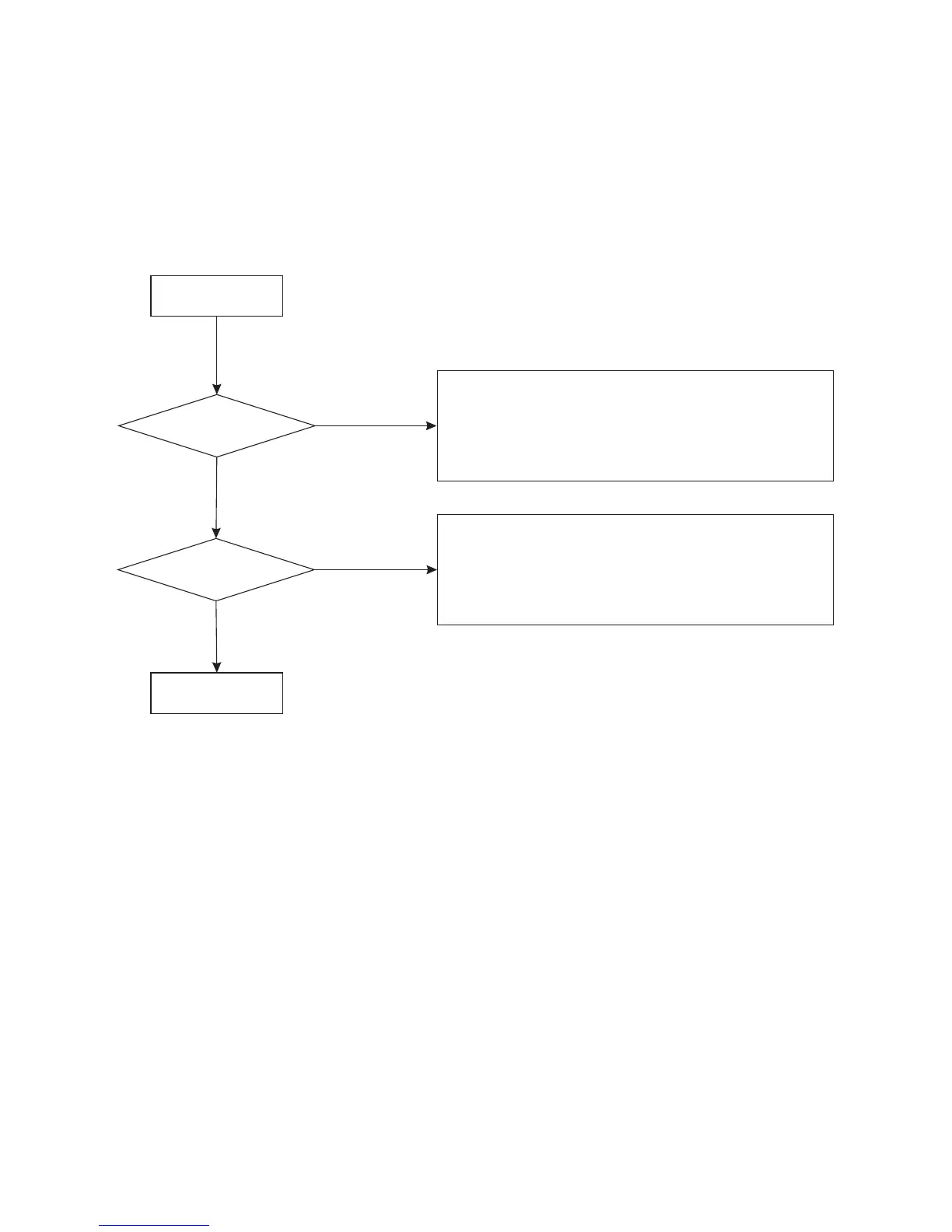
START
Normal
Does the screen
appear?
Is display normal?
Check if voltage of screen F1 and F2 is 3.3V.
Check if voltage of 34 pin of UPD16311 is -24V.
Check grounded negative voltage of screen F1 and F2.
Replace UPD16311.
Check if connection cord between screen and
main board is broken?
Check if UPD16311 pin is connected.
Check if pin of screen is connected.
Yes
Yes
No
No
B Display abnormal
10



 To Next Page