EasyManua.ls Logo

Teac DV-H500 - User Manual

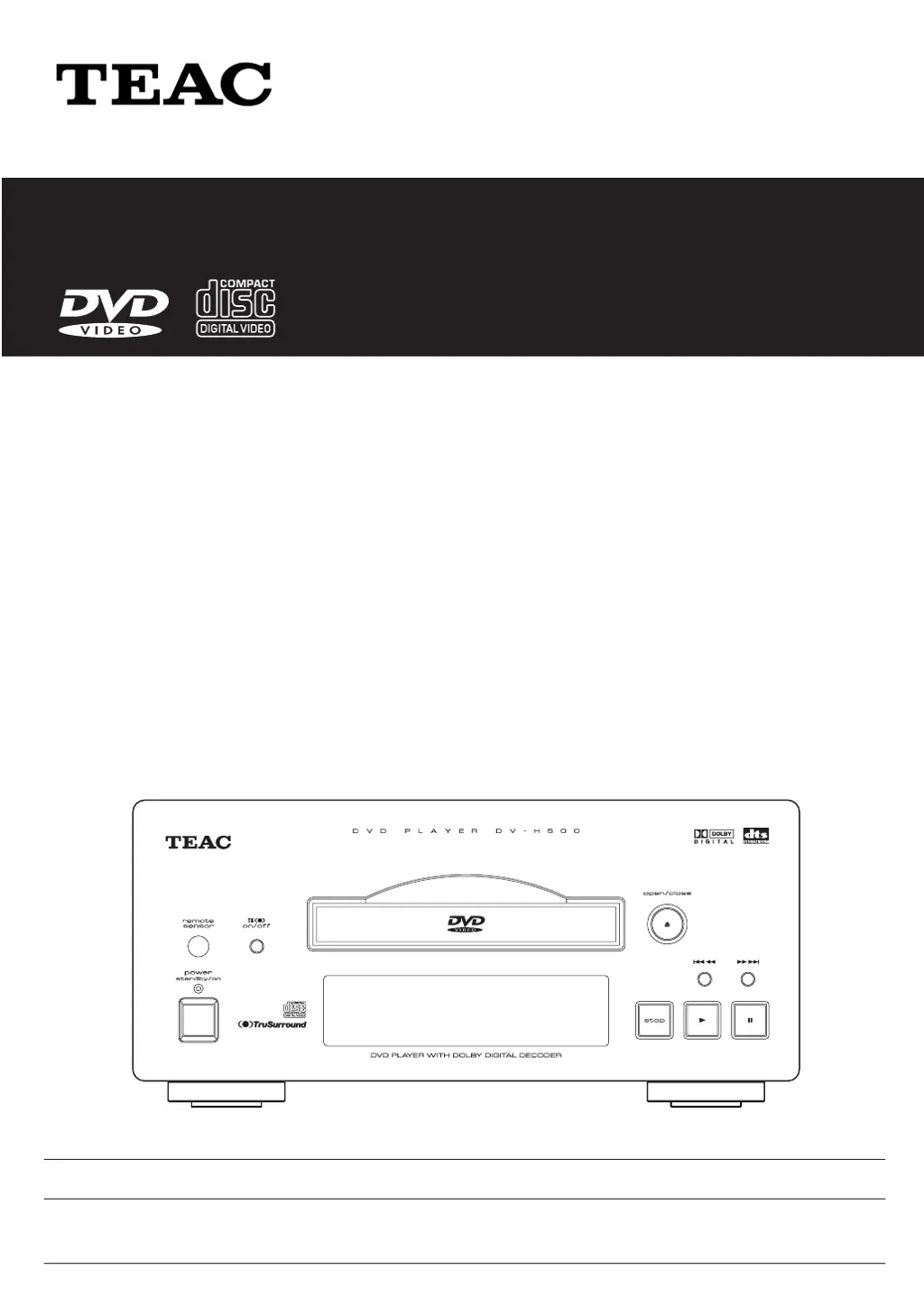
Teac DV-H500
76 pages
Print Icon
To Next Page IconTo Next Page
Loading...
9A07928600
DV
-
H500
DVD Player
OWNER’S MANUAL
MANUEL DU PROPRIETAIRE
Thanks for buying a TEAC. Read this manual carefully to get the best performance from this unit.
Nous vous remercions pour lachat dun appareil TEAC.
Lire ce manuel avec attention pour obtenir les meilleures performances possibles de cet appareil.

Table of Contents

Other manuals for Teac DV-H500

Questions and Answers

  • T
    Tara HallAug 14, 2025
    Why is there no picture on my Teac DV-H500 DVD Player?
    • F
      fgregoryAug 14, 2025
      If you're experiencing a lack of picture when using your Teac DVD Player, begin by verifying that all connections are correctly and securely connected. Also, ensure that the settings on your TV or AV amplifier are properly configured.
  • R
    Ricardo CampbellAug 18, 2025
    How to fix remote control not working for Teac DV-H500 DVD Player?
    • A
      Albert SparksAug 18, 2025
      If the remote control isn't working with your Teac DVD Player, first, try moving closer to the player and adjusting the angle of the remote. If that doesn't work, replace the batteries. Also, ensure that all plugs are fully inserted and clean. Check the audio cable connections and input selector on the stereo amplifier. Finally, release the pause mode if it's engaged.
  • Y
    yjonesAug 21, 2025
    How to fix playback not possible on Teac DVD Player?
    • L
      Lauren RamirezAug 21, 2025
      If your Teac DVD Player won't play discs, make sure the disc is clean and not warped. Ensure the disc is placed correctly on the disc table, and that it is compatible with the player's region. If the player has collected dew, allow it to dry out. Also, check that the disc has been loaded correctly.
  • T
    Tina PhillipsAug 25, 2025
    What to do if picture playback stops on Teac DV-H500?
    • R
      Robert NelsonAug 25, 2025
      If the picture playback stops and the operation button cannot be used on your Teac DVD Player, stop the disc by pressing the STOP button, and then start playback again.
  • C
    Crystal SmithAug 28, 2025
    How to adjust screen aspect ratio on Teac DVD Player?
    • L
      Laura LynchAug 28, 2025
      If the screen appears stretched or the aspect ratio doesn't change on your Teac DVD Player, adjust the multi aspect settings.
  • S
    Steven CurtisAug 30, 2025
    Why does Teac DV-H500 DVD Player keep cancelling settings?
    • M
      Matthew LongAug 31, 2025
      If settings on your Teac DVD Player are being cancelled, it is likely due to a power failure or unplugging the power cord. To prevent this, before unplugging the power cord, first cancel the 'STANDBY' indicator on the Display window by pressing the STANDBY/ON button.
  • H
    hernandezlauraSep 3, 2025
    Why is the picture disturbed on my Teac DV-H500?
    • E
      edwardconwaySep 4, 2025
      If you notice picture disturbance or a dark picture during playback on your Teac DVD Player, it may be due to the Macro-Vision System copy guard. This is not a malfunction, but consider using a different disc.
  • A
    April SanchezSep 6, 2025
    Why is there disturbance when recording from Teac DV-H500 DVD Player to VCR?
    • A
      Ann SmithSep 7, 2025
      If you observe disturbance in the playback picture when recording from your Teac DVD Player onto a VCR, it's because the player is compatible with analog copy protect technology. This disturbance is a result of the copy prevention signal.
  • S
    schultzlauraSep 10, 2025
    What does the mark on Teac DV-H500 DVD Player screen mean?
    • M
      Melanie HernandezSep 10, 2025
      If the mark appears on the screen of your Teac DVD Player, it indicates that the selected function is not compatible with the disc. Verify the disc's compatibility with the function you are trying to use.

Summary

Important Safety Instructions

General Safety Precautions

Essential safety guidelines for installation, use, and maintenance of the DVD player.

Handling and Operation Safety

Precautions for handling, operation, and potential hazards like laser exposure or electrical shock.

Safety Precautions

Laser Safety and Product Handling

Warnings and precautions regarding laser safety and proper product handling.

Identification of Controls

Remote Control Functions

Detailed explanation of all buttons and functions on the remote control.

Remote Control Preparation and Operation

Steps for installing batteries and guidelines for effective remote control operation.

Basic Operation

Playing DVDs, CDs, and Video CDs

Step-by-step guide for basic playback of various disc types.

Initial Setup Operation

Common Initial Settings Procedures

General steps for performing initial setup and retaining settings.

Clearing Setup Menu Configuration

How to reset the player to its factory default settings.

Selecting Display Mode and Brightness

How to adjust screen aspect ratio and front panel brightness.

Selecting Digital Audio Output Options

Configuring digital audio output for different sound systems.

Parental Control and Rating Level Settings

How to set parental controls and restrict playback based on DVD rating.

Selecting Disc Language Preferences

Setting preferred languages for audio, subtitles, and menus.

Reference Information

Troubleshooting Common Problems

A guide to diagnosing and resolving common operational, picture, remote, and audio issues.

Teac DV-H500 Specifications

General IconGeneral
BrandTeac
ModelDV-H500
CategoryDVD Player
LanguageEnglish

Related product manuals