PAGE 21
ENGLISH
BASIC OPERATION
Basic Playback
Notes
< Fast forward and reverse press SCAN m or
SCAN ,
on remote control unit during playback.
< On the front panel, continue pressing the
/,
orm. button.
<
During fast playback, the playback speed and
direction can be selected with SCAN m
or
SCAN ,.
<
To increase the playback speed, press the button
as the playback direction.
<
To reverse the playback direction, press the other
button opposite to the playback direction.
To return to normal playback, press PLAY.
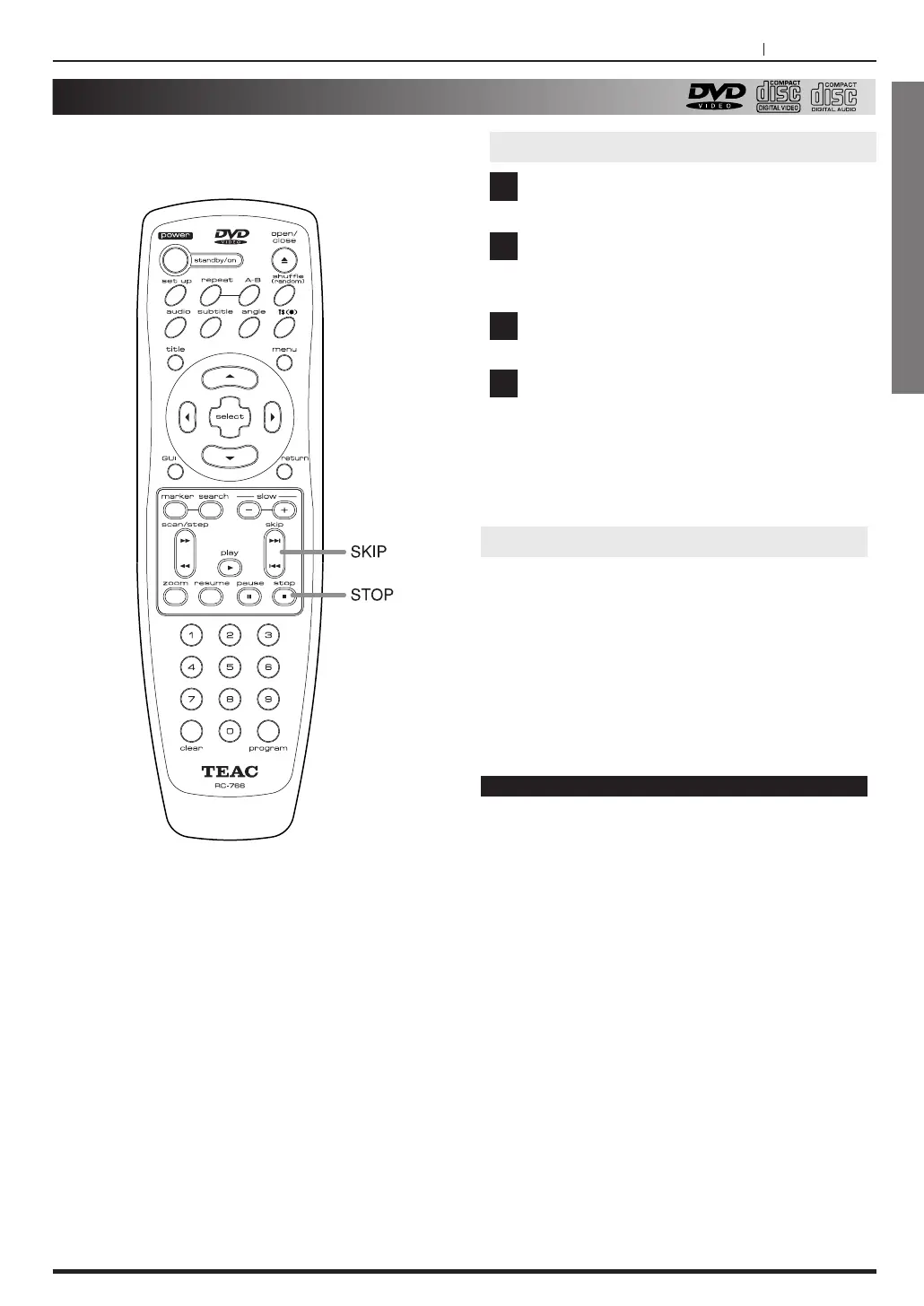
Skipping forward or back
Skipping forward to the next chapter (track)
Press SKIP / on remote control unit or /,
button on the front panel.
Skipping back to the previous chapter (track)
Press SKIP . on remote control unit or m.
button on the front panel.
Press the STOP (H ) button.
Playback stops.
Press the OPEN/CLOSE (L)button.
<
The disc table comes out.
Remove the disc.
Press the STANDBY ON button.
<
The disc table goes back in, the unit enters
standby mode, and the STANDBY indicator lights.
1
2
3
4
Stopping Playback & Switching Power Off



 To Next Page
 Loading...


