PAGE 25
ADVANCED OPERATION
ENGLISH
Using a title menu/DVD menu
Using a title Menu
Some movie discs may contain two or more titles.
If the disc has a title menu recorded on it, the TITLE
button can be used to select the movie title. (The
details of operation differ depending on the disc
used.)
Using a DVD Menu
Some DVDs have unique menu structures called
DVD menus. For example, DVDs programmed with
complex contents provided guide menus, and those
recorded with various languages provided menus for
audio and subtitle language. Although the DVD
menu's contents and operation differ from disc, the
following explains the basic operation when this
feature is used.
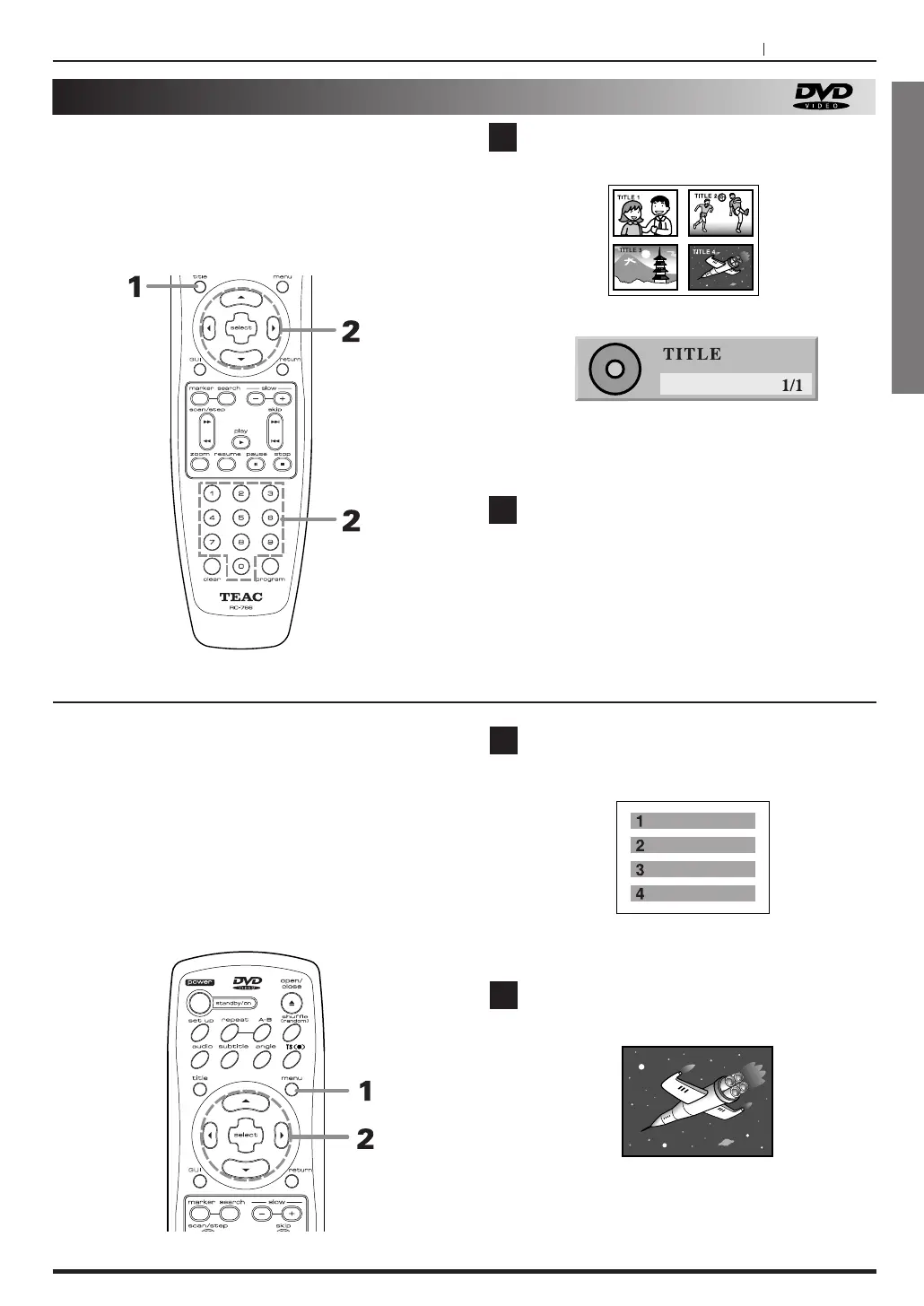
Press TITLE.
A list of the current titles is displayed.
(1)
(2)
The details of operation differ depending on the
disc used.
Press g/t and press SELECT, to select
desired title.
The selected title now starts playing.
1
2
Press MENU during play.
The DVD menu available on the disc is now
displayed.
Pressing RETURN resumes play from the scene
when MENU was first pressed.
Press g /5 /t /b and press SELECT, to
select desired item.
The selected item is now executed.
1
2



 To Next Page