PAGE 31
ENGLISH
PAGE 31
ADVANCED OPERATION
Program play
Note : Program play function is possible only with
audio CDs. It does not work with DVD movie discs.
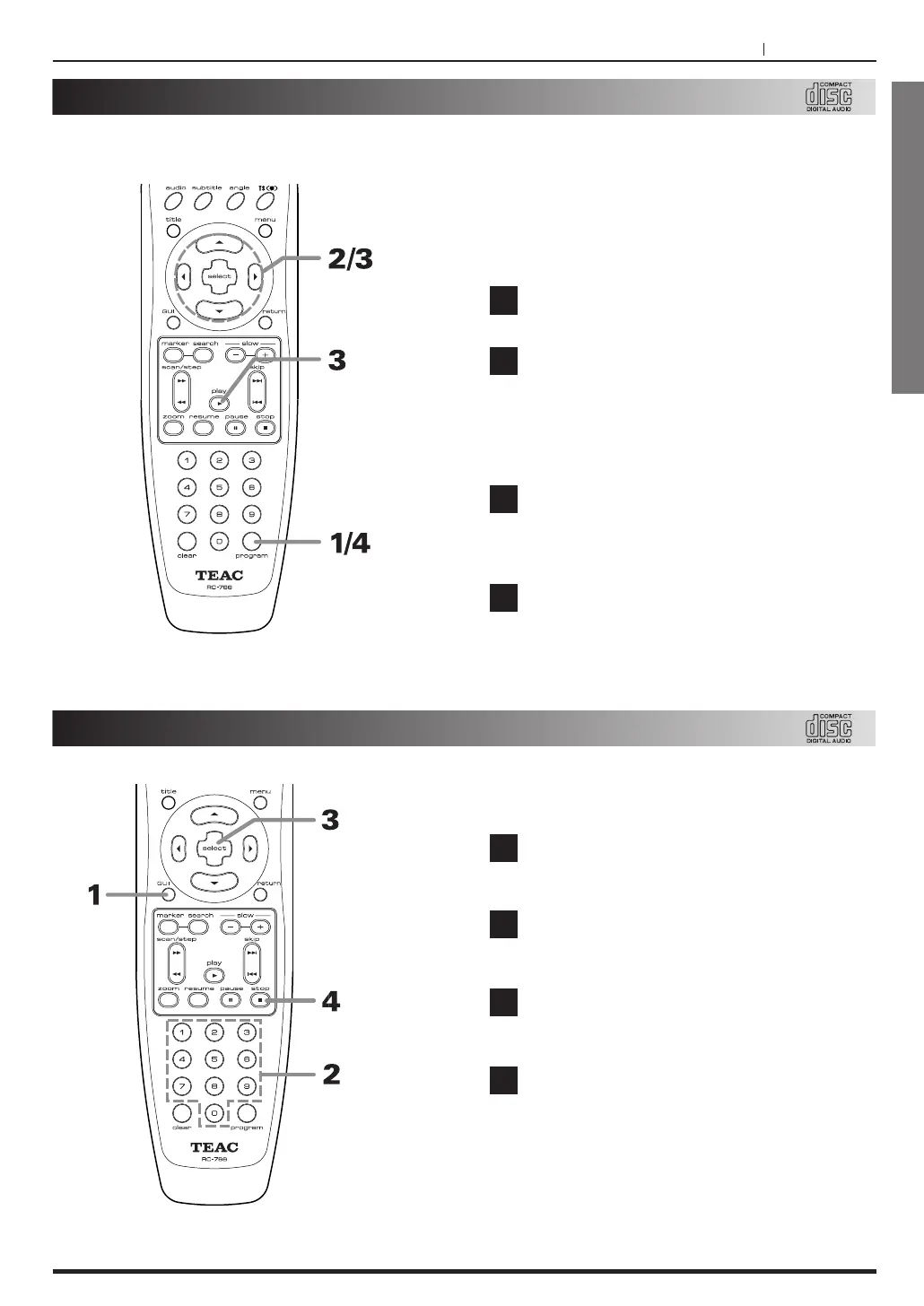
Press PROGRAM during stop mode.
The program screen appears on the TV screen.
Press g/t or numeric buttons to select the
desired track number and press SELECT
button.
<
To clear all the track, press CLEAR
button.
Press PLAY button, to play in the
programmed order.
In the program screen, press PROGRAM, then
return to stop mode holding the program.
In stop mode, press PROGRAM, then return
to the normal play mode, and press
PROGRAM once more to recall the program
screen.
1
2
3
4
The player plays the tracks in the disc in an
order you specify.
Intro play
Note : Intro play function is possible only with audio
CDs. It does not work with DVD movie discs.
Press GUI button during stop mode.
The Intro playback screen appears on the TV
screen.
Press numeric buttons to select the desired
intro play time.
Press SELECT button, then the player plays
sequentially the intro parts in tracks.
To stop the intro play function, press STOP
button.
1
2
3
4



 To Next Page