PAGE 23
BASIC OPERATION
ENGLISH
Basic Playback
You can stop playback and resume playback later
from the same location on the disc.
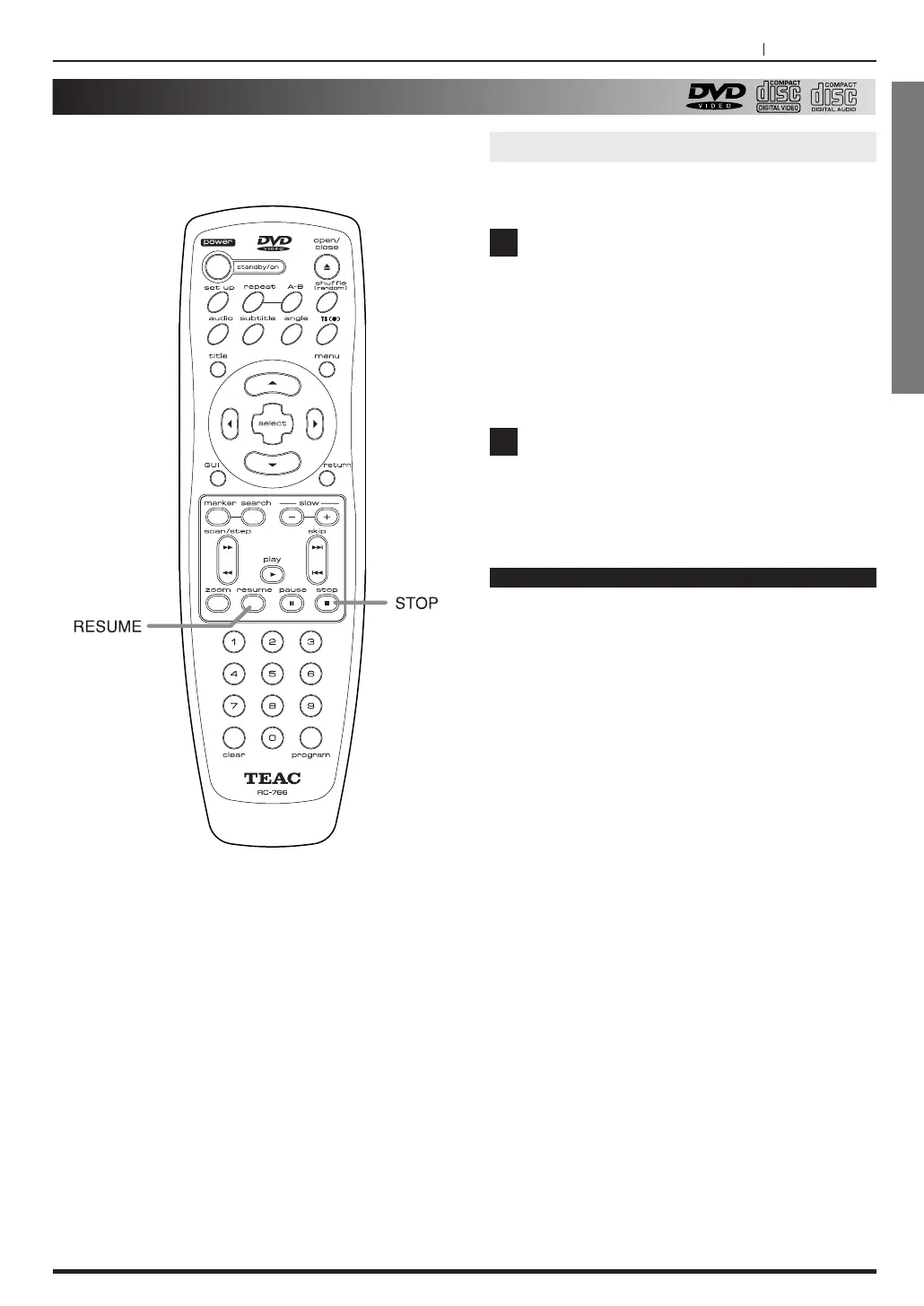
Press STOP at the location where you want
to interrupt playback.
<
The DVD player memorizes the location where
you stopped playback.
<
The DVD player stores that location in its
memory, unless you turn off the player or open
the disc tray.
<
Opening the disc tray cancels this function.
Press RESUME.
The DVD player resumes playback slightly
before the location where you stopped playback.
Resuming Playback from the same location
Notes
< The Resume function is cancelled if the DVD
player is disconnected from the wall outlet, or if
power is interrupted.
<
The DVD player resumes playback from the place
of the stopped chapter.
1
2



 To Next Page