PAGE 26
ADVANCED OPERATION
ENGLISH
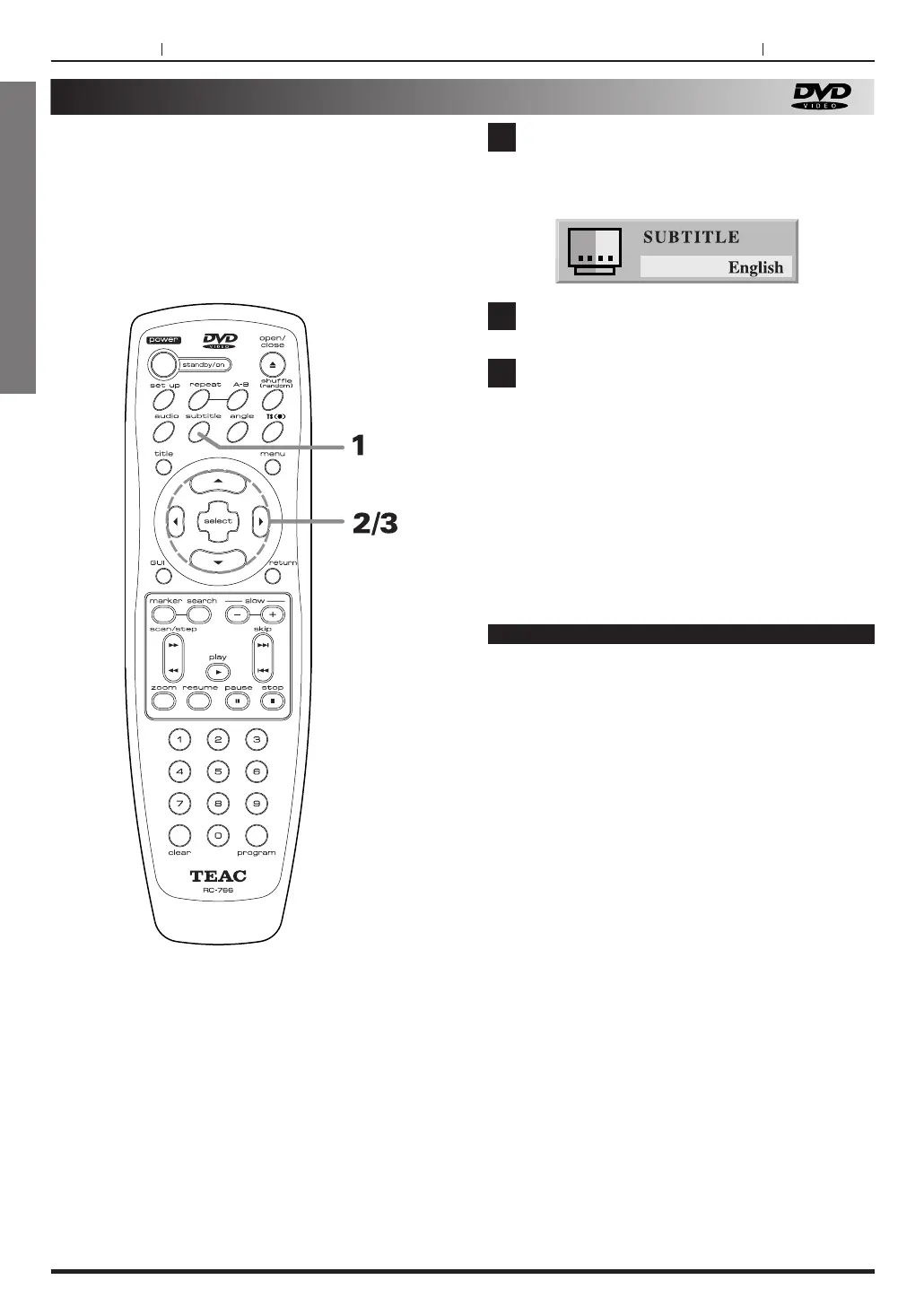
Changing subtitle language
It is possible to change the subtitle language to a
different language from the one selected at the initial
settings.
This operation works only with discs on which
multiple subtitle languages are recorded.
PAGE 26
Press SUBTITLE during playback.
When no subtitles are recorded, “OFF” will be
displayed instead of the language.
Press repeatedly g /t button until the
desired language or "off" is selected.
Press the SELECT button.
1
2
3
Notes
< In some cases, the subtitle language is not
changed to the selected one immediately.
<
When a disc supporting the closed caption is
played, the subtitle and the closed caption may
overlap each other on the TV screen. In this case,
turn the subtitle off.
<
When the desired language is not selected even
after pressing the button several times, it means
that the language is not available on the disc.
<
When the power is turned on or the disc is
replaced, subtitles appears in the language
selected at the initial settings. If this language is
not recorded on the disc, the disc's priority
language appears.



 To Next Page