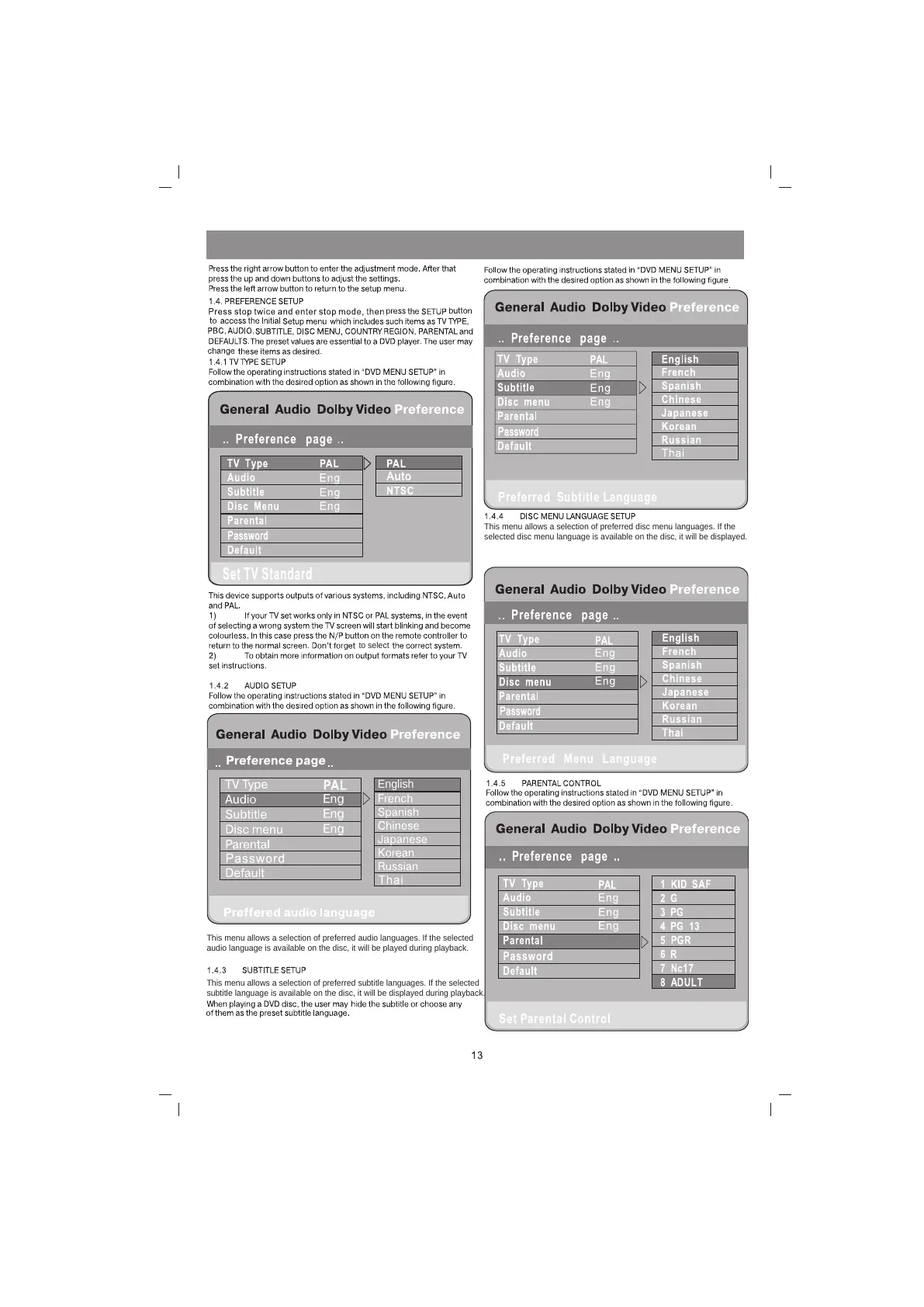
This menu allows a selection of preferred disc menu languages. If the
selected disc menu language is available on the disc, it will be displayed.
to select
English
This menu allows a selection of preferred audio languages. If the selected
audio language is available on the disc, it will be played during playback.
This menu allows a selection of preferred subtitle languages. If the selected
subtitle language is available on the disc, it will be displayed during playback.



 To Next Page