36
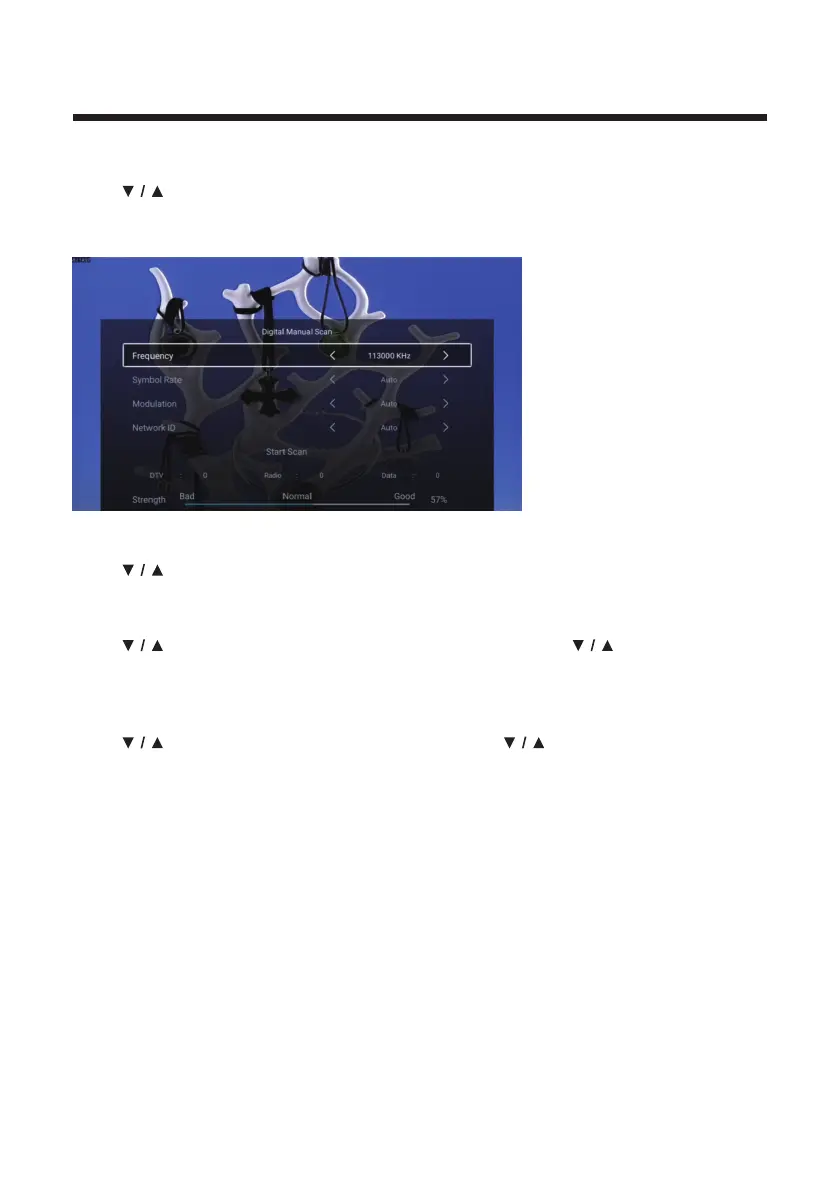
Digital Manual Scan
Digital manual search can search for effective simulation program channel manually.
Press
button to select Digital Manual Scan , and press OK button to enter the
sub-menu.
Press EXIT or MENU button to quit.
Signal Information
Press button to select Signal Information. Press OK button to enter.
Audio Language
Press
button to select Audio Language. Press ENTER & button to select
audio language.
Subtitle
Press
button to select Subtitle. Press ENTER & button to select.



 To Next Page