EasyManua.ls Logo

Teac LEV32A121 - User Manual

Teac LEV32A121
48 pages
Print Icon
To Next Page IconTo Next Page
Loading...
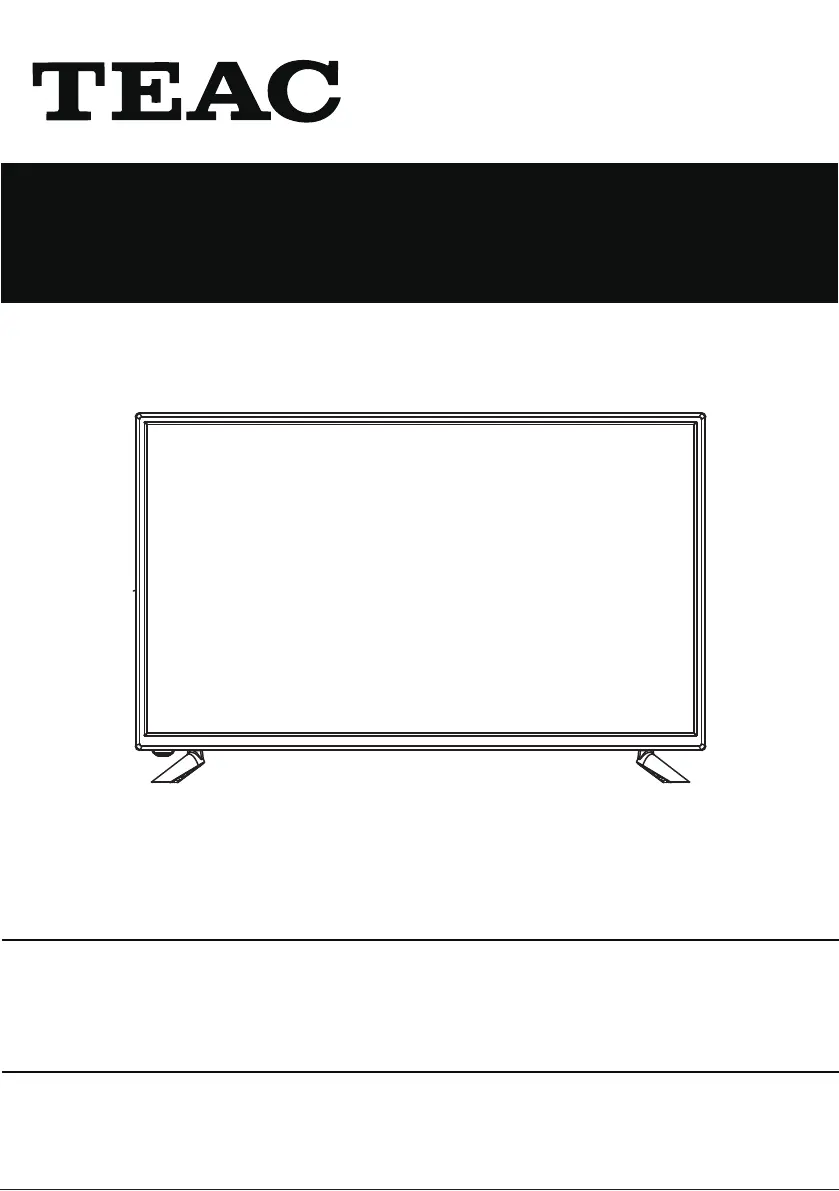
USER MANUAL
WARRANTY INFORMATION INSIDE. PLEASE READ
www.teac.com.au
IMPORTANT !
LEV32A121
LED TV
Trademark of TEAC Corporation JAPAN

Questions and Answers

Summary

TEAC WARRANTY PROCEDURE

TEAC Warranty Service Hotline

Provides the contact number for warranty support and operating hours.

Prepare for Warranty Service

Lists necessary information to have ready when contacting warranty service.

TEAC TERMS AND CONDITIONS

TEAC Product Warranty Coverage

Outlines TEAC's warranty against defects in material and workmanship for normal domestic use.

Service and Repair Procedures

Details on sending the product for repair and associated fees.

Warranty Void Conditions

Lists conditions under which warranty claims may be refused or voided.

Important Safety Instructions

General Operating Safety

Essential instructions for safe operation, handling, and placement of the apparatus.

Electrical Safety Warnings

Precautions related to electrical shock, grounding, and power cords.

Environmental Safety

Guidelines for ventilation, heat sources, moisture, and extreme temperatures.

Servicing and Maintenance Safety

Instructions on when to refer servicing to qualified personnel and handling batteries.

Safety Information

Electrical Safety Precautions

Detailed instructions on connecting power, avoiding overloads, and handling plugs/cords.

Physical Safety Precautions

Guidelines for ventilation, preventing damage to the screen, cleaning, and installation near heat sources.

What is Included;TV Placement Setup

TV Stand Installation

Instructions and diagrams for installing or removing the TV stand.

Wall Mounting Guidelines

Information on VESA mounting compatibility and safety precautions for wall mounting.

Getting Started

TV Button Functions

Explains the function of each physical button on the TV set.

Connecting to External Devices

Connecting External Devices

Details on connecting various external devices using different input ports.

REMOTE CONTROL

Remote Control Basic Operations

Explains the primary functions of the remote control buttons.

First installation

Select Installation Language

Guide for selecting the preferred language for menus and messages during initial setup.

Air (DVB-T) Auto Tuning

Steps for performing automatic channel tuning for DVB-T broadcasts.

Cable (DVB-C) Auto Tuning

Guide for performing automatic channel tuning for DVB-C cable broadcasts.

Picture Menu

Picture Mode Settings

Options for selecting and adjusting picture presets like Dynamic, Standard, Mild, Personal.

Picture Adjustments

Detailed explanation of how to adjust contrast, brightness, color, tint, and sharpness.

Sound Menu

Sound Mode Settings

Options for selecting sound presets like Standard, Music, Movie, Sports, Personal.

Setup Menu

Aspect Ratio Settings

How to adjust the screen aspect ratio (e.g., 16:9, 4:3).

DVD operation

DVD Player Basic Operation

How to turn on the DVD player and select DVD mode.

Multimedia operation

Photo Playback

How to view photos from a USB device.

Music Playback

How to play music files from a USB device.

Movie Playback

How to play video files from a USB device.

Troubleshooting

Troubleshooting Guide

A table listing common problems, their possible causes, and suggested remedies.

Summary

TEAC WARRANTY PROCEDURE

TEAC Warranty Service Hotline

Provides the contact number for warranty support and operating hours.

Prepare for Warranty Service

Lists necessary information to have ready when contacting warranty service.

TEAC TERMS AND CONDITIONS

TEAC Product Warranty Coverage

Outlines TEAC's warranty against defects in material and workmanship for normal domestic use.

Service and Repair Procedures

Details on sending the product for repair and associated fees.

Warranty Void Conditions

Lists conditions under which warranty claims may be refused or voided.

Important Safety Instructions

General Operating Safety

Essential instructions for safe operation, handling, and placement of the apparatus.

Electrical Safety Warnings

Precautions related to electrical shock, grounding, and power cords.

Environmental Safety

Guidelines for ventilation, heat sources, moisture, and extreme temperatures.

Servicing and Maintenance Safety

Instructions on when to refer servicing to qualified personnel and handling batteries.

Safety Information

Electrical Safety Precautions

Detailed instructions on connecting power, avoiding overloads, and handling plugs/cords.

Physical Safety Precautions

Guidelines for ventilation, preventing damage to the screen, cleaning, and installation near heat sources.

What is Included;TV Placement Setup

TV Stand Installation

Instructions and diagrams for installing or removing the TV stand.

Wall Mounting Guidelines

Information on VESA mounting compatibility and safety precautions for wall mounting.

Getting Started

TV Button Functions

Explains the function of each physical button on the TV set.

Connecting to External Devices

Connecting External Devices

Details on connecting various external devices using different input ports.

REMOTE CONTROL

Remote Control Basic Operations

Explains the primary functions of the remote control buttons.

First installation

Select Installation Language

Guide for selecting the preferred language for menus and messages during initial setup.

Air (DVB-T) Auto Tuning

Steps for performing automatic channel tuning for DVB-T broadcasts.

Cable (DVB-C) Auto Tuning

Guide for performing automatic channel tuning for DVB-C cable broadcasts.

Picture Menu

Picture Mode Settings

Options for selecting and adjusting picture presets like Dynamic, Standard, Mild, Personal.

Picture Adjustments

Detailed explanation of how to adjust contrast, brightness, color, tint, and sharpness.

Sound Menu

Sound Mode Settings

Options for selecting sound presets like Standard, Music, Movie, Sports, Personal.

Setup Menu

Aspect Ratio Settings

How to adjust the screen aspect ratio (e.g., 16:9, 4:3).

DVD operation

DVD Player Basic Operation

How to turn on the DVD player and select DVD mode.

Multimedia operation

Photo Playback

How to view photos from a USB device.

Music Playback

How to play music files from a USB device.

Movie Playback

How to play video files from a USB device.

Troubleshooting

Troubleshooting Guide

A table listing common problems, their possible causes, and suggested remedies.

Teac LEV32A121 Specifications

General IconGeneral
BrandTeac
ModelLEV32A121
CategoryLED TV
LanguageEnglish

Related product manuals