EasyManua.ls Logo

Teac LEV40A121 - User Manual

Teac LEV40A121
48 pages
Print Icon
To Next Page IconTo Next Page
Loading...
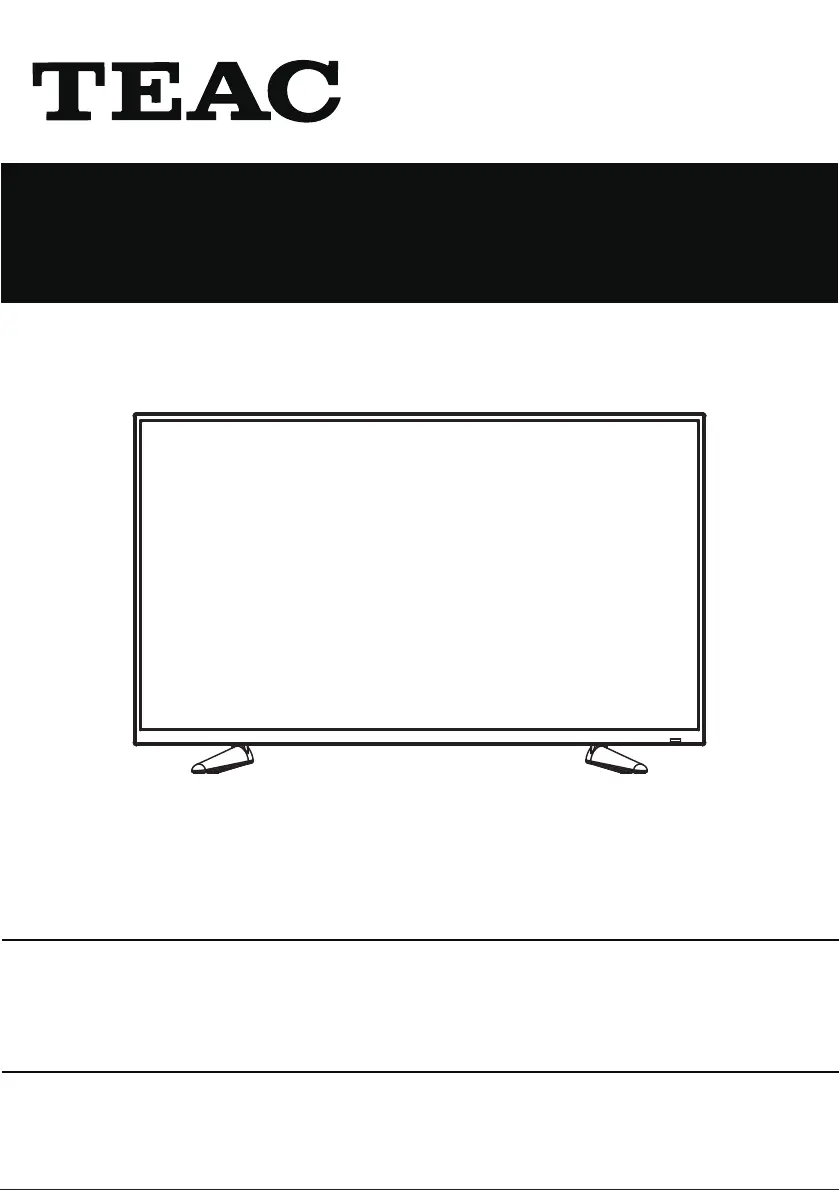
USER MANUAL
WARRANTY INFORMATION INSIDE. PLEASE READ
www.teac.com.au
IMPORTANT !
LEV40A121
LED TV
Trademark of TEAC Corporation JAPAN

Questions and Answers

  • M
    Michael ReedAug 15, 2025
    What to do if my Teac LEV40A121 LED TV has no image and no sound?
    • D
      Daniel BanksAug 15, 2025
      First, ensure the power cord is properly connected. If that's not the issue, press the POWER button either on the TV panel or the remote control. Also, double-check that the power button is switched on.
  • C
    Caitlin HowardAug 18, 2025
    How to fix no signal on my Teac LEV40A121?
    • W
      wsalazarAug 18, 2025
      If your Teac LED TV says 'No signal input', the signal cable might be loose or disconnected. Make sure the cable is securely attached at both ends and try again.
  • C
    Cole BruceAug 22, 2025
    Why is there no sound on my Teac LED TV?
    • C
      Courtney OrtegaAug 22, 2025
      If your Teac LED TV has no sound, first adjust the volume to a suitable level. If there's still no sound, check if the TV is muted and, if so, press the MUTE button to turn the sound back on.
  • T
    Timothy PetersonAug 26, 2025
    Why is the remote control distance short or not working on my Teac LEV40A121 LED TV?
    • W
      William VargasAug 26, 2025
      If the remote control for your Teac LED TV isn't working well, make sure that nothing is blocking the remote receiver on the TV. Also, try replacing the batteries in the remote.
  • N
    nicholastranAug 28, 2025
    How to fix static and sound noise on my Teac LEV40A121 LED TV?
    • A
      Anna BrennanAug 29, 2025
      If your Teac LED TV is showing static and sound noise, check the antenna cable connector plug to ensure it's securely connected and not damaged. Also, verify that you are using the correct type of antenna cable (VHF/UHF). You may also need to adjust the direction or position of your antenna. If the signal is weak, try using a signal amplifier.
  • Z
    zacharybridgesSep 1, 2025
    Why doesn't the image fill the screen on my Teac LEV40A121 LED TV?
    • J
      Jessica WilsonSep 1, 2025
      If the display image on your Teac LED TV doesn't fill the screen, try using the auto-adjustment function. If that doesn't work, make sure you're using the recommended display mode.
  • J
    Jack MartinSep 4, 2025
    How to fix a faint display on my Teac LEV40A121?
    • E
      Edward MccormickSep 4, 2025
      If the display on your Teac LED TV is faint, try using the auto-adjustment function. If it remains faint, make sure you're using the recommended display mode.
  • E
    Erik StricklandSep 7, 2025
    Why does my Teac LEV40A121 image have stripes?
    • K
      Kevin WilsonSep 7, 2025
      If your Teac LED TV is showing stripes, avoid using electric blowers around the unit. Also, try adjusting the antenna cable direction to reduce interference from sources like cars, neon lights, etc.
  • M
    Melanie NelsonSep 12, 2025
    How to get rid of shadows on my Teac LED TV image?
    • R
      Richard GardnerSep 12, 2025
      If your Teac LED TV image has shadows, use a high-directional antenna. Also, adjust the direction of the antenna as the TV signal may be reflected by a valley or building.

Summary

Important Safety Instructions

Safety Information

Electrical Safety

Guidelines for safe electrical connections and usage to prevent hazards.

Physical Safety

Precautions for physical handling, placement, and environment to ensure safe operation.

What is Included;TV Placement Setup

TV Stand Installation;Removal

Step-by-step guide for attaching or detaching the TV's base stand.

Wall Mounting

Instructions and considerations for securely mounting the TV onto a wall.

Getting Started

Button Functions

Explanation of the purpose and operation of each button on the TV and remote.

Connecting to External Devices

Remote Control

Basic Operations

Covers fundamental operations and button functionalities of the remote control.

Install the Batteries

Procedure for correctly inserting batteries into the remote control.

First Installation

Select Language

Process for choosing the user interface language during initial setup.

Select Country

Selecting the geographical region for proper TV tuning and content access.

Select Input Source

The Main Menu

Channel Menu

Accessing and managing TV channels, including tuning and editing.

ATV Manual Tuning

Manual tuning procedure for analog TV (ATV) channels.

DTV Manual Tuning

Manual tuning procedures for digital TV (DTV) signals.

DVB-C Manual Tuning

Specific steps for tuning cable TV channels using DVB-C.

Picture Menu

Picture Mode

Selecting and customizing various picture display modes for optimal viewing.

Contrast;Brightness;Color;Tint;Sharpness

Adjusting core picture settings like contrast, brightness, color, tint, and sharpness.

Sound Menu

Sound Mode

Selecting predefined sound profiles (Standard, Music, Movie, Sports) or custom.

Time Menu

Lock Menu

Lock System

Managing system-wide locks, including channel and parental controls.

Set Password

Procedure for setting or changing access passwords for locked features.

Channel Lock

Locking individual TV channels to restrict access.

Setup Menu

Screen Menu (PC Mode Only)

DVD Operation

Troubleshooting

TEAC Warranty Information

Teac LEV40A121 Specifications

General IconGeneral
Screen Size40 inches
Display TechnologyLED
Display TypeLCD
Aspect Ratio16:9
Refresh Rate60 Hz
USB Ports1
Built-in Wi-FiYes
Smart TVYes
Resolution1920 x 1080 (Full HD)

Related product manuals