EasyManua.ls Logo

Teac LEV40A317FHD - User Manual

Teac LEV40A317FHD
44 pages
Print Icon
To Next Page IconTo Next Page
Loading...
USER MANUAL
WARRANTY INFORMATION INSIDE. PLEASE READ
www.teac.com.au
IMPORTANT !
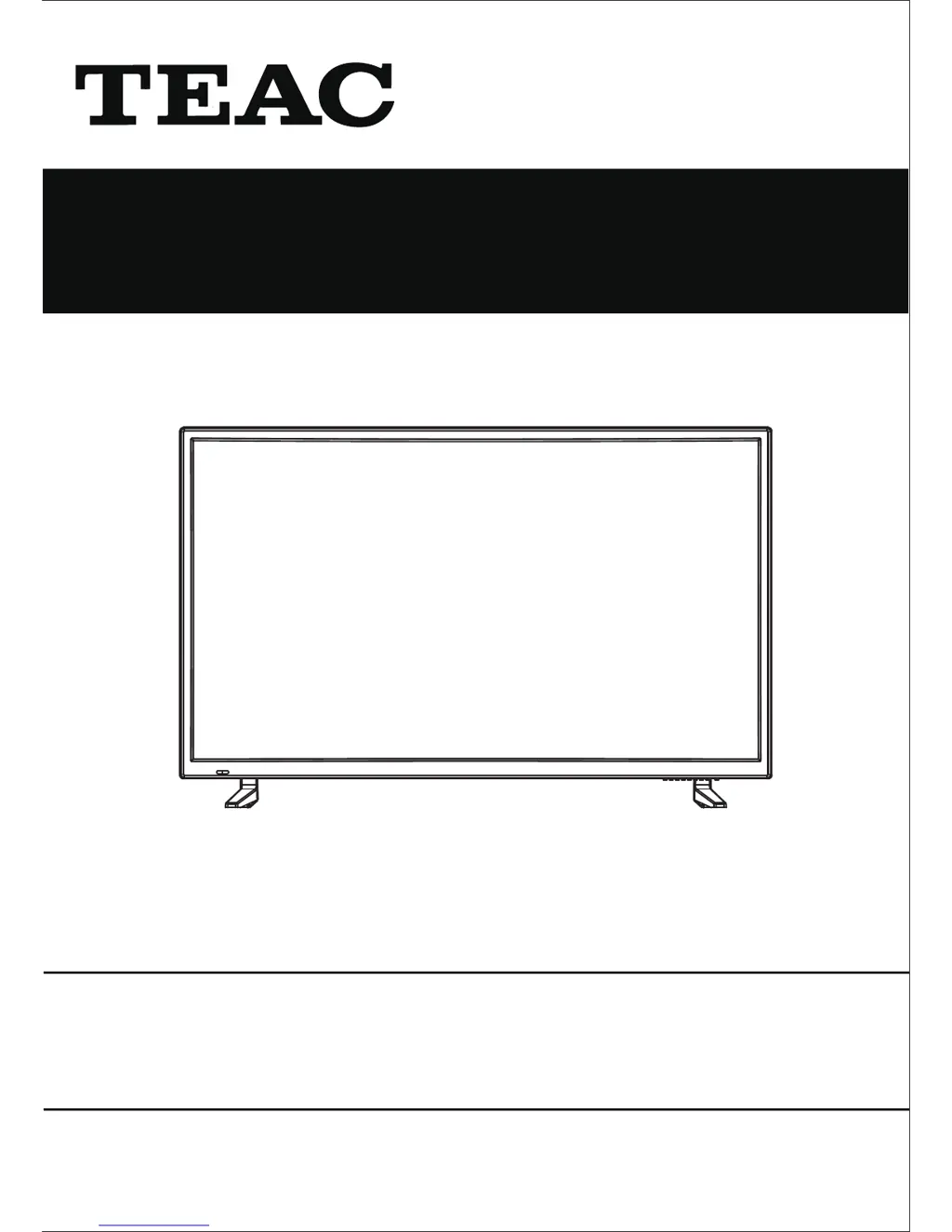
LEV40A317FHD
LED TV
Trademark of TEAC Corporation JAPAN

Other manuals for Teac LEV40A317FHD

Questions and Answers

  • C
    Christine GriffinAug 17, 2025
    What to do if my Teac LED TV has no image and no sound?
    • J
      Jamie JonesAug 17, 2025
      First, check that the power cord of your Teac LED TV is securely connected. Then, press the POWER button either on the TV panel or the remote control. Finally, ensure that the main power button is switched on.
  • J
    John WilsonAug 20, 2025
    How to fix 'No signal' on Teac LEV40A317FHD LED TV?
    • D
      Dwayne ChurchAug 20, 2025
      If your Teac LED TV shows 'No signal input,' the issue might be a loose or disconnected signal cable. Make sure the signal cable is properly attached. Detach and reattach it to ensure a secure connection.
  • K
    Kevin BrockAug 22, 2025
    Why is there no sound on my Teac LEV40A317FHD?
    • T
      thomasdavidAug 22, 2025
      If your Teac LED TV has no sound, first adjust the volume to an audible level. If that doesn't work, check if the TV is muted and, if so, press the MUTE button to restore the sound.
  • C
    Christopher DiazAug 26, 2025
    Why is the remote control distance short or not working on my Teac LED TV?
    • P
      Patricia RoweAug 26, 2025
      If your Teac LED TV's remote control isn't working well, make sure that nothing is blocking the remote receiver on the TV. Also, try replacing the batteries in the remote, as low battery power can reduce its effectiveness.
  • J
    Jenna BergerAug 28, 2025
    How to fix a faint display on Teac LEV40A317FHD?
    • S
      Stacey McneilAug 28, 2025
      If the image on your Teac LED TV display is faint, try using the auto-adjustment function. If the problem persists, check and change the display mode to the recommended setting.
  • S
    stephanie64Aug 31, 2025
    What to do if the image doesn't fill the screen on my Teac LEV40A317FHD LED TV?
    • K
      Kenneth LawrenceAug 31, 2025
      If the image on your Teac LED TV does not fill the screen, try using the auto-adjustment function. If that doesn't work, check and change the display mode to the recommended setting. Also, access the PICTURE settings to adjust the horizontal and vertical position.
  • M
    marcus12Sep 3, 2025
    How to eliminate static and sound noise on Teac LEV40A317FHD LED TV?
    • T
      tlamSep 3, 2025
      If your Teac LED TV is showing static and sound noise, check the antenna cable connector plug to ensure it is securely connected and not damaged. Also, verify that you are using the correct type of antenna cable (VHF/UHF). Adjust the direction or position of the antenna. If the signal is weak, try using a signal amplifier.
  • K
    Kimberly WalshSep 5, 2025
    Why does my Teac LEV40A317FHD image have stripes?
    • E
      elliottjuanSep 5, 2025
      If your Teac LED TV image has stripes, avoid using an electric blower around the unit. Additionally, try adjusting the direction of the antenna cable to reduce interference from sources like cars, neon lights, etc.
  • J
    John RomeroSep 8, 2025
    Why does my Teac LEV40A317FHD LED TV image have noise?
    • G
      Gail MontgomerySep 8, 2025
      If the image on your Teac LED TV is good but has noise, check the antenna cable connector plug to ensure it is securely connected and not damaged.
  • N
    ncurtisSep 12, 2025
    Why does my Teac LEV40A317FHD image have shadows?
    • S
      Sherry BaileySep 12, 2025
      If your Teac LED TV image has shadows, it could be due to the TV signal being reflected by a valley or building. Try using a high-directional antenna. Additionally, adjust the direction of the antenna.

Summary

Warranty and Support Information

TEAC Warranty Service Hotline

Contact information for warranty support and service.

Safety Instructions

Electrical Safety Precautions

Precautions related to electrical connections and usage.

Physical Safety Guidelines

Guidelines for safe handling and placement of the TV.

Initial TV Setup

Unpacking and Basic Setup

List of included items and initial setup steps.

Remote Control Functions

Explanation of common remote control functions and buttons.

TV System Setup Wizard

Step-by-step guide for the first-time TV setup process.

TV Menu Settings

Picture and Sound Adjustments

Adjusting visual and audio settings via the TV menus.

Channel and Function Menus

Managing channels and accessing advanced function settings.

Watching Digital TV

DTV Mode and EPG Guide

Switching to DTV and using the Electronic Program Guide.

Recording and Media Playback

Time Shift and PVR Recording

Pausing live TV and recording programs with PVR.

Media File Playback

Playing photo, movie, and music files from USB.

DVD Operation

Basic DVD Playback and Settings

Inserting discs, menu navigation, and basic playback.

Advanced DVD Features and Controls

Title selection, playback controls, and advanced features.

DVD System Configuration

Adjusting audio, subtitle, parental controls, and defaults.

Troubleshooting and Specifications

Troubleshooting Common Issues

Common problems and their solutions for TV operation.

Technical Specifications

General technical details and supported file formats.

Teac LEV40A317FHD Specifications

General IconGeneral
Refresh Rate60 Hz
Aspect Ratio16:9
USB Ports1
Smart TVNo
Screen Size40 inches
Display Resolution1920 x 1080 pixels
Backlight TechnologyLED

Related product manuals