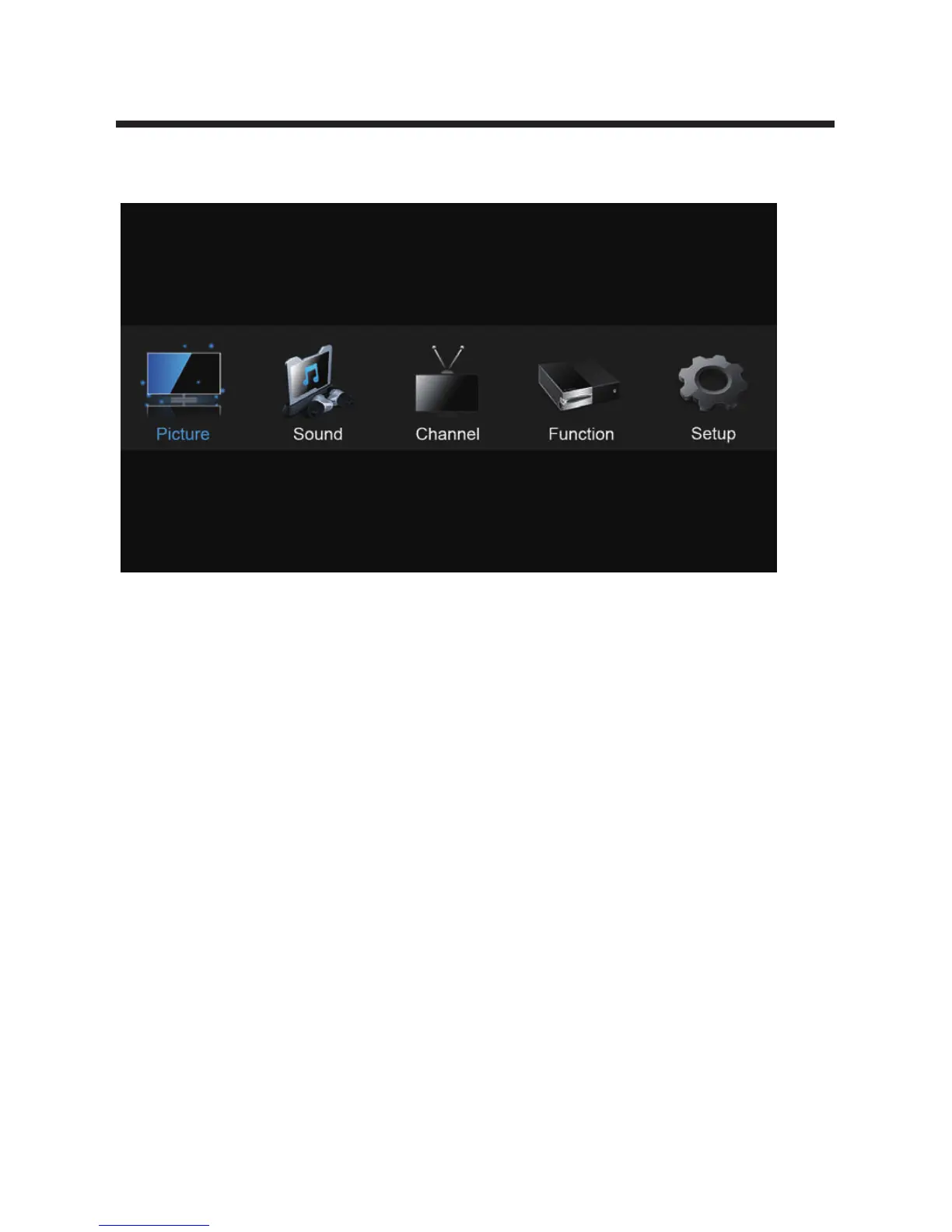
Main Menu
Press the MENU button to display the MAIN OSD MENU;
Use the remote control to access the full functionality of the TV controls.
Press the ◄/► buttons to select the MENU you want;
Press the OK button to enter the sub menu,
You can press the MENU button to save and return back to the previous menu, and press
the EXIT button to exit the menu entirely.
11


 To Next Page