40
Lock
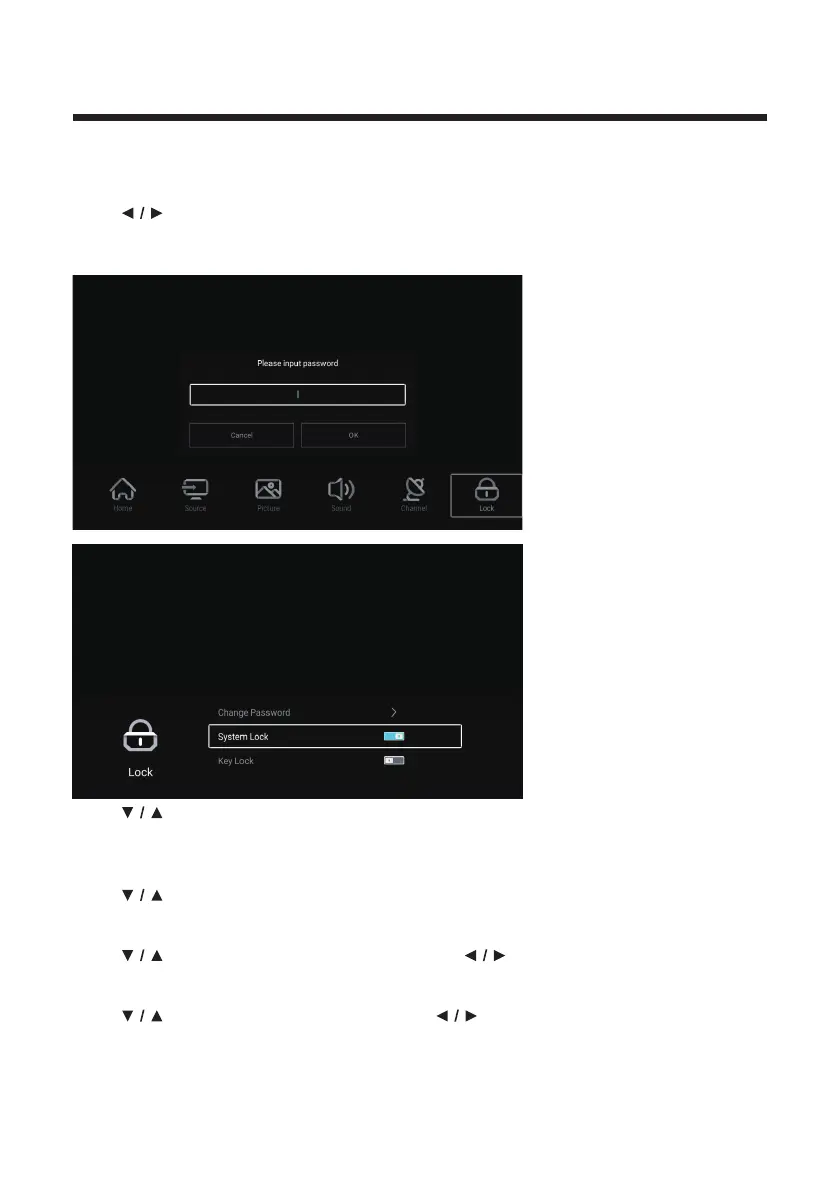
Press MENU button to enter the main menu.
Press
button to select Lock.
Press
The password is the same as that set in the FTI menu.
OK button to input password to enter the sub-menu.
Press button to select Change Password/System Lock/Key Lock.
Change Password
Press button to select Change Password. Press ENTER button to set Password.
System Lock
Press
button to select System Lock. Press button to select On/Off.
Key Lock
Press
button to select Key Lock. Press button to select On/Off.



 To Next Page