44
ECO mode
Press ▼ / ▲ button to select ECO mode.Press ◄ / ► to select On/Off.
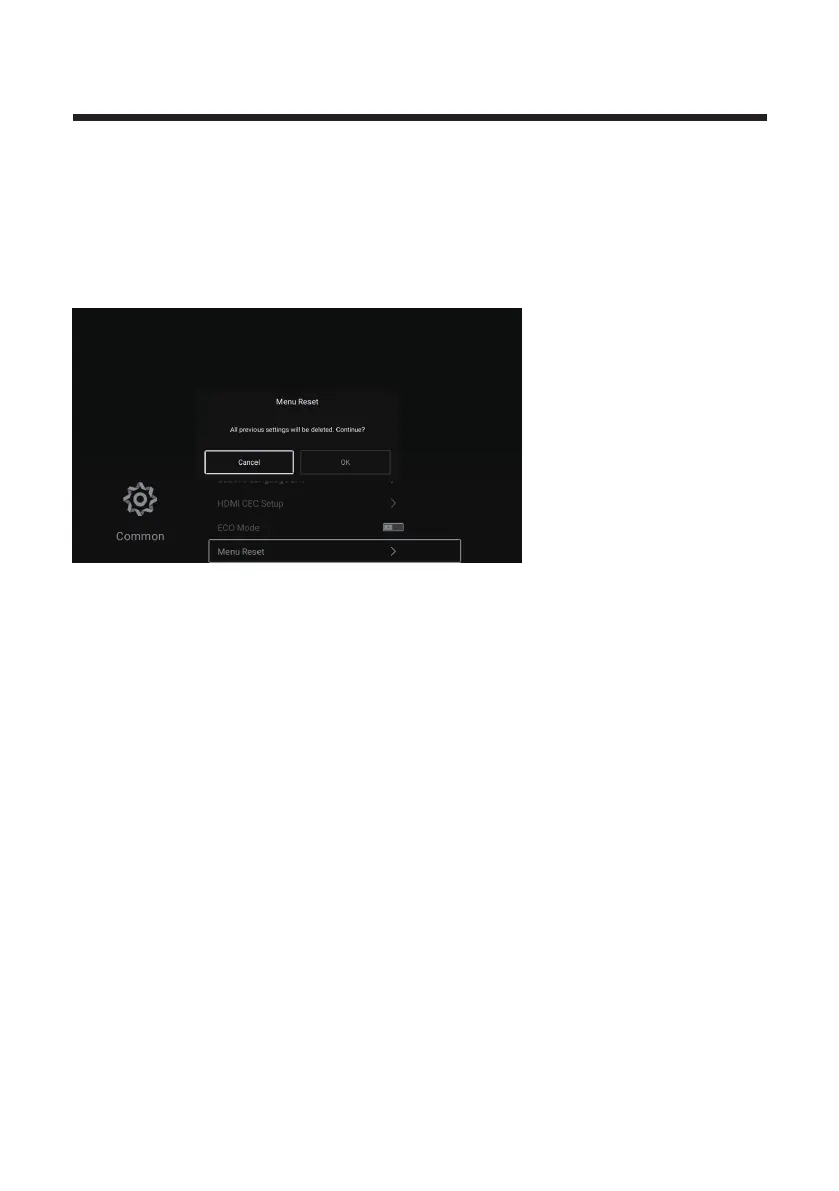
Menu Reset
Recall the default setting.
Press ▼ / ▲ button to select Menu Reset.
Press OK button to enter the sub-menu.
Advance
Press MENU button to enter the main menu.
Press ◄ / ► button to select Advance.
Press OK button to enter the System Setting.
(Please refer to the home page--Setting part)



 To Next Page