23
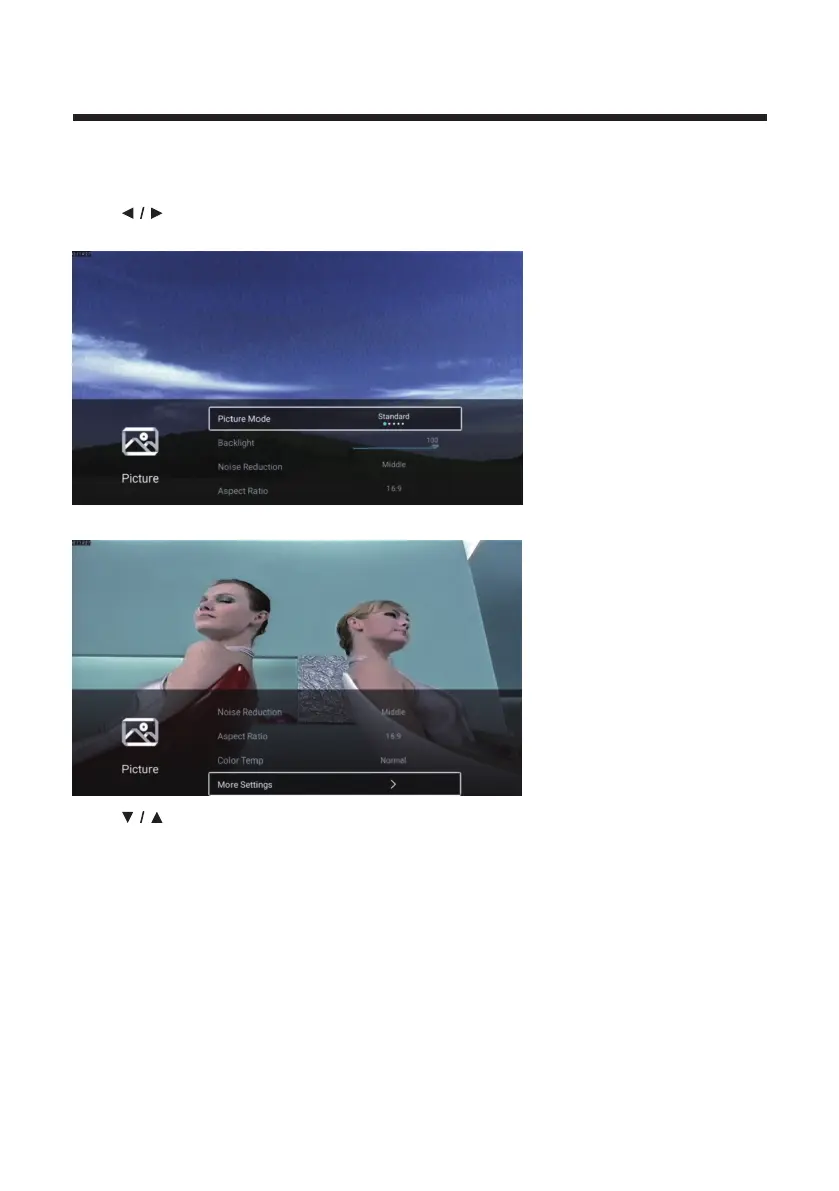
Picture
Press MENU button to enter the main menu.
Press
button to select the Picture.
Press OK button to enter the sub-menu.
Press button to select Picture Mode/Contrast/Brightness/Color/Sharpness/
Backlight/Noise Reduction/Aspect Ratio/Color Temp/More Settings.
Press MENU or EXIT button to quit.



 To Next Page