26
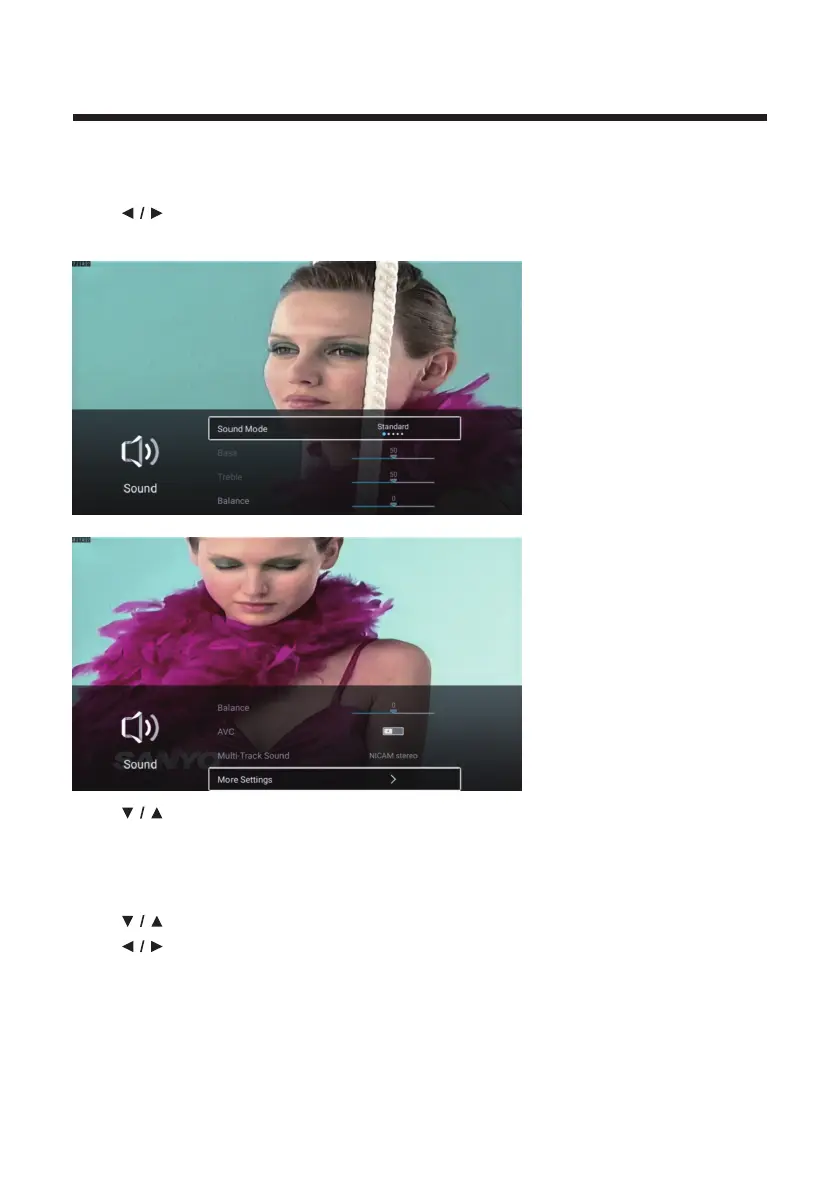
Sound
Press MENU button to enter the main menu.
Press
button to select the Sound.
Press OK button to enter the sub-menu.
Press button to select Sound Mode/Bass/Treble/Balance/AVC/Multi-Track
Sound/More Settings.
Press MENU or EXIT button to quit.
Sound Mode
Press button to select Sound Mode.
Press
button to select Standard/Music/Movie/News/ User.
Standard
Music
Movie
News
User
Emit balanced sound under any circumstances.
Enhance the high pitch and reduce the bass.
Enhances treble and bass for a rich sound experience.
Enhance the voice.
Select to customize sound settings.



 To Next Page