30
Search Type
Press
button to select Search Type, then press button to select ATV+DTV/
ATV/DTV.
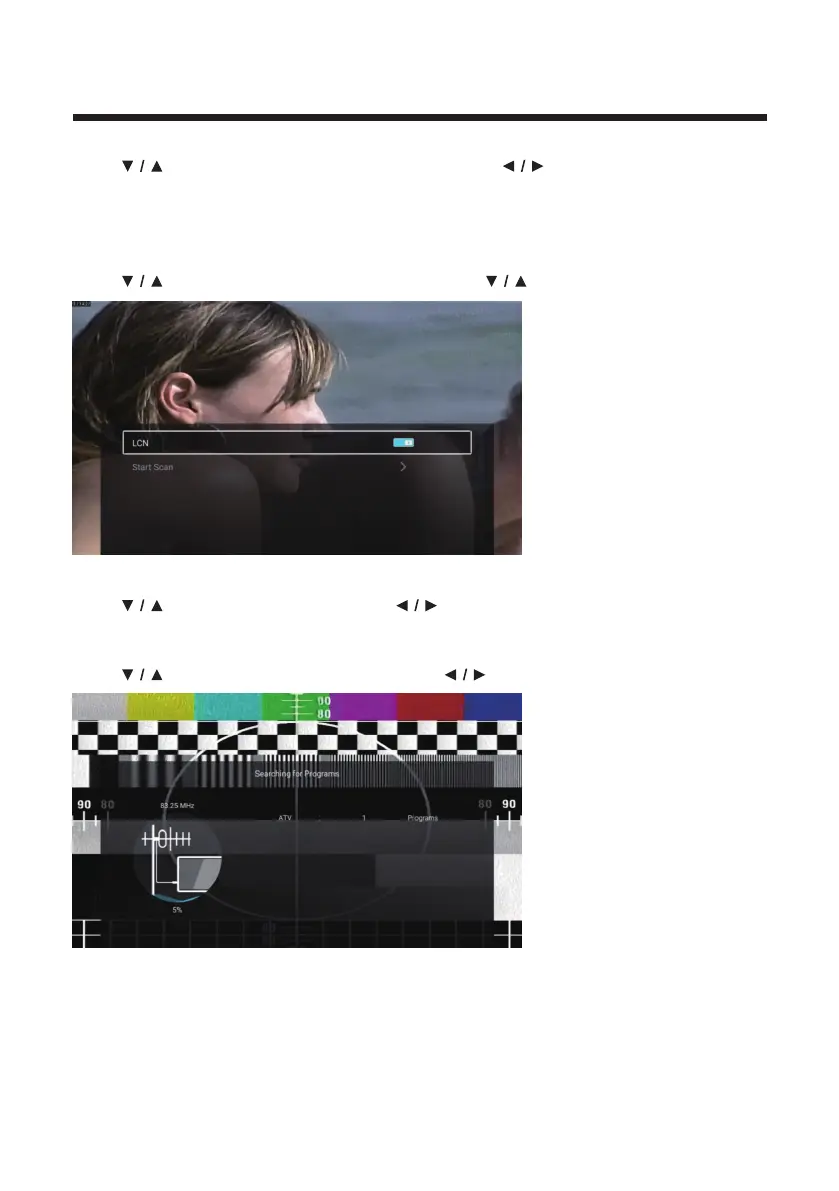
Auto Scan
Automatic search can search for effective program channel automatically.
Press
button to select Auto Scan, then press button to select LCN/Start Scan.
LCN
Press
button to select LCN. Press button to select On/Off.
Start Scan
Press
button to select Start Scan. Press button to start auto scan.



 To Next Page