39
Search Type
Press
button to select Search Type, then press button to select ATV+DTV/
ATV/DTV.
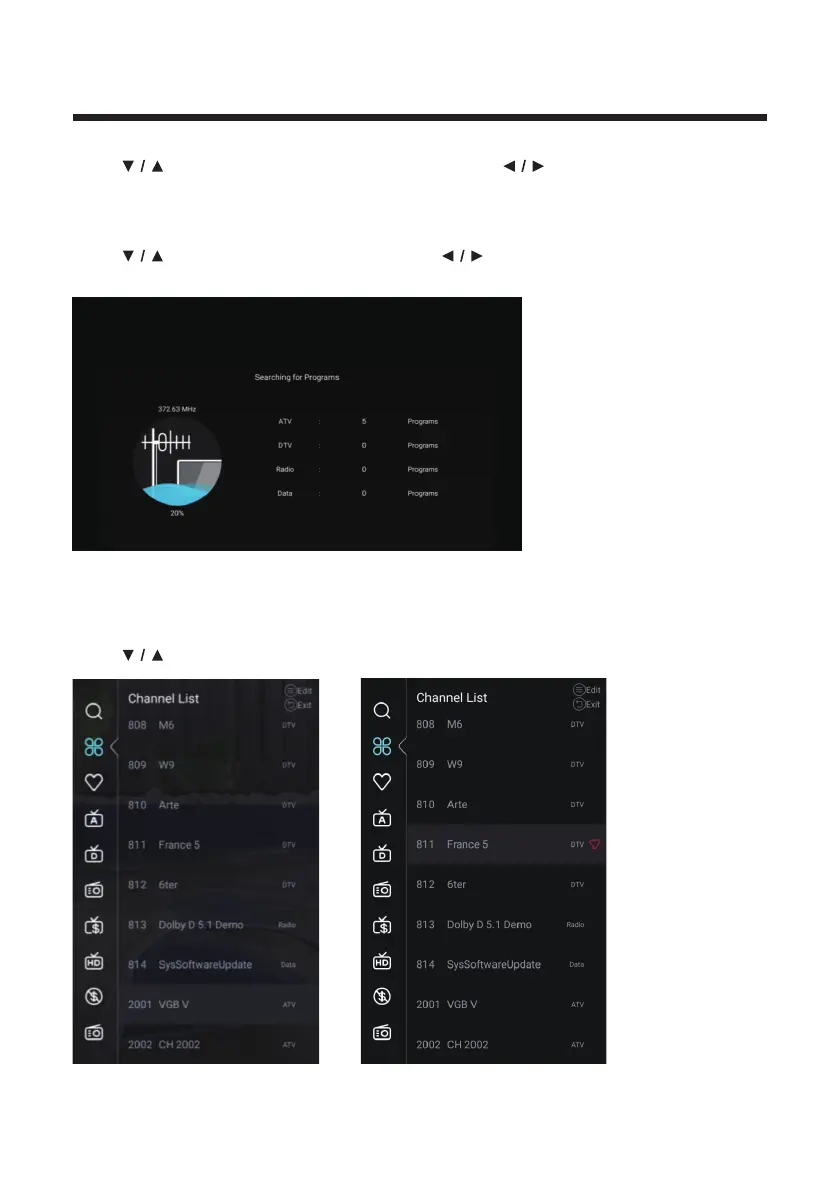
Start Scan
Press
button to select Start Scan. Press button to start auto scan.
If you want to stop searching, press EXIT or MENU button to stop searching.
Channel List
View all of the existing programs.
Press
button to select Channel List. Press OK button to enter the sub-menu.



 To Next Page