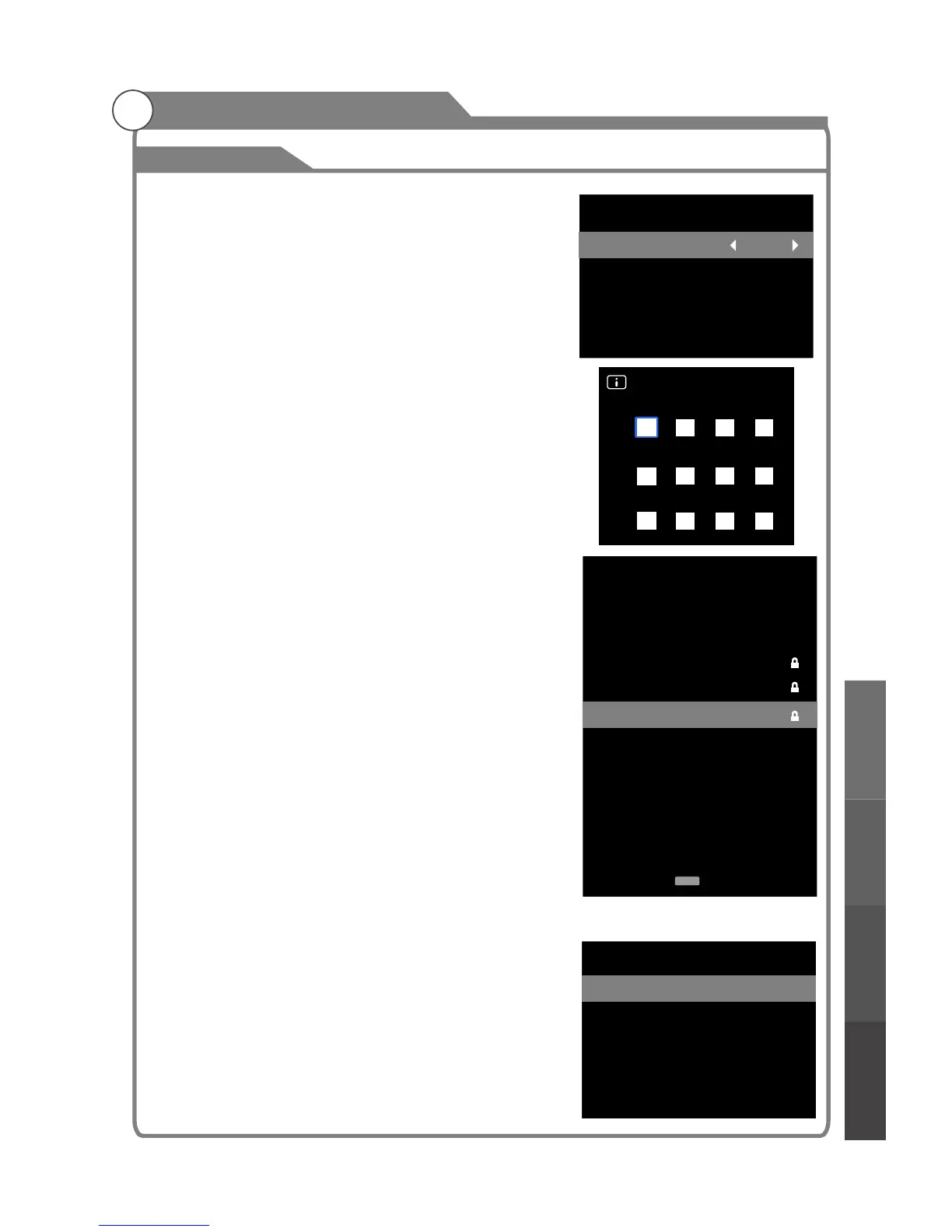
Program Lock
1
2
3
4
5
6
7
8
9
10
C-01
C-04
S-43
S-45
S-02
C-06
C-07
C-08
C-09
C-12
ATV
ATV
ATV
ATV
ATV
ATV
ATV
ATV
ATV
ATV
Function
enter password" menu will appear, enter your 4-digit
password to enter " " submenu
1. Press p/q key to select " " option.
2. Press
1. Press p/q key to select "Set " option.
2. Enter your old 4-digit password
1. Press p/q key to select “Block Program” option.
2. Press OK key to enter Program Lock. In the channel
list, use Blue key to lock or unlock the channel. Once
the channel is locked and Lock System is on, the
password is needed to view it.
This option is only used in DTV mode.
1. Press p/q key to select “ ” option.
2. Press key to select the lock level of the Parental
Guidance: off, Block All, G, PG, M, MA, AV, R.
PVR File System
1. Press MENU key to display the main menu on the
screen.
2. Press p/q key to select “PVR File System” option.
3. Press OK key to enter “PVR File System" submenu,
operation refer to “PVR File System”.
will skip
for detailed
Lock (the default and
universal password is 0000, the super password is 1980).
Lock System
Lock System
t/u key to select "On" or "Off".
Set Password
Password
.
Choose any 4-digits for your new password and enter
them. As soon as the 4 digits are entered, the cursor
to “Confirm password” , re-enter the new
password to confirm and save.
Block Program (channel)
Parental Guidance
Parental Guidance
t/u
33
Menu system instruction
Lock
Lock System
Set Password
Block Program
Parental Guidance
On
...
...
Off
Set Password
Please enter old password
Please enter new password
Confirm password
PVR File System
Sekect Disk
Time Shift Size
Manual Record Time
Format Start
Speed Check
Lock
Menu system
instruction
Digital Media Player
Troubleshooting
Picture defects and
the reason



 To Next Page