Sound Mode Standard
Equalizer
Balance
Auto Volume
Surround
SPDIF Mode
HDMI Sound
3
D
...
0
Off
Off
RAW
HDMI
Sound Mode Standard
Equalizer
Balance
Auto Volume
Surround
SPDIF Mode
HDMI Sound
3
D
...
0
Off
Off
RAW
HDMI
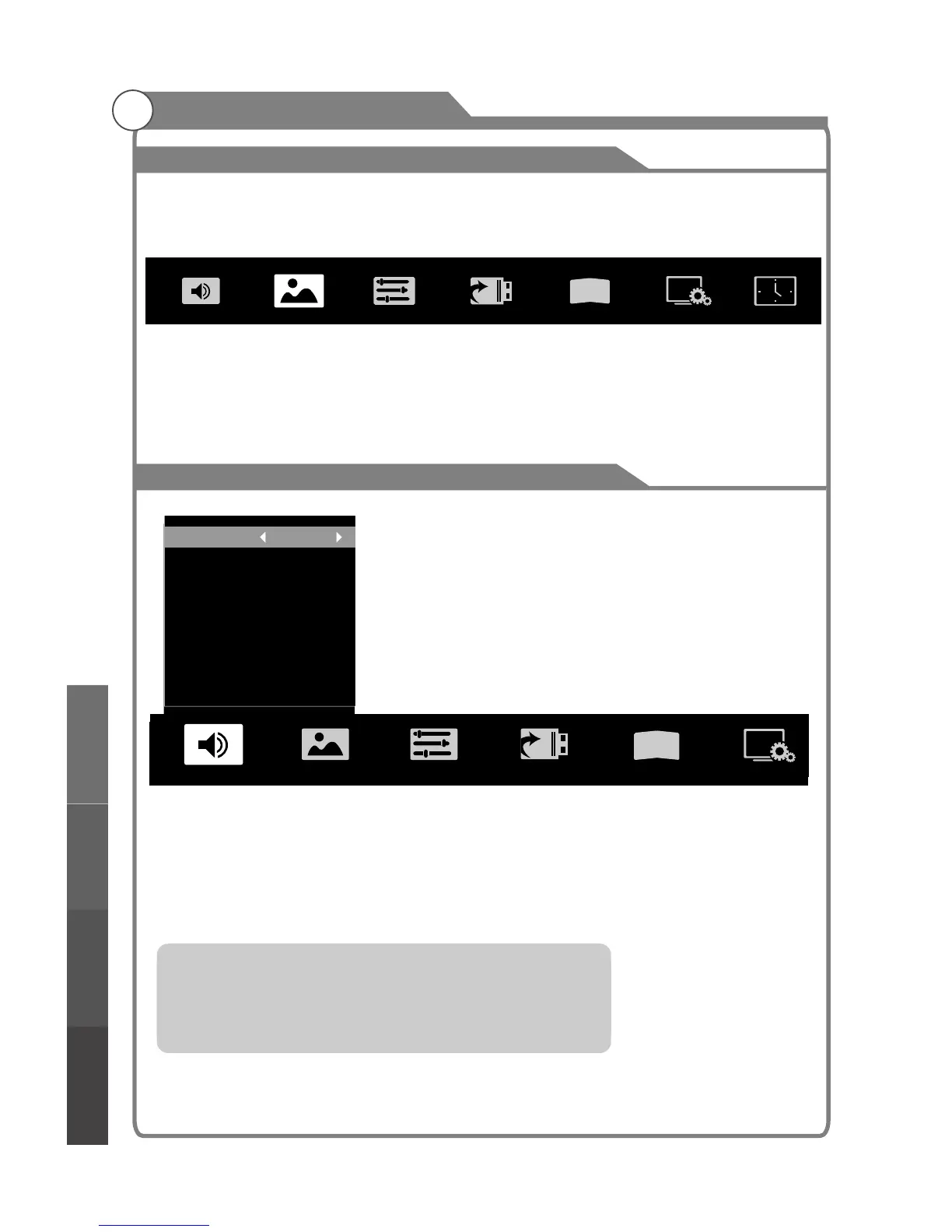
TV Menu
Menu button: Open the TV menu.
Exit button: Close the TV menu.
Arrow buttons: Select the desired submenu.
OK button: Enter the selected submenu.
Menu system instruction
26
3
D
Sound Image Program Input Source 3D Function
Time
Sound Mode
You can select the type of special sound to be used when watching a given
broadcast. Your TV has five sound settings (“Standard”,“Music”, “Movie”,“Sports”, “User”)
that are preset at the factory.
1. Press p/q key to select "Sound Mode" option.
2. Press t/u key to select one sound mode.
l Standard: Selects the normal sound mode.
l Music
l Movie: Provides live and full sound for movies.
l Sports: Emphasizes bass over other sounds.
l User: Selects your custom sound settings (See "User settings for Sound”).
settings
: Select the sound mode for music.
Sound
Menu system
instruction
Digital Media PlayerTroubleshooting
Picture defects and
the reason
The menu can be accessed while viewing the various input modes in full screen.
(DTV, HDMI, AV etc.)



 To Next Page