22
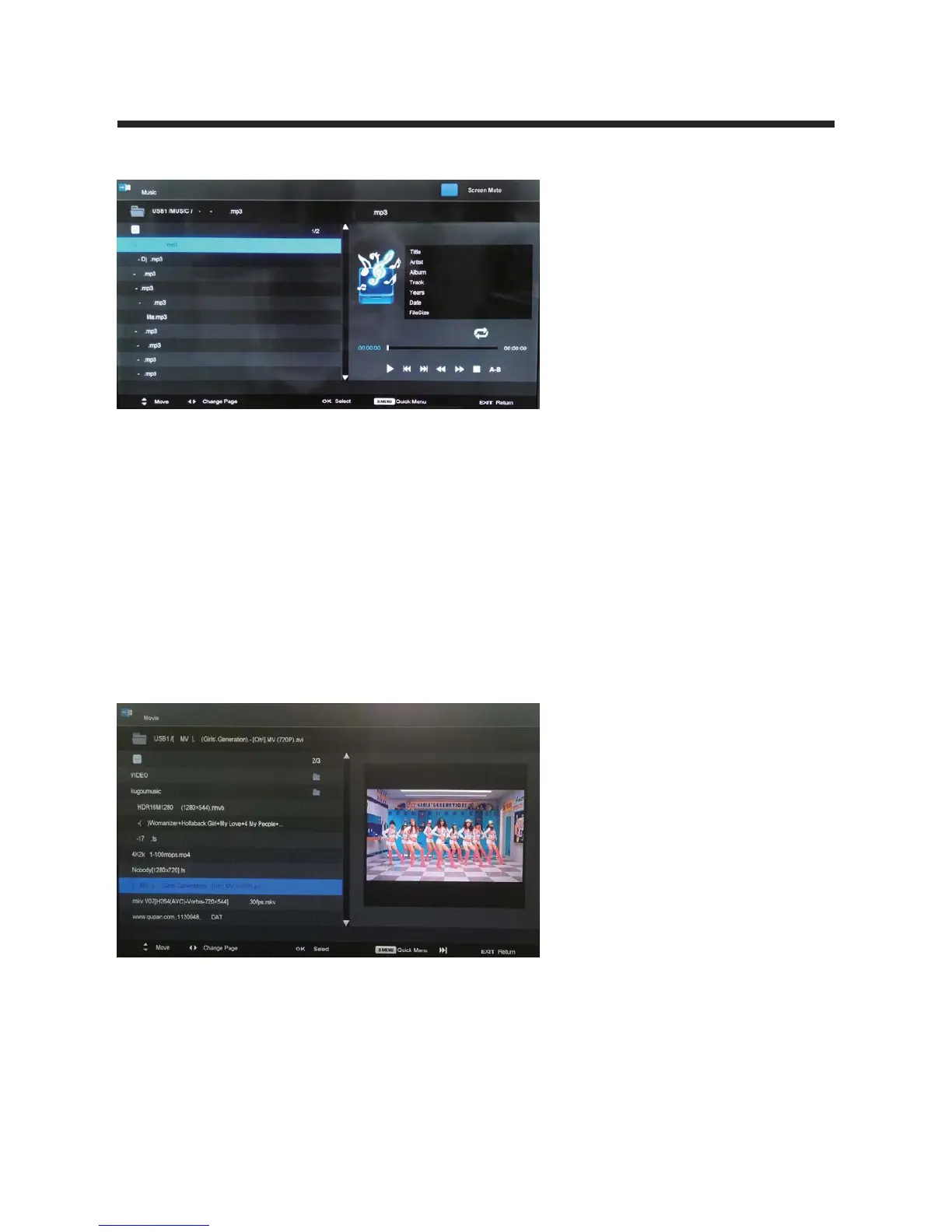
PressŻŹto change the page.
Press
▼▲to search for music, and press OK to select.
Press the EXIT button and select Back to return to the previous menu.
?cWQY;S\c(>`Saa2;3<Cb]S\bS`?cWQY;S\c
Repeat: Select the repeat mode from Repeat All, Repeat 1, Repeat None.
Background Music: Turn on/off background music for musical photo/text display.
3. Movie
To play video files, select a file from the folder. If Preview is turned on, the video will
start playing in a window on the side. Press PLAY to start watching the video in full
screen.
PressŻŹto change the page.
IŻŻ: Previous chapter.
ŹŹ,: Next chapter.
II: Play/Pause program.
ŻŻ: Fast reverse.
ŹŹ: Fast forward.
?cWQY;3<C(>`Saa2;3<Cb]S\bS`?cWQY;S\c
Repeat: Select the repeat mode from Repeat All, Repeat 1, Repeat None.
Encode Type: Select the encode type for the movie.
Sort By Name



 To Next Page