26
Scheduled Record
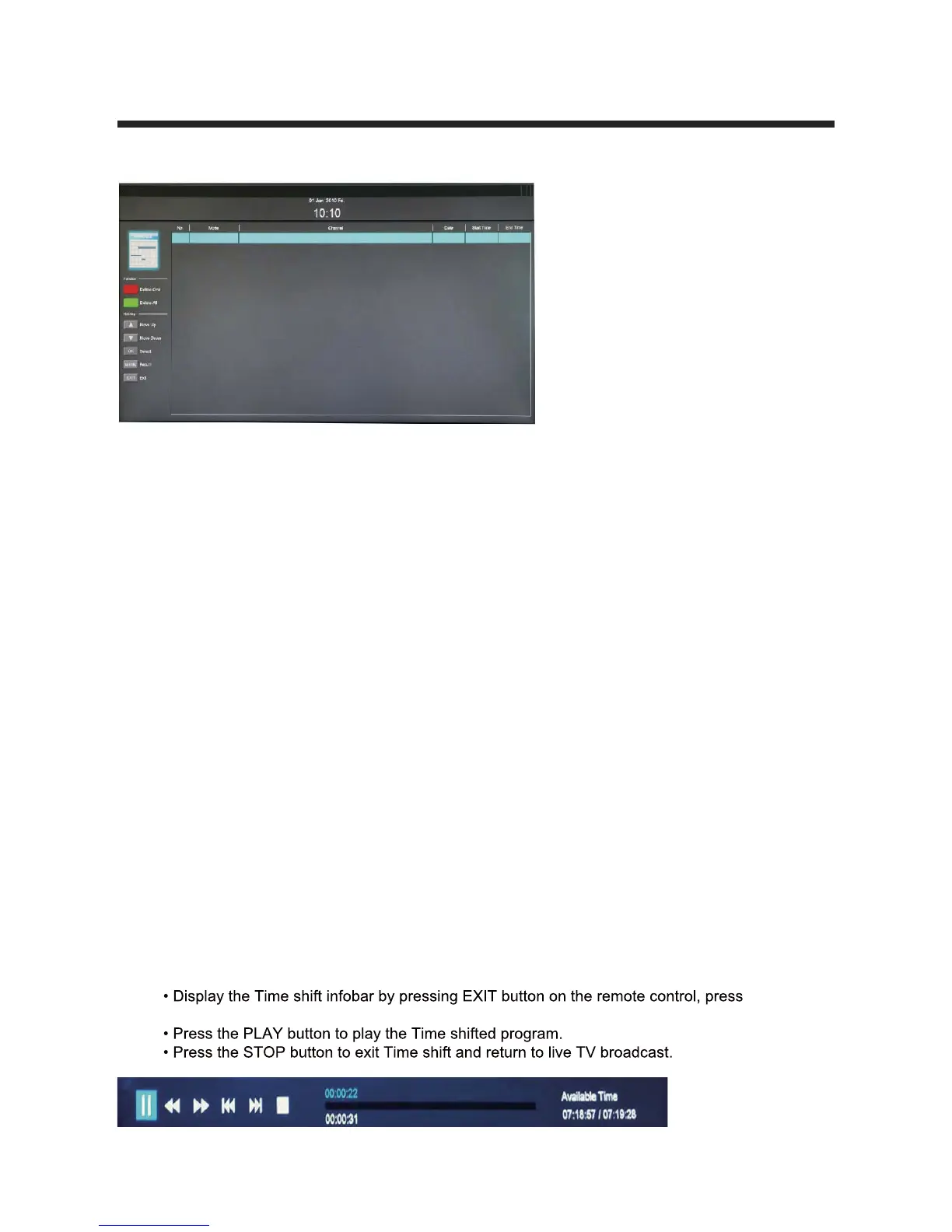
Red button: Delete One scheduled program.
Green button: Delete All scheduled programs.
Scheduled Recording is a function which allows the user to record future programs
without physically being present to initiate the recording. A schedule setup is made to
mark recording dates and times of the broadcasted programs stated on the Electronic
Program Guide (EPG). Recording would terminate at the end of the program.
Scheduled recording can start while the TV is on (the channel will switch automatically),
]`]\AbO\RPg;]RS>ZSOaS[OYSac`SbVObbVSQ]\\SQbSRCA0RSdWQSVOaS\]cUVRObO
storage for recording. If data space runs out, the recording will stop automatically.
1/CB7=<(2=<=B`S[]dSbVSCA0R`WdSeVWZS`SQ]`RW\UWaW\^`]U`SaaBVWa[Og
damage the drive.
Time Shift
Time shift is an ideal way to temporarily pause live TV in case of a distraction such
as a doorbell or a ringing telephone. Once the distraction has passed, playback can be
`Sac[SRT`][bVS^]W\beVS`SbVSBD^`]U`O[eOa^OcaSR>`SaabVS>:/G>/CA3
Pcbb]\]\bVS`S[]bSQ]\b`]Zb]abO`bbVSBW[SaVWTb[]RS>`SaabVS>/CA3Pcbb]\
again to resume playback.
NOTE:
again to close.
Scheduled Record Setting List



 To Next Page