36
Checking the program order
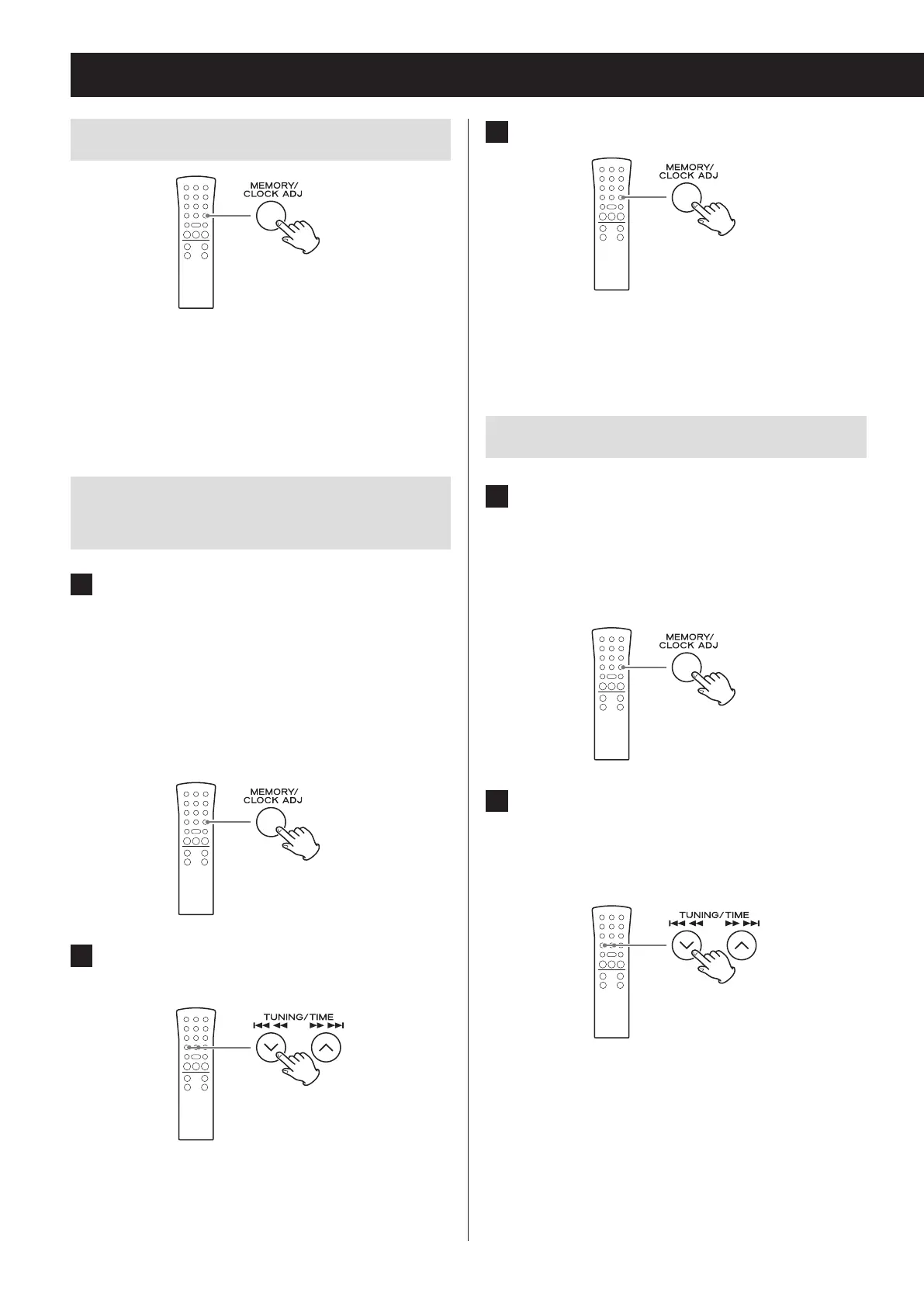
When stopped, press the MEMORY button to cycle
through the program numbers and the programmed
track/file numbers in order.
Adding tracks/files to the end of the
program
1 When stopped, press the MEMORY but-
ton repeatedly to show the number
which is one higher than the last pro-
gram number.
When using an audio CD, the track number and
MEMORY indicator will blink.
When using MP3/WMA files, the folder number, file
number and MEMORY indicator will blink.
2 Press the skip/search (.m/,/)
button to select a track/le.
3 Press the MEMORY button.
The track/file is added to the end of the program.
Changing a track/file within the program
1 When programmed playback is stopped,
press the MEMORY button repeatedly
until the program number of the track/
le you want to change appears on the
display.
2 Use the skip/search (.m/,/)
button to select the track/le that you
want to use as a replacement in the
program.
Programmed playback (CD/USB) (continued)



 To Next Page