Contents of Instruction
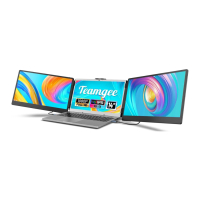
Product Attributes
1. Product host
2. Accessories
3. Parameters
Installation and Storage
1. Expand the monitor
2. Stretch the frame
3. Adjust the stand
4. Opening Sequence
5. Closing Sequence
Key Definitions
Connection Mode
1. Connect S2 with Laptop
2. Device power supply connection mode
Audio Settings
1. Change sound settings of Windows 10 / Windows 11
2. Change sound settings of MAC OS PC
Display Mode
1. Windows 10 / Windows 11 Display Settings
2. MacOS 13 Ventura Display Settings
Transportation, Storage and Safety Information
1
1
1
2
2
2
3
3
3
4
4
5
6
7
8
9


 To Next Page