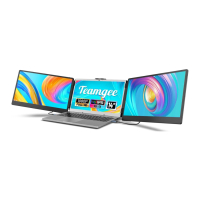
1. Connect S2 with Laptop
4
Connection Mode
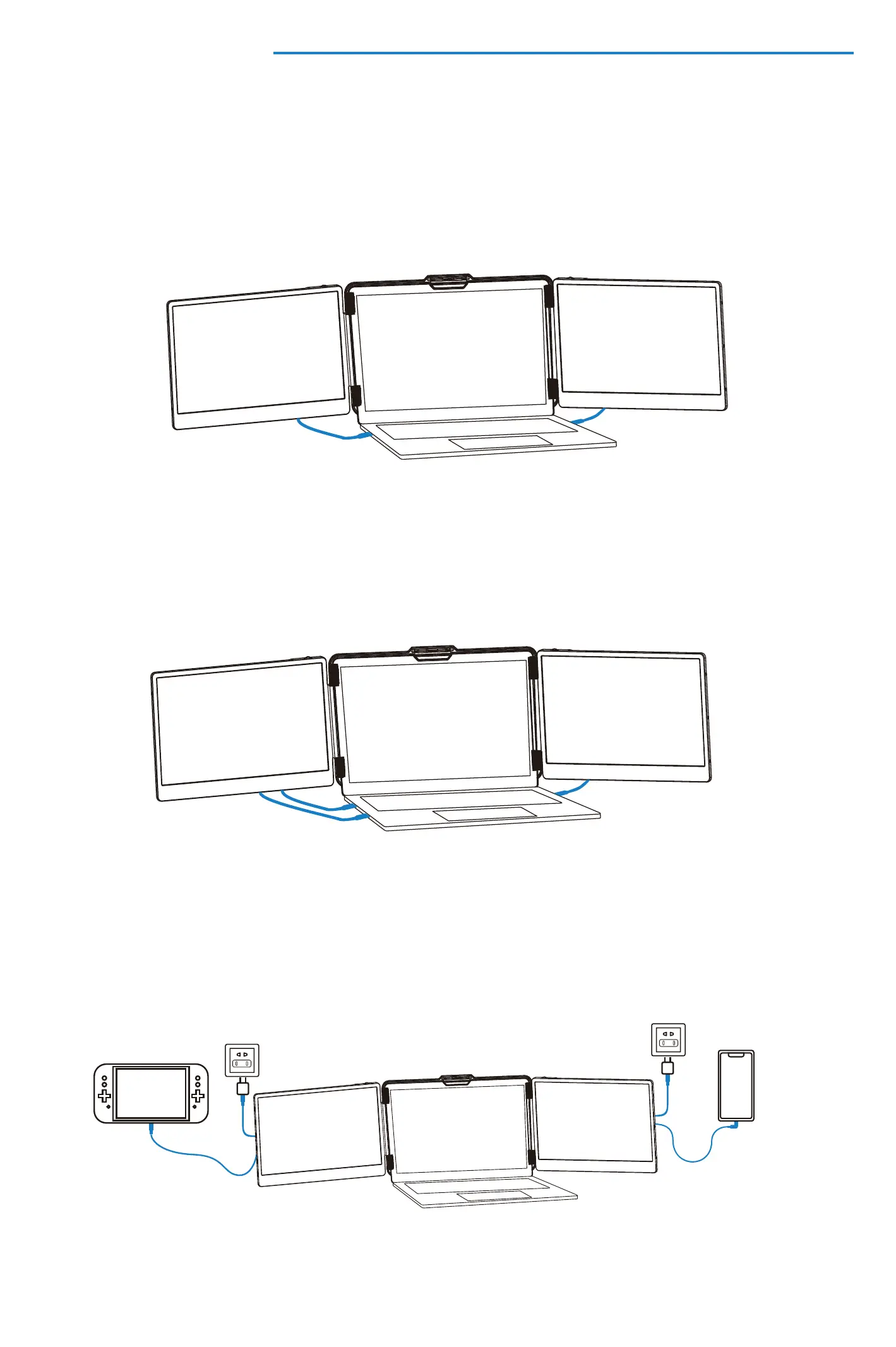
TYPE-C & HDMI & USB-A Connection:
If your laptop has one full-featured Type-c port, one USB-A port and one HDMI port, please first
connect one monitor using the USB-C cable. Then connect the other monitor using the USB-A to
USB-C cable and the HDMI to Type-C cable.
TYPE-C Connection:
If your laptop has two full-featured Type-C ports, you can connect the S2 directly to your laptop with
two Type-C cables.
Notice:
If the display has no signal or the signal is unstable after connection, please connect an external
5V/2A power adapter to power the laptop
2. Connect S2 with Mobile Phone with Other Devices
Switch connection mode
(External power suply required)
Mobile phone connection mode
(External power supply required)


 To Next Page
 Loading...