Service settings
To activate service mode of the controller, set network button in 0
then press MENU and, without releasing it, activate network button
in 1 position. Then, after waiting of a few seconds, MENU button
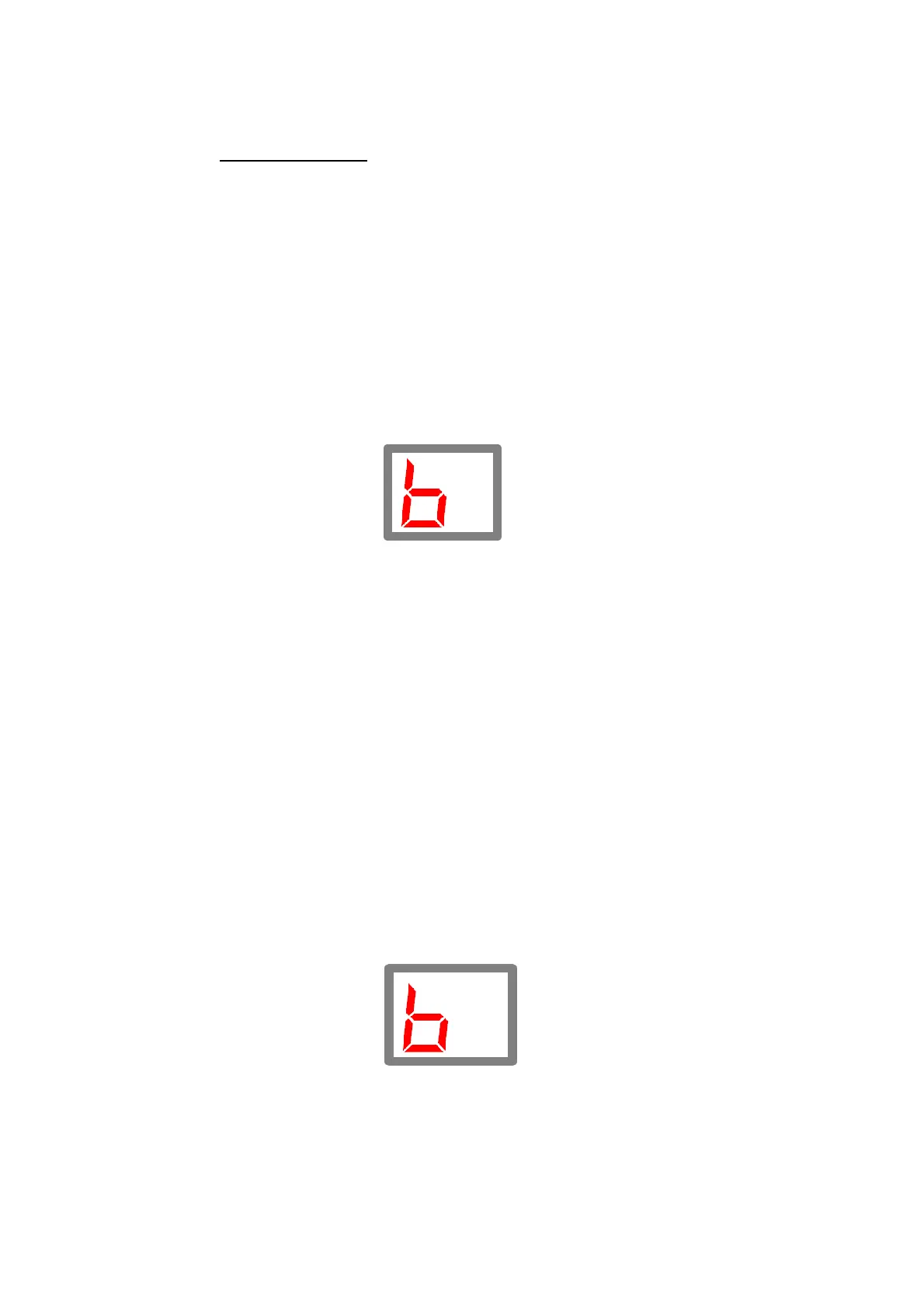
can be released(the display shows symbol b1).
With PLUS /MINUS keys we proceed to the following
functions:
1. Pump / thermostat selection
The controller may perform the function of pump or of
thermostat. After selecting MENU button, the user makes selection
of operation mode of the device:
0 – operation as pump (controlled device is used activated after
achieving the set temperature and is deactivated after drop to the
set hysteresis)
1 – operation as thermostat (controlled device operates from
activation of the controller to the set temperature; re-activation will
proceed when the temperature decreases to the set hysteresis)
2. Anti-freezing
With the use of this option, the activity of anti-freezing
function is set: 0 – deactivated, 1 – activated.



 To Next Page