9
3. 4.
5.
6.
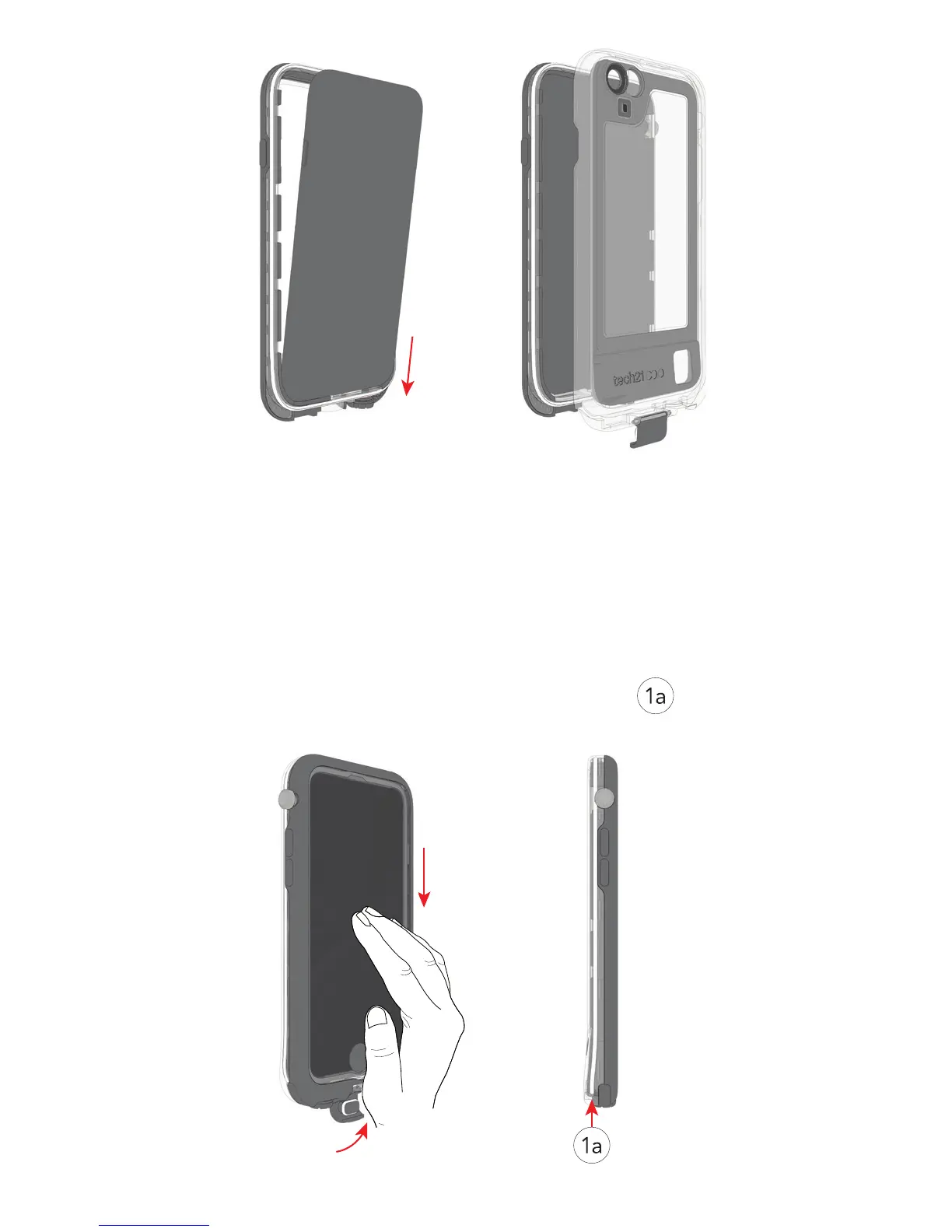
Using your ngers, gently press the protective
screen lm down against the screen of your
device to remove any trapped air pockets
between the lm and your device’s screen; then
close the SecureClip.
Visually inspect the main seal ensuring that
the O-ring is positioned correctly and the
headphone screw is securely fastened
Your Evo Xplorer is now ready to use.
5.
6.
7.



 To Next Page