8
DEVICE INSTALLATION
1.
2.
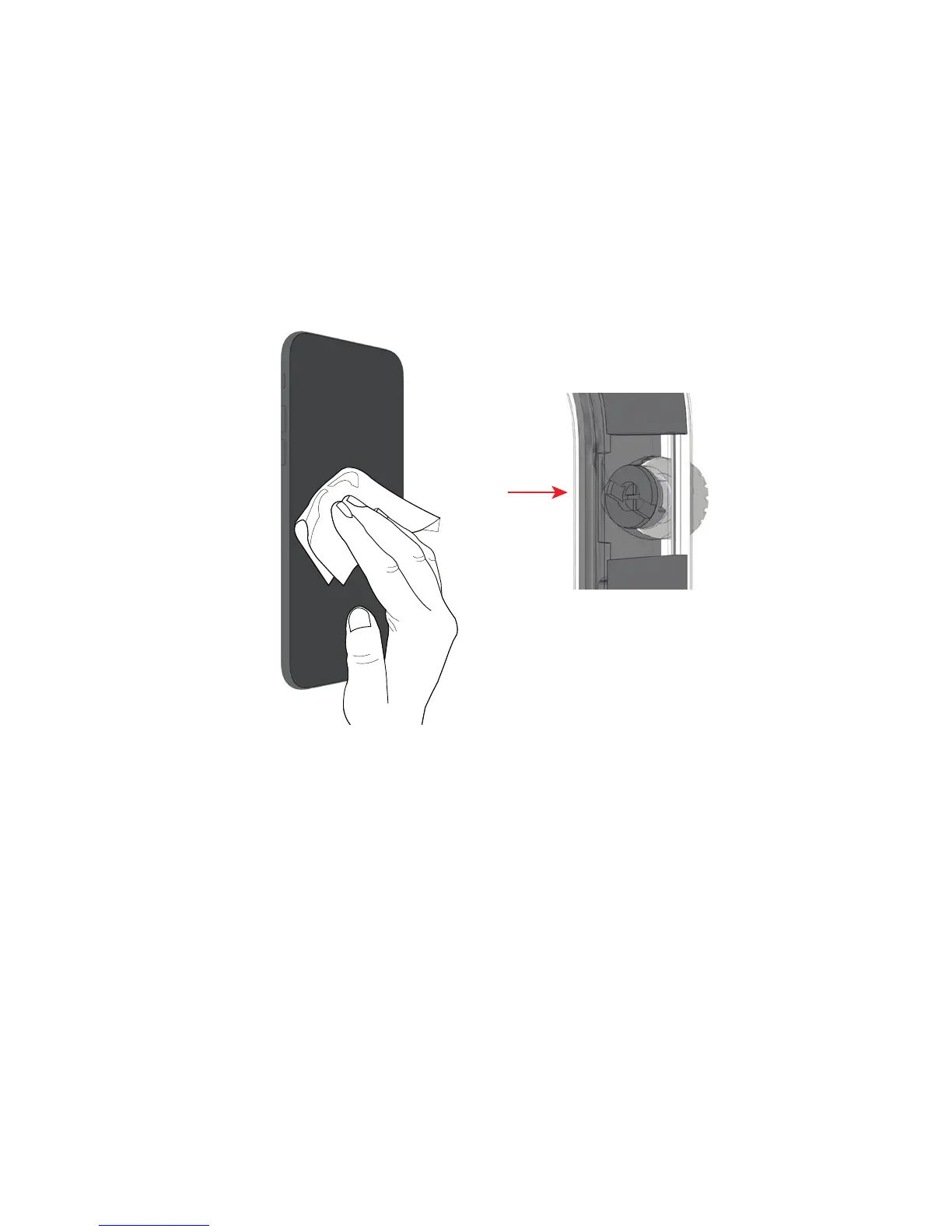
Remove any screen protectors and/ or cases
and clean your device using the supplied
cleaning cloth.
Make sure that the mute dial is in the position
illustrated opposite and your phone is not
switched to silent mode.
1.
2.
Insert your device into the front cover, base rst,
to ensure that the microphone and speakers
are engaged correctly and press your device
down rmly into the case. Rotate the mute dial
on your case to ensure that it engages correctly
with the mute switch on your device.
Close the back of the case by applying pressure
evenly, ensuring the front and back snap
together securely. Leave the SecureClip open.
3.
4.
ENGLISH



 To Next Page