CONNECTING
TO THE APP
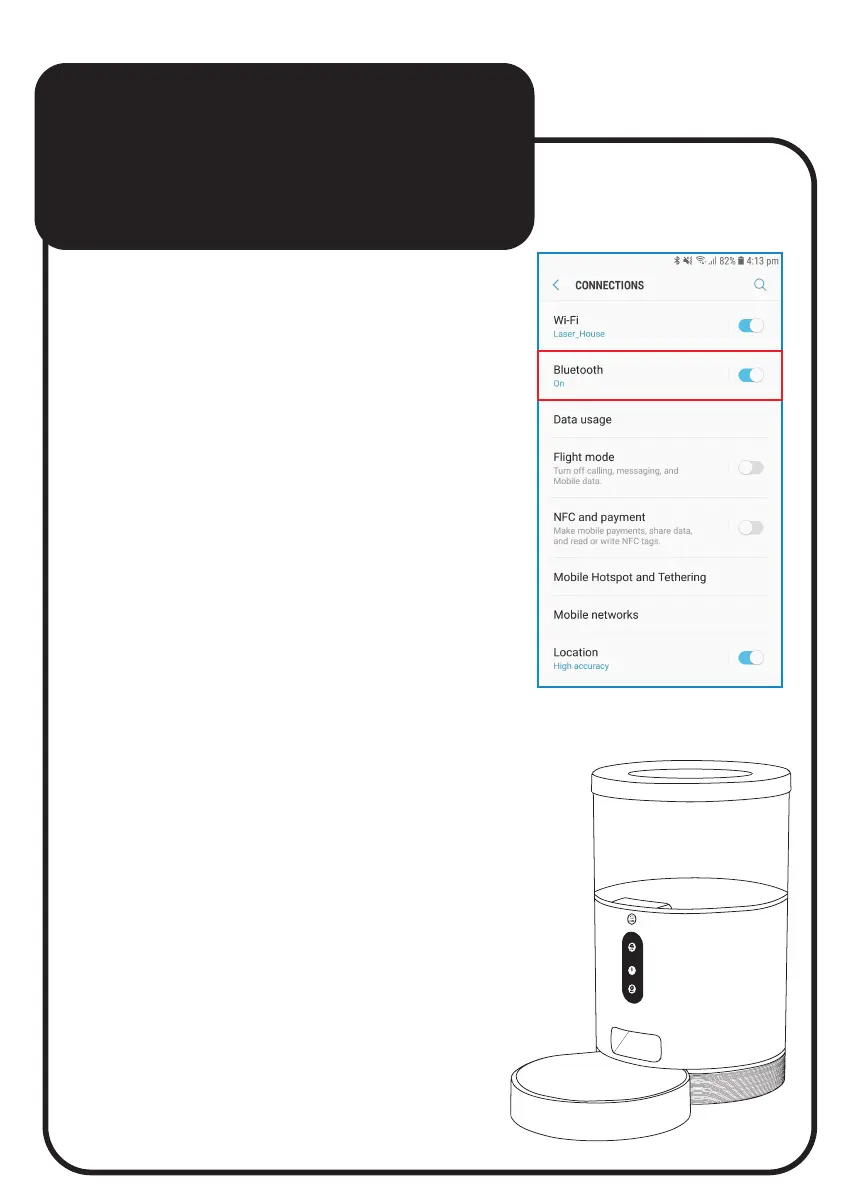
1. Turn on the Bluetooth
function on your Smartphone.
2. Press and hold the “Reset button”
on the Pet Feeder for 6 seconds
till you get a fast-flashing
blue light.
Note: If the light is flashing slowly,
press and hold the button again
till you get the fast-flashing version.
REC



 To Next Page