EasyManua.ls Logo

Techfine 5KVA - Function setting operation; Output Voltage Setting

Default Icon
32 pages
Print Icon
To Next Page IconTo Next Page
To Previous Page IconTo Previous Page
Loading...
5.3
Funclion
setting
opeJation
>
Function
s.ttlng
oPeration:
The
pageforsetting theexitlunction
and setting
as
bellow:
a Long
press "ENTER
button for
more
than 2
seconds'
enter
into
function
setting
mode Press
"Enter" ;utton
to choose
function,
turn
the
page
to
you
need
to sel,
the corresponding
indicator
will
flash.
.Press"Enter"buttonagain,enterthefunctionsetting,youwi||seethewordof'unctionyou
choose
lighting,
on the
left oI
word
will occur
numerical
flashing,
then
you
can
press
' UP/DOWN
'
button
to use.
a
After
finish
setting,
press
the enter
button
again,
the
data will
be on
instead
of flashing'
Long
press "
ESC
' button
for
more
than 2 seconds,
lhe
funclion
will complete
setting
Return
to
function
setting,
then
back
to main
page.
(
lf
you
don't
exit manually'
after
30 seconds
it will be
backto
main
Page
automaticallY
)
5.3.1
OutputVoltage
(OPU)
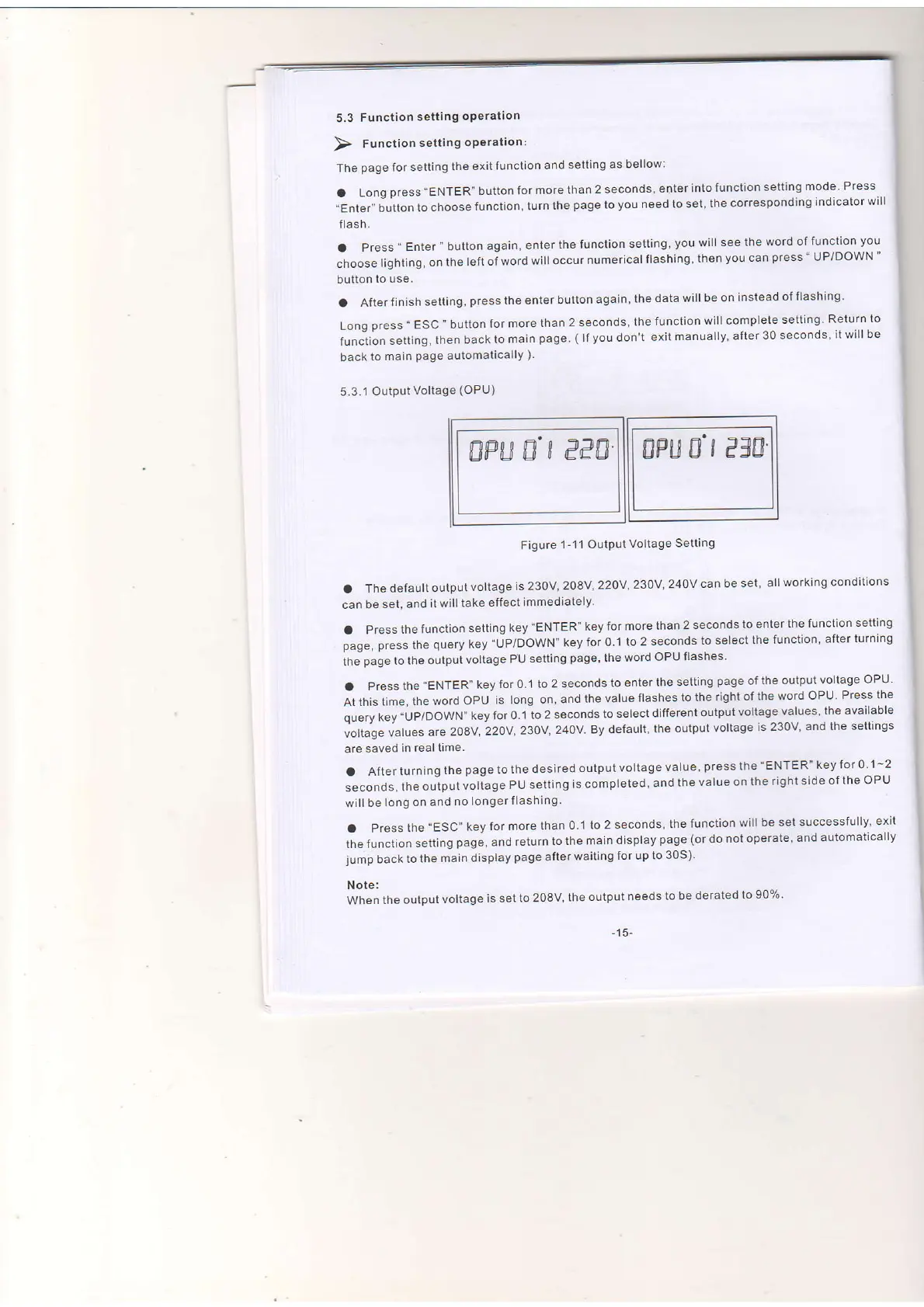
Figure
1-11 Output
Voltage
Setting
a
The default
output
voltage
is 23OV
2O8v,22Ov,2gOV,24Ov
can be set'
allworking
conditions
can be
set, and
itwilltake
etfect
immediately'
a
Press
the function
setting
key
'ENTER'
key for
more
than 2 seconds
lo enter
the function
setting
pag.,
fr""s
ttre
q,rery
key
"UP/DOWN" key
for 0.1
to 2 seconds
to setect
the
function'
after
turning
the
page
to the
output
voltage
PU
setting
page,
the
word
OPU flashes'
.Pressthe"ENTER"keyloro.lto2secondstoenterthesettingpageoftheoutputvo|tageoPu.
At
this time,
the
word OPU
is long on,
and
the value
flashes
to
the right
of
the word
OPU Press lhe
qu"ry
f."V
"UpfOOwf.f'key
for 0.1
to 2 seconds
to select
different
output
voltage
values
the available
vottage
vatues
are
ZOSV
22OV'
230V,
240V.
By default,
the
output
voltage
is
230V and
the sett'ngs
are
saved
in realtime.
a
After turning
the
page
to
lhe desired
output voltage
value,
press
the
'ENTER" key for
0 1-2
seconds,
the
output
voltage
Pu setting
is completed,
and
the
value
on the
right
side of the
OPU
will
be
long on and
no
longer
flashing.
a Press
the'ESC"
key for
more
than 0
1 to 2 seconds,
the
function
will
be set
successfully'
exit
thefunction
setting
page,
and return
tothe
maindisplay
page
(ordo
notoperate'
and automatically
jump
back
to the
main display
page
after
waiting
for up to
30S)'
Note:
When
the output
voltage
is set
to 2OBV,
the
output needs
to be derated
to 9070'
-15-
ffi
ffi

Related product manuals