)
)
ryilry
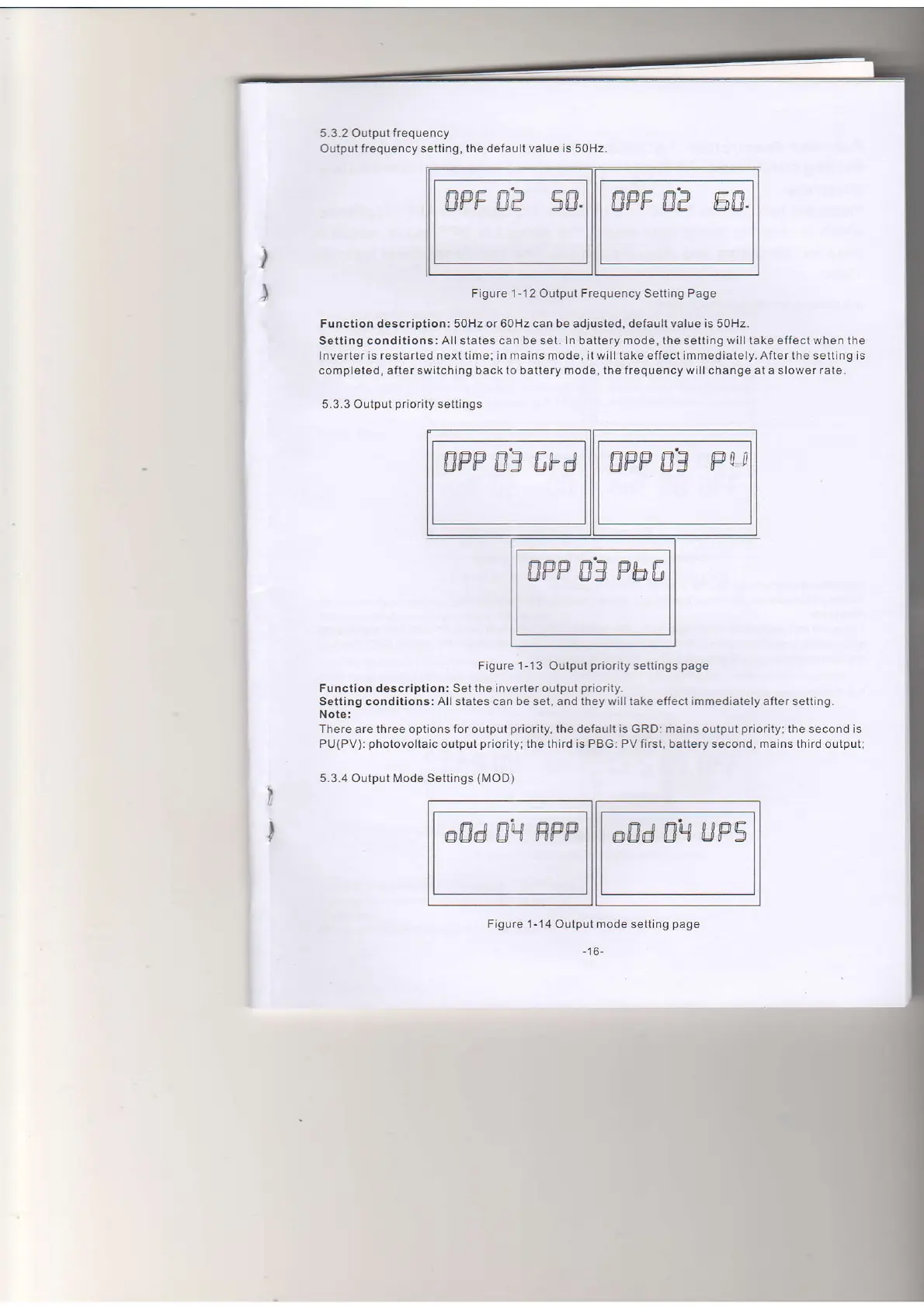
Figure 1- 12 Outpul Frequency Setting Page
Function description: 50Hz or 60Hz can be adjusted, default value is 50H2.
Setting conclitions:
Allstates can be sei. ln battery mode, the
setting
will take effect when the
Inverter is reslarted next time; in mains mode, il will take effect immediately. After the selting is
compieled, after switching back
lo
battery
mode, the
freqLrency will change at a slower
rate.
5.3.3 Output
priority
settings
Figure 1-'13 Output
priority
setlings
page
Function description: Set lhe lnverler oulput
priority.
Setling conditions: All states can be set, and they will take effect immediately after setting.
Note:
There are three options for output
priority,
the default is GRD: mains output
priority;
the second is
PU(PV):
photovoltaic
outpot
priority;
the ihird is PBG: PV firsl, battery second, mains third
oulput;
5.3.4 Output N,lode Settings
(MOD)
5.3.2
Output frequency
Output
frequency setting, the default value is 50Hz
@8d 0q
HFP
@8d 0H
uPs
I
I
Figure
1-14 Oulput mode setting
page
-16-
ru
tmee n'q- ed
tl
ry


 To Next Page
 Loading...