➊➌ ➋
10
VGA / USB TO HDMI ADAPTEREN
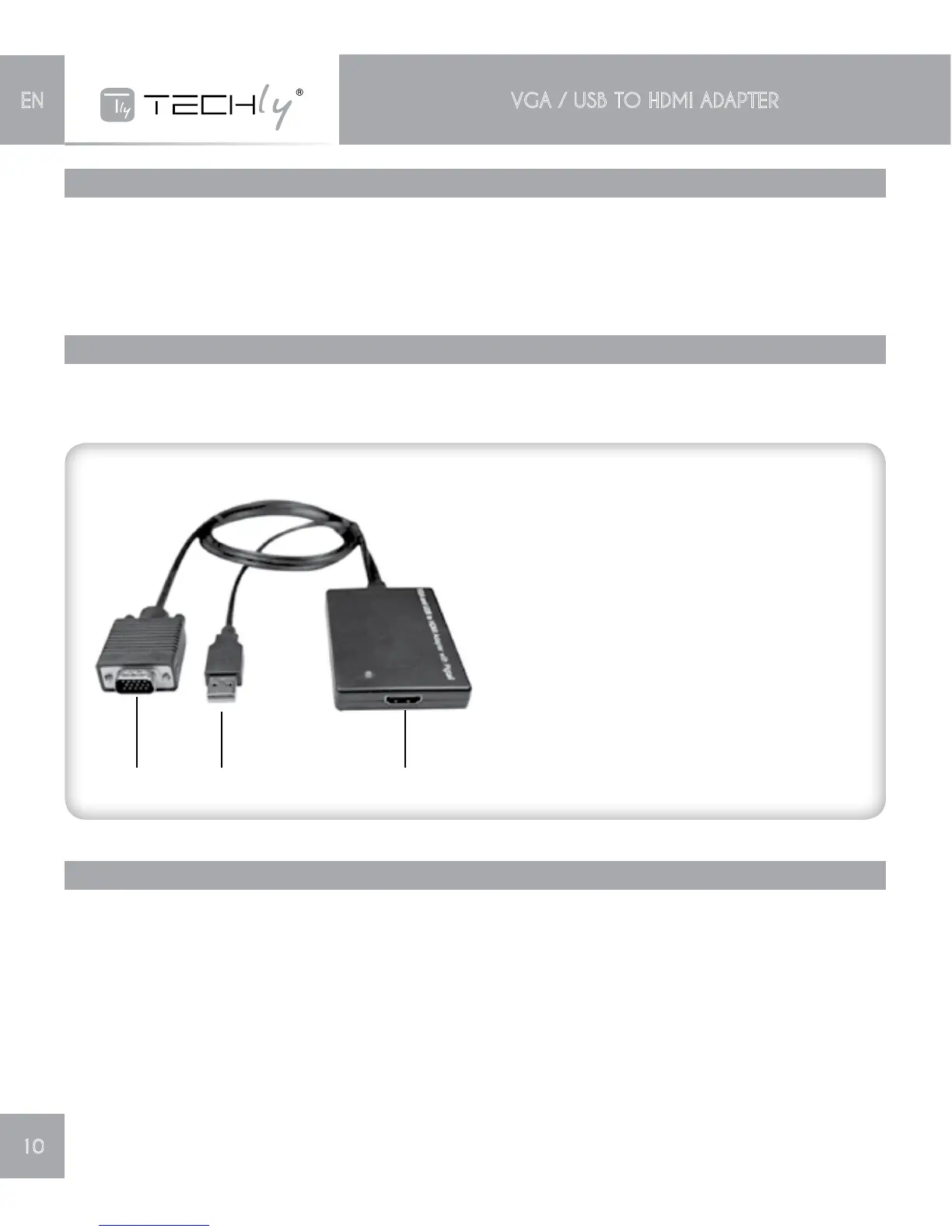
4.0 PANEL DESCRIPTIONS
Pleasestudythepaneldrawnbelowandbecomefamiliarwiththesignalinput(s),output(s)andpower
requirements.
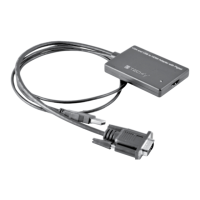
➊HDMI output
Connect this port to HDMI display
➋USB A male port
Connect this port to the USB port of
computer to gain the audio and Power
➌VGA male input
Connect this port to the VGA output of
computer
5.0 CONNECTION AND OPERATION
Beforeinstallation,pleasemakesureallthedevicesyouwishtoconnecthavebeenturnedoff.
1) ConnecttheHDMIoutputofthisproducttotheHDTVwhichhasHDMIinput(HDMICablesare
optional).
2) ConnecttheVGAandUSBportofthisproducttocomputer.
3) PoweronthecomputerandTV.
4) SettherightresolutionofPCtoHDTV.
Note: Because the some resolution formats of VGA are not the same with HDTV’s, so not all
resolutions of VGA can output to HDTV. Please set these resolutions as listed in the Specification
as possible.
3.0 PACKAGE CONTENTS
Before attempting to use this unit, please check the packaging and make sure the following items are
contained in the shipping carton:
• Mainunit
• User’sManual


 To Next Page