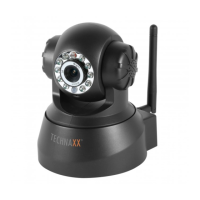
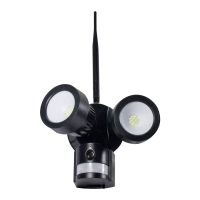
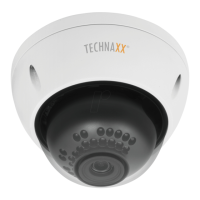
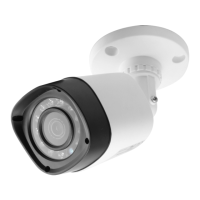
Connect the 5VDC power adapter to the camera, connect the 12V/1A DC power
adapter to the receiver and turn on the receiver (has a built-in battery).
Press “Pair Code” at the wireless camera power connector to pair the camera to the
receiver. When the connection is established you see in the background of the Main
Menu the motion the camera is focused on.
8.1. Playback Mode
Press Menu key to display the main menu.
Press LEFT or RIGHT navigation key to select the “Playback
Mode”. Press OK key to enter it.
Attention: Playback mode can be selected only if a MicroSD
card is inserted! If files are saved in different folders, select the
file you want to playback.
Press OK key to enter and then select the file to play.
Press Menu key again to Exit.
8.2. Record Mode
Press Menu key to display the main menu.
Press LEFT or RIGHT navigation key to select the “Record
Mode”. Press OK key to enter it.
Then below settings are shown:
Manual Capture
Press UP or Down navigation
key to select “Manual
Capture”.
Press OK key to confirm.
Manual Capture
Now you see different methods to
record. Use the LEFT or RIGHT
navigation key to select: Manual
,
Take 1 photo,
Take 3 photos,
Take 5
photos
,
5s video
,
10s video
,
30s
video
,
1 Min video
.
Press OK button
to confirm the selection. Select Exit
with the UP/DOWN navigation key to
go back to the Record Mode.



 To Next Page