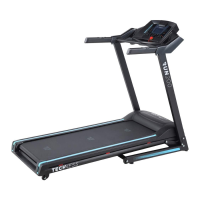
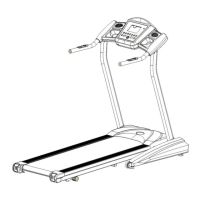
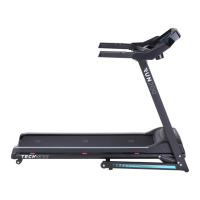
LCD window display:
Distance, time, speed, calorie, pulse, FAT, running sign, running track.
Function key:
Start/ stop key, program key, mode key, speed increase key, speed decrease key,
incline increase key, incline decrease key, quick speed key:3.6.9.12,14.16KM/H, and
quick incline key: 4.6.8.10.12%
Function key instruction:
A.”PROG”: program key, when it stop, it can choose the user-defined program; and
P1-P24 set programs; and FAT.
B.”MODE”: mode key: two functions: when treadmill stop, it can choose the set
item, in the P0 program, it can choose TIME COUNT DOWN---DISTANCE COUNT
DOWN —-CALORIES COUNT DOWN--- TIME COUNT these four mode; In P1 – P 24
program, the count down time is 30 minutes, press it can return to back; In FAT
program, it can choose FAT item.
C. “START/ STOP” key: when the treadmill is stopped, press the start, it will run at
the lowest speed; when it running, press the button, it will stop.
D. “+ “Key: speed increase key: When the treadmill stop or FAT function, it is the
item increase key; when treadmill running, it is the speed increase key.
E. “-” Key: speed decrease key: When the treadmill stop or FAT function, it is the
item decrease key; when treadmill running, it is the speed decrease key.
F. : incline increase key
G. : incline decrease key
---- -


 To Next Page