EasyManua.ls Logo

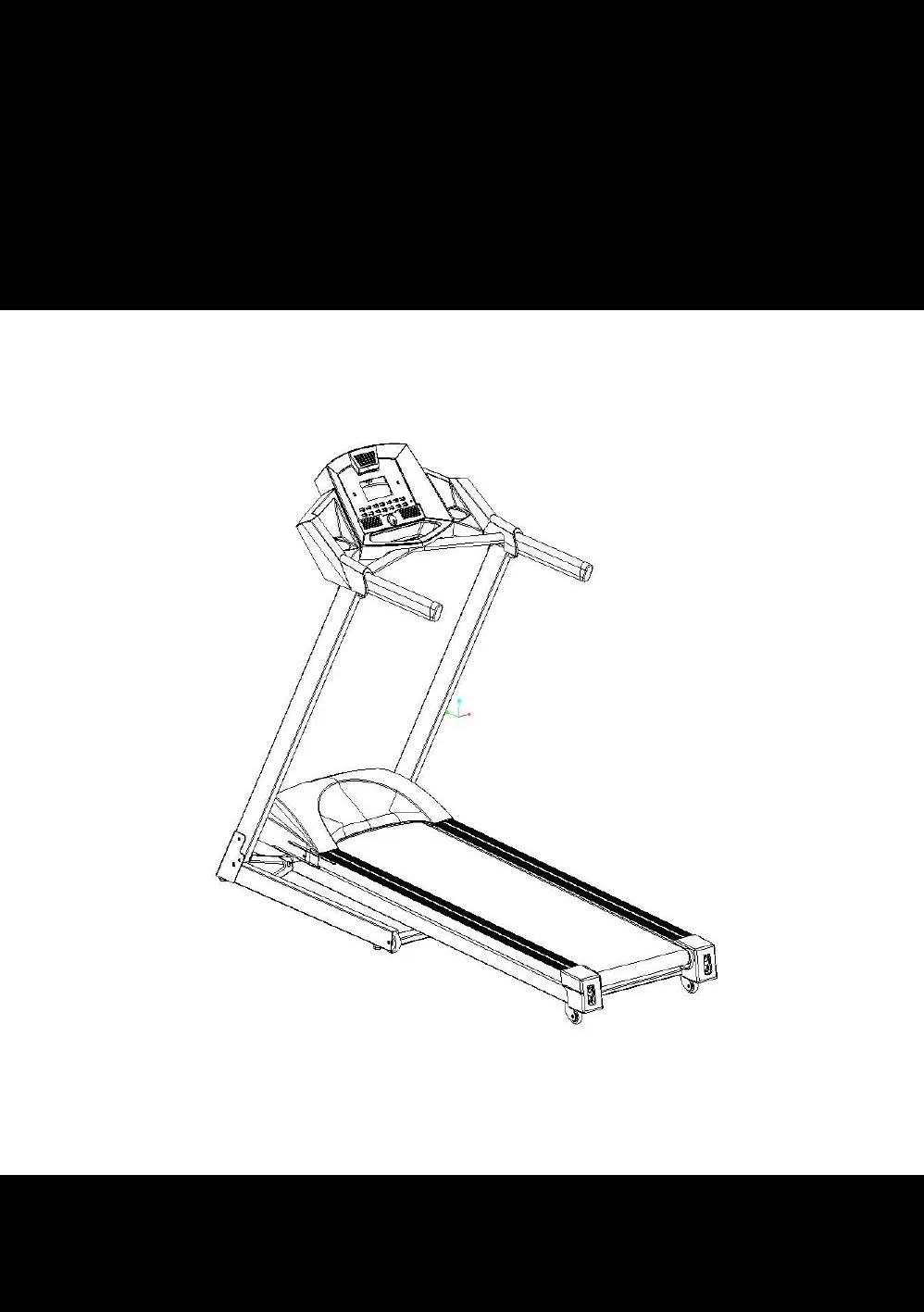
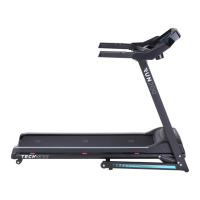
Techness RUN 200 TOUCH - User Manual

Techness RUN 200 TOUCH
92 pages
Go to English
Print Icon
To Next Page IconTo Next Page
Loading...
1
MODE D’EMPLOI
RUN 200 TOUCH
Merci d’avoir acheté ce produit TECHNESS. Cet appareil vous aidera à améliorer
votre forme physique dans un environnement familier. Veuillez lire attentivement la
notice de montage ainsi que les consignes de sécurité avant toute utilisation.

Questions and Answers

  • J
    Justin CoxAug 6, 2025
    What to do if my Techness Treadmill does not work?
    • O
      Olivia AlvaradoAug 6, 2025
      If your Techness Treadmill isn't working, there are several potential causes: * The power supply might be disconnected. To fix this, simply plug the treadmill into a working socket. * The safety key may not be properly inserted. Ensure the safety key is correctly inserted. * The console cable could be disconnected. Check both the console and the signal cable to ensure they are properly connected. * The treadmill might not be switched on. Make sure to switch the treadmill on.
  • K
    Kathleen RodriguezAug 17, 2025
    Why does the belt not run properly on my Techness RUN 200 TOUCH Treadmill?
    • W
      whitneyrobertsonAug 17, 2025
      If the belt on your Techness Treadmill isn't running properly, it could be due to a couple of reasons. Either the running belt isn't lubricated enough, in which case you should apply silicon oil to the running board. Alternatively, the belt might be too tight, requiring you to adjust it.
  • M
    Melissa AlexanderAug 27, 2025
    How to fix a slipping belt on a Techness Treadmill?
    • J
      Jill WilliamsAug 27, 2025
      If the belt on your Techness Treadmill is slipping, it could be because the belt is too loose, so you should adjust the running belt. It's also possible that the motor belt is too loose, in which case you'll need to adjust the motor belt.

Summary

Safety Information

General Safety Instructions

Essential safety guidelines to follow before and during treadmill use.

Special Safety Precautions

Specific safety rules regarding power source, placement, and usage.

Assembly and Setup

Unpacking and Assembly

Steps for unpacking the treadmill and verifying all parts are present.

Assembly Instructions

Step-by-step guide for assembling the treadmill components securely.

Setting Up Your Treadmill

Guidelines for placing the treadmill in your home and using a dedicated circuit.

Treadmill Operation and Features

Getting Started

Instructions for powering on, using the safety key, and getting on/off the treadmill.

Key Definition

Explanation of console buttons, LCD windows, and their functions.

Body Fat Function

Instructions on how to use the treadmill's body fat measurement feature.

Program Speed Table

Table detailing speed and incline settings for various preset programs.

Maintenance and Troubleshooting

Trouble Shooting

Common problems, possible causes, and corrective actions for treadmill issues.

Belt Adjustment

Procedures for adjusting belt tension and centering the running belt.

Lubrication and Cleaning

Recommendations for lubricating the treadmill and cleaning its components.

Parts and Diagrams

Exploded Drawing

Detailed diagram showing all treadmill parts with numerical references.

Parts List

Comprehensive list of all treadmill parts with their corresponding quantities.

Fitness and Health

Warm-up; stretching exercises

Guidance on warming up, cooling down, and stretching exercises for safe workouts.

Techness RUN 200 TOUCH Specifications

General IconGeneral
Motor Power2.0 HP
Maximum Speed16 km/h
Maximum User Weight130 kg
DisplayLCD Touch Screen
FoldableYes
Speed Range1-16 km/h
Programs12 Preset Programs
Running Surface130 x 45 cm
Incline0-12 %

Related product manuals