STEP
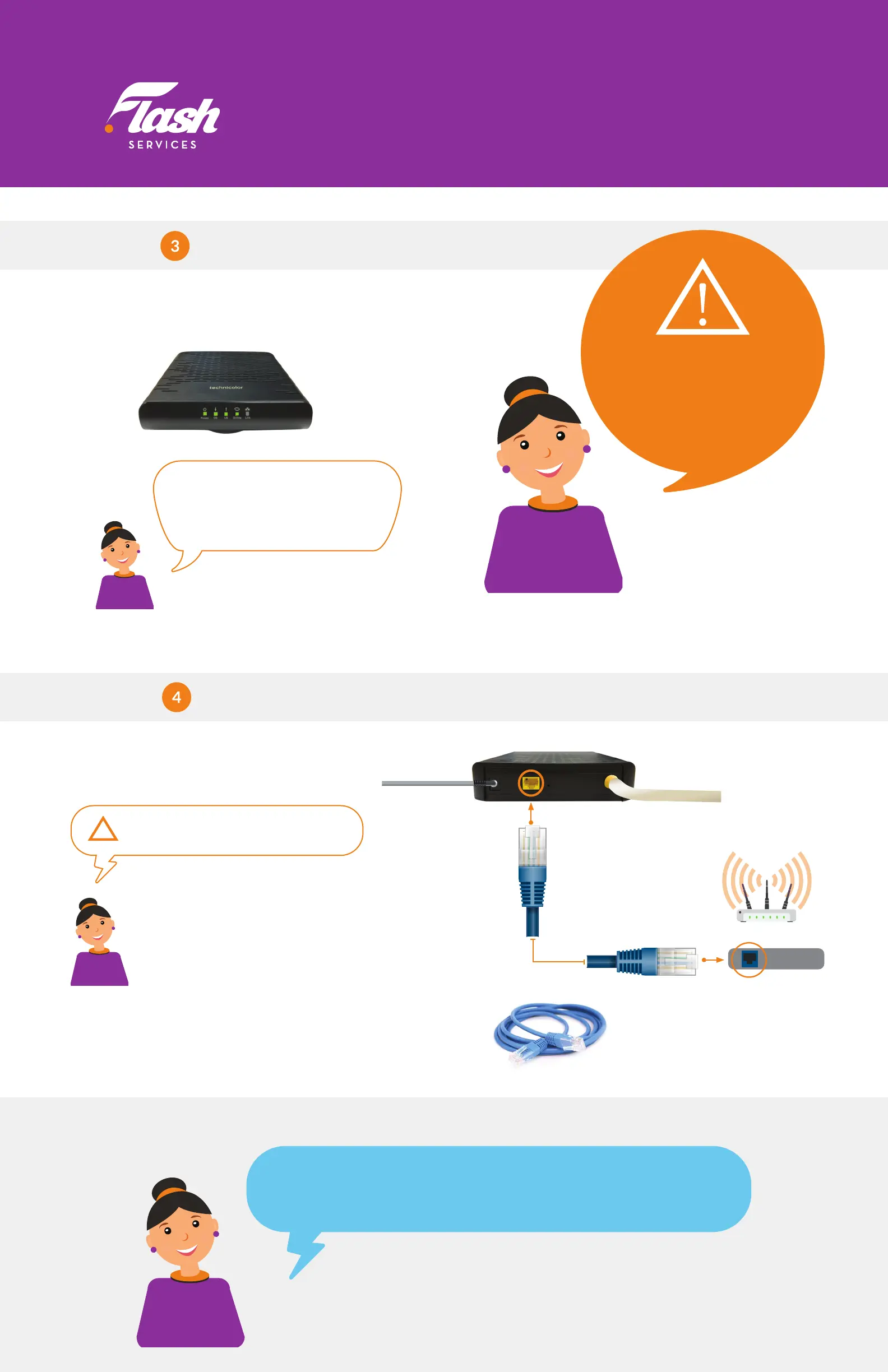
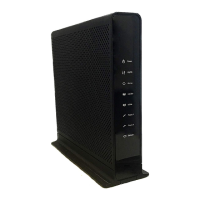
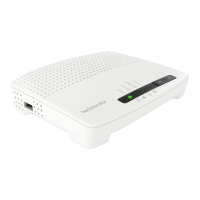
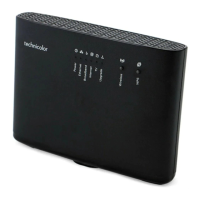
Conrm Modem is Online
• Wait until the “Online” LED is solid green.
• This may take up to 10 minutes.
Note: The DS and US LEDs should
also be lit green. If both are blinking
at the same time, your modem is
updating its software.
Wait until the update completes.
Note:
You must have
a Wi-Fi router if you want
to set up a wireless
network in your home.
STEP
Connecting your Wi-Fi Router
• Connect the ethernet cable to the yellow
port on your modem and then to the
“Internet” or “WAN” port on your router.
Your Wi-Fi router should now be connected
to the Internet!
• Reference your router’s manufacturer guide to
complete the setup.
!
Router Wi-Fi
Back of Router
Coaxial Cable
Ethernet Cable (one end)
Ethernet Cable (second end)
Modem Power Adapter
Ethernet cable is
included in the box
WAN/Internet
OTHER DEVICES
If you purchased Flash Home Phone service, refer to the manual included
with your Phone Adapter to complete the setup.


 To Previous Page