EN28
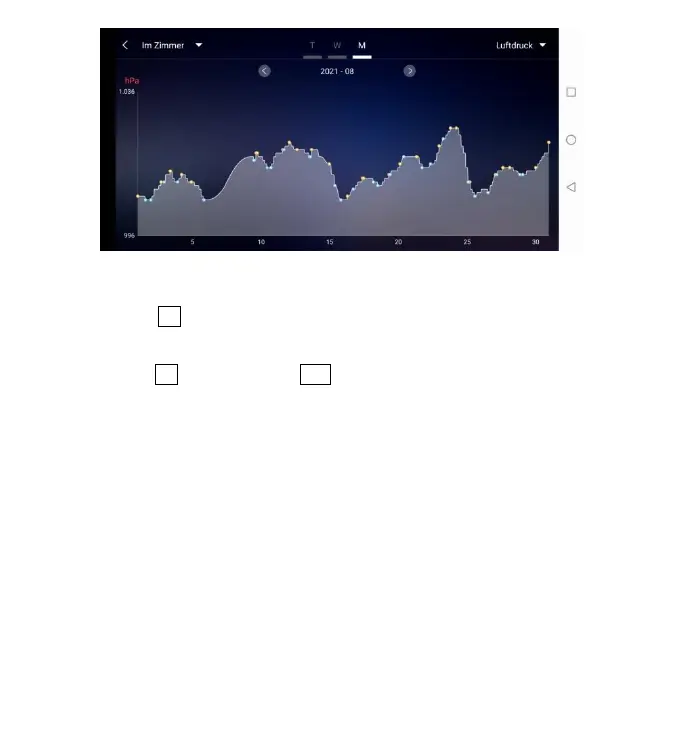
Data chart presentation – Monthly
Temperature and humidity alert setting
Click on the "D5" in the home page, you can quickly enter the temperature and
humidity alert settings interface of the base station.
Set up wireless sensor for temperature and humidity alert. Click on the channel
selected by “D8”, and then click “D11” to quickly enter the wireless sensor
temperature and humidity alarm interface to set the channel.











 To Next Page