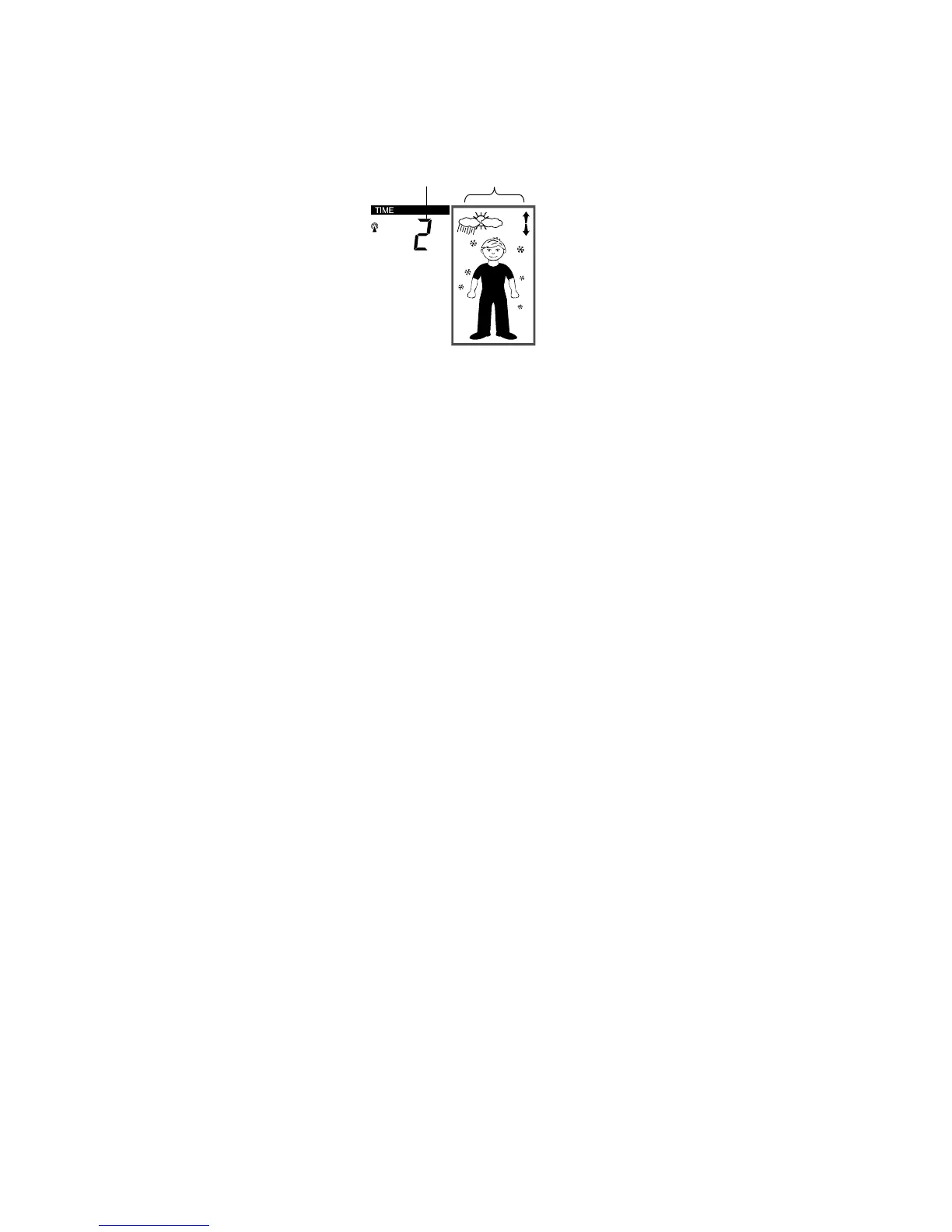
WEATHER FORECASTING ICON SENSITIVITY SETTING
For locations with rapid changes of weather conditions, the threshold can be set to a
different level for faster display of changing weather conditions.
Using the CH/ + key to set the weather sensitivity level. There are 3 levels of setting: 1, 2
and 3; level 1 is the most sensitive setting, level 3 is the least sensitive setting (default
setting is "2").
1. Confirm with the SET key and exit the Manual settings.
flashing
flashing
64



 To Next Page