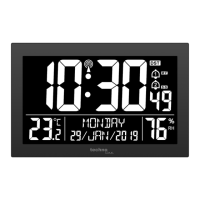
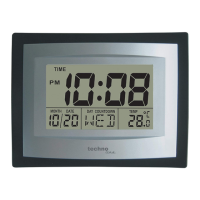
The LCD contrast can be set to 8 different levels to suit the users needs (default LCD
contrast setting is LCD 5). To set the desired contrast level:
1. The above display will be seen. Press the CH/ + key to select the level of contrast
desired.
2. Press the SET key to confirm and enter the “Time Zone setting” or exit the setting
mode by pressing the SNOOZE/ SUN key
TIME ZONE SETTING:
flashing
The time zone default of the Weather clock is 0. To change to another time zone:
1. Press the SET key after completing the LCD contrast setting in order to enter the
time zone setting (flashing).
2. Using the CH/ + key, set the time zone. The range runs from 0 to +12 and then
runs from -12 back to 0 in consecutive 1hour intervals.
3. Press the SET key to confirm and enter the “Time Reception ON/OFF setting” or
exit the setting mode by pressing the SNOOZE/ SUN key
56



 To Next Page