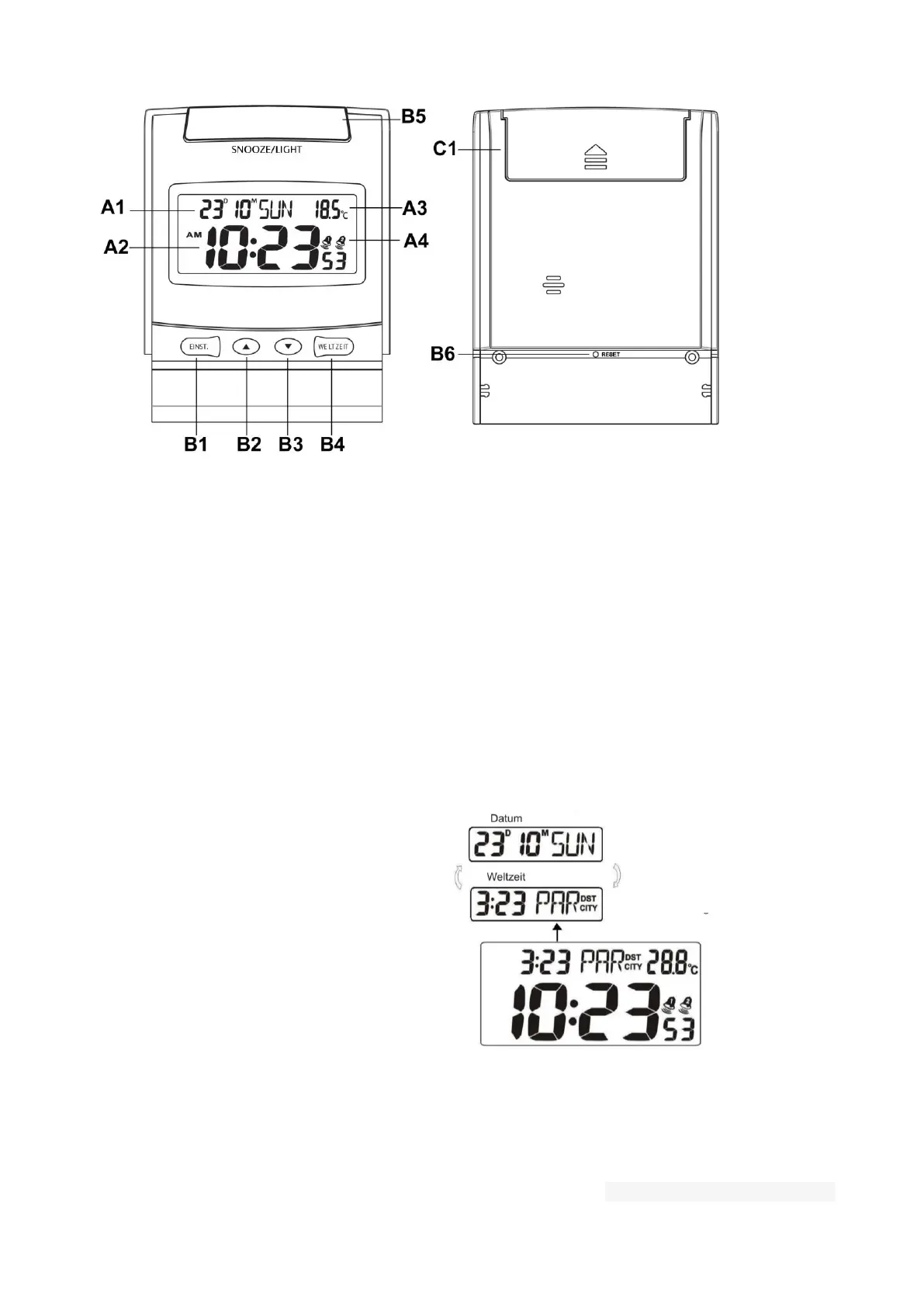
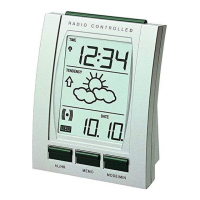
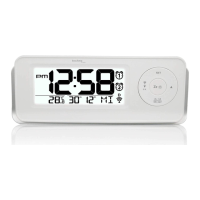
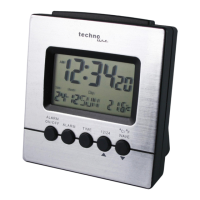
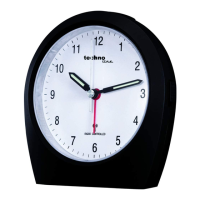
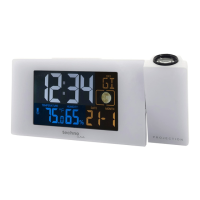
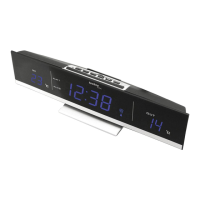
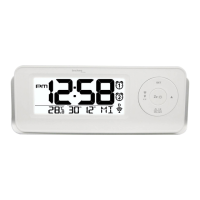
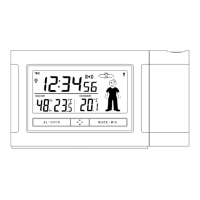
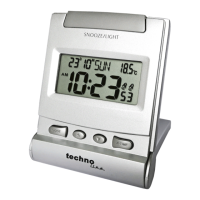
Front view Back view
A LCD-Display
A1: Date & weekday A3: Temperature
A2: Time A4: Alarm icon
B Tasten
B1: MODE button B4: W-TIME button
B2: ▲ button B5: SNOOZE/LIGHT button
B3: ▼ button
C1 Batteriefach
Time display for
32 world cities:
Local and world time display
in duo mode
Quick setup:
Insert 1 x AAA batteries into the battery compartment.
Time setting:
1) Press and hold the MODE button (B1) for 3 seconds, the hour digits flash.
2) Press the ▲ (B2) or the ▼ (B3) buttons to adjust time and date. The settings have the following


 To Next Page