EN15
Press and hold the MAX/MIN button in the corresponding interface 2 seconds to clear the MAX or MIN
record.
After 5 seconds the MAX/MIN display will return back to the normal display mode.
The MIN/MAX values will also be automatically cleared at every midnight (0:00).
Weather forecast:
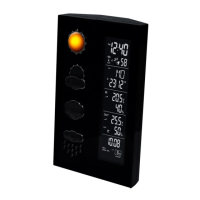
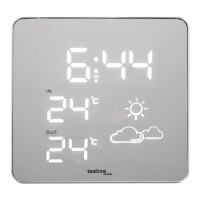
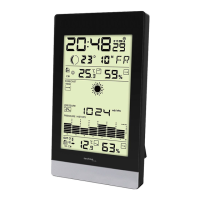
The station will display one of 6 weather forecast symbols: Sunny, Partly sunny, Cloudy, Rainy, stormy and
Snowy
SUNNY PARTLY SUNNY CLOUDY












 To Next Page