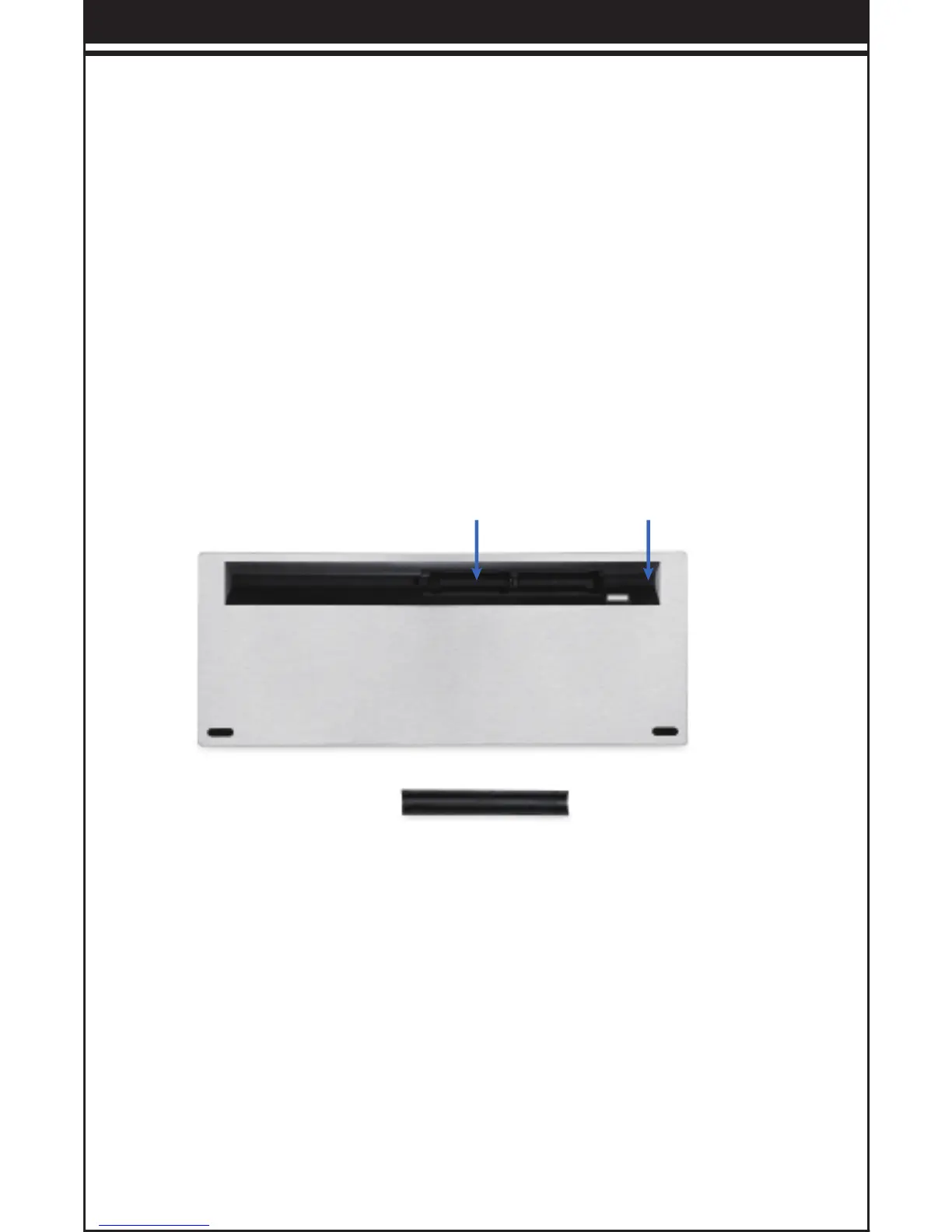
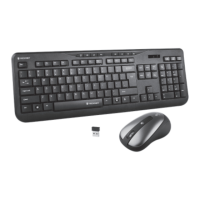
Battery Cover USB Port
To use this keyboard your computer must meet the following hardware
requirements and run one of the operating systems listed below.
Product Features
The keyboard consumes little power and offers a long battery life of up
to 6 months without changing the batteries. However, please note that
the actual battery life will vary with operating conditions.
1. 2.4G wireless
2. Ergonomically designed
3. Chocolate keycap design, flexible operation, easy to clean
4. High quality silicone provides comfortable key movement
1. Take out the wireless keyboard from package.
2. Remove the Nano receiver from the rear side of the keyboard
and plug it into the computer’s USB port.
3. Put two AAA alkaline batteries in correct polarity loaded into the
keyboard
Product Installation
1. The RF 2.4GHz cordless keyboard uses two AAA batteries (not
included).
2. Take out the battery compartment cover on the bottom of the
keyboard.
3. Insert the battery into the compartment, ensuring they
correspond with the polarity markings.
4. Replace the battery cover.
5. The LED of power indicator will flash for a few seconds.
Install the Battery
-- 2 --


 To Next Page