EasyManua.ls Logo

Tecknet X331 - Keyboard Functions

Tecknet X331
8 pages
Print Icon
To Next Page IconTo Next Page
To Previous Page IconTo Previous Page
Loading...
Keyboard Functions
This keyboard includes Fn key (EU, UK keyboard), extending the
functions of this keyboard.
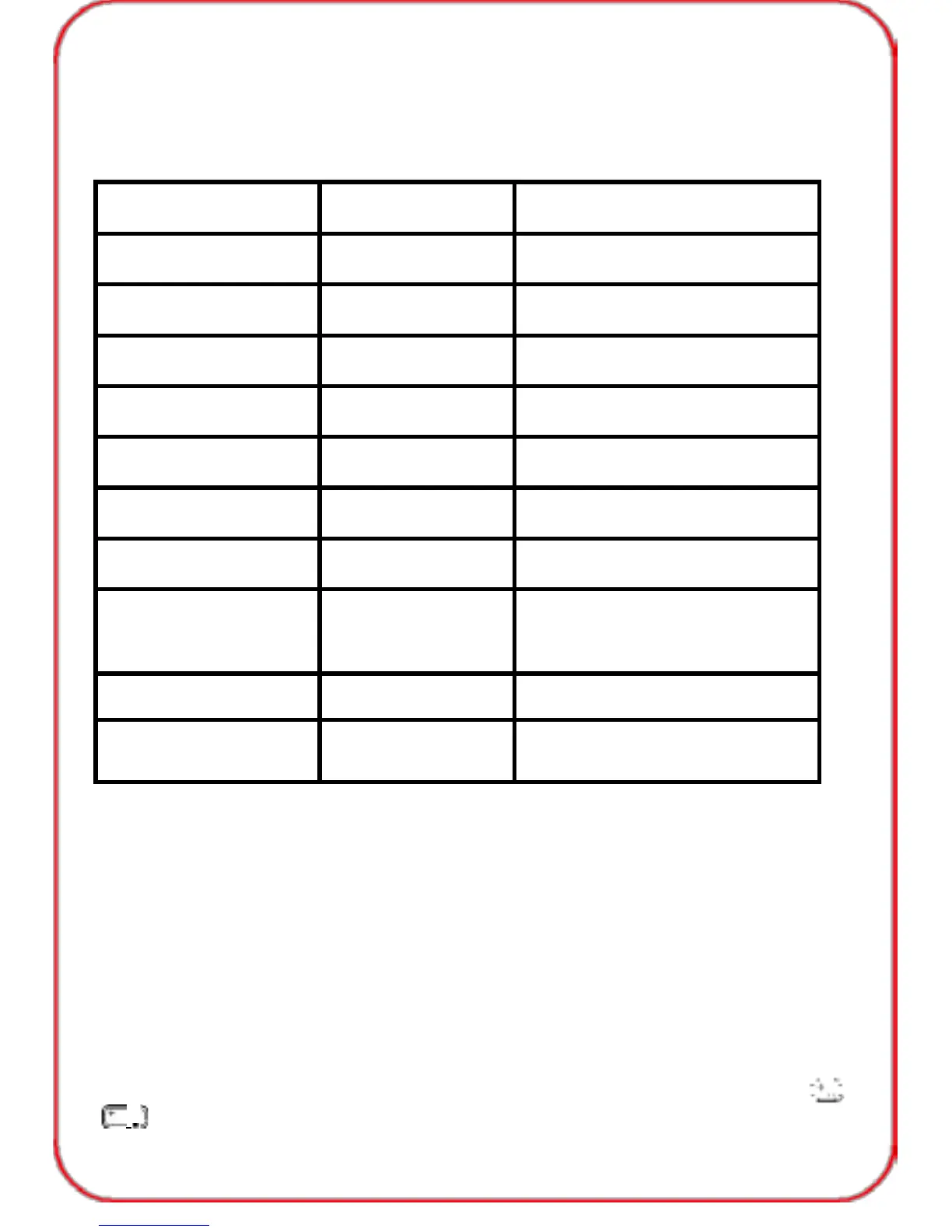
The following table lists the major extended functions.
Function
Description
Print screen
Print screen
Lock the touchpad
Lock the touchpad
11
F11
12
F12
Home
Home
End
End
CTRL+LT+DEL
CTRL+LT+DEL
Adjust the
touchpad speed
Re-connection
Keyboard and
Lock/Unlock
touchpad
Note:
1.If your keyboard is DE type, you can use another one function key AltGr (right
of the space key, for one key being printed with 3 characters).
: AltGr + E
µ: AltGr + M
{ : AltGr + 7
\ : AltGr + ß
} : AltGr + 0
~: AltGr + ʻ
2
: AltGr + 2
3: AltGr + 3
ʻʼ: AltGr + |
2.If you want to enter other letters such as: á , é , ú , í , you can press
+
a-e-u-i.
03

Related product manuals