3
Bluetooth Reset
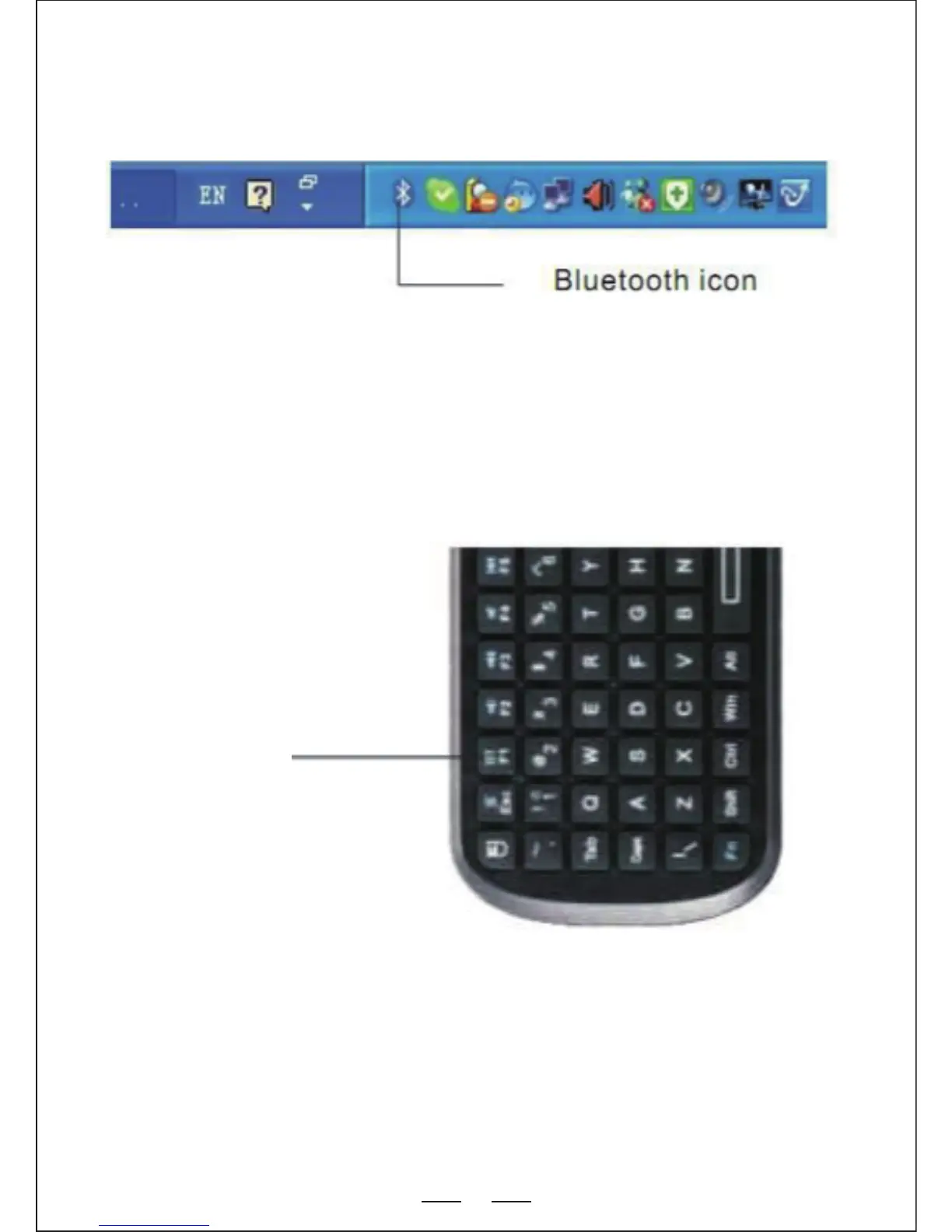
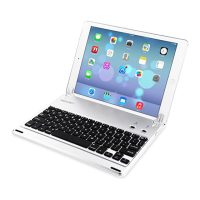
1. If your computer has a built-in Bluetooth Receiver, please refer to the
user manual to enable the computer’s Bluetooth capability.
2. Slide the ON button to power up the keyboard and then press and
hold the “Bluetooth Reset” + Fn keys for 5-8 seconds until the LED
blinks 3 times then release. The keyboard is now searching and
ready to “pair” with other Bluetooth enabled devices.


 To Next Page