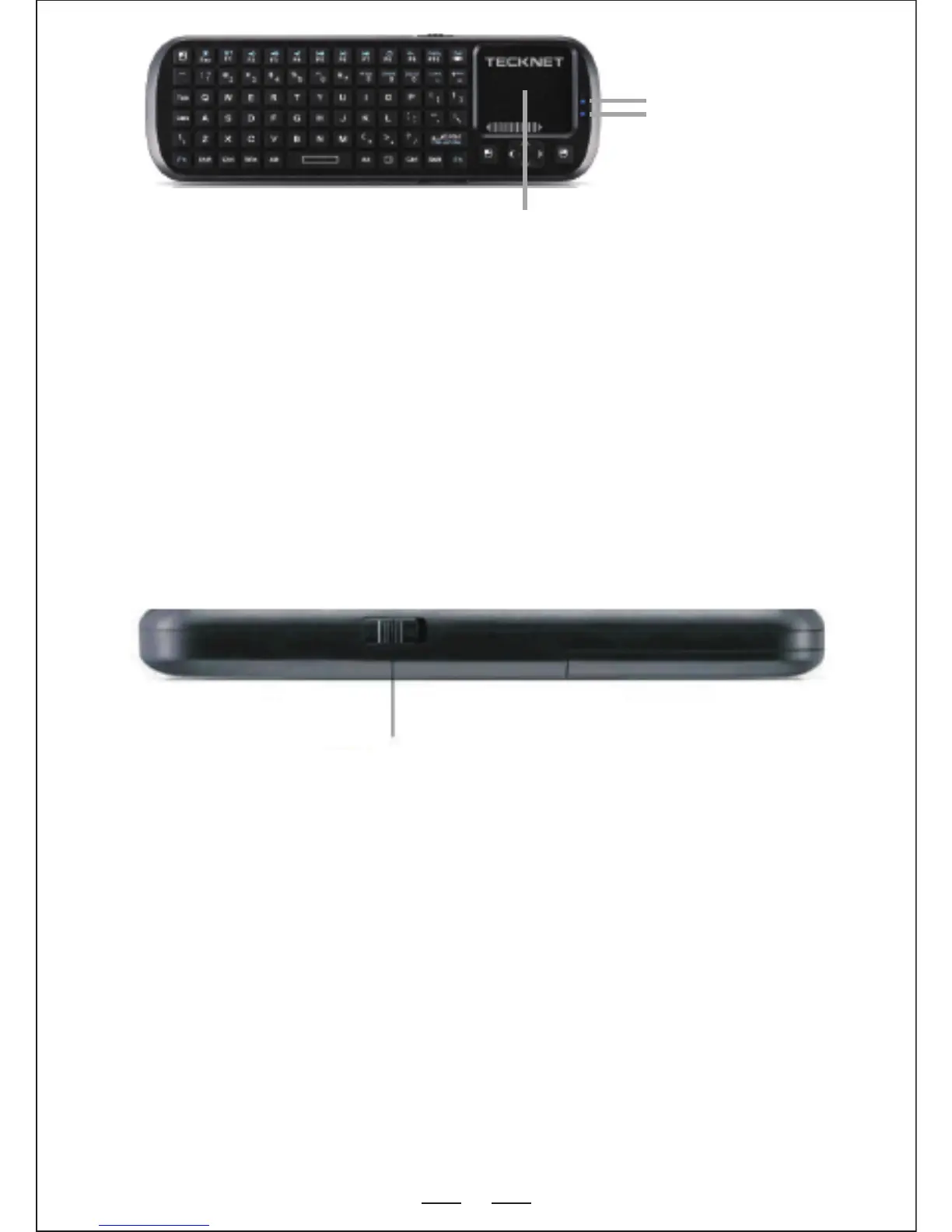
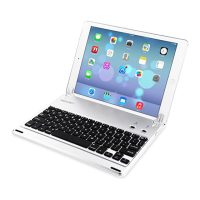
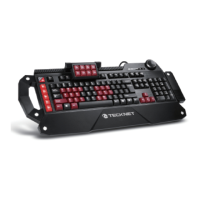
Power Button
2
Operating Instructions :
1. Turn On The Keyboard
2. Pairing and Establishing a Bluetooth Connection With Your
Computer
This manual provides instructions for using with Windows XP/2000
and Windows 7 operating Systems. Please choose the instructions
according to your specific operating system.
1. Using Windows XP/2000 :
Let's take Microsoft Bluetooth Software as an example to describe
the Bluetooth Search, Pairing and Connection process. For other
operating systems, please refer to the user manual for that system.
Compatible Operating Systems :
◆Windows
◆Linux
◆Mac OS
◆Android PC
Note : Your device must be equipped with a USB or Bluetooth HID
driver profile that supports USB or Bluetooth HID k eyboard.
Turn on the keyboard using the power on-off switch on the side.
LED 3
Charging Indicator
Touchpad



 To Next Page