6
Bluetooth Reset
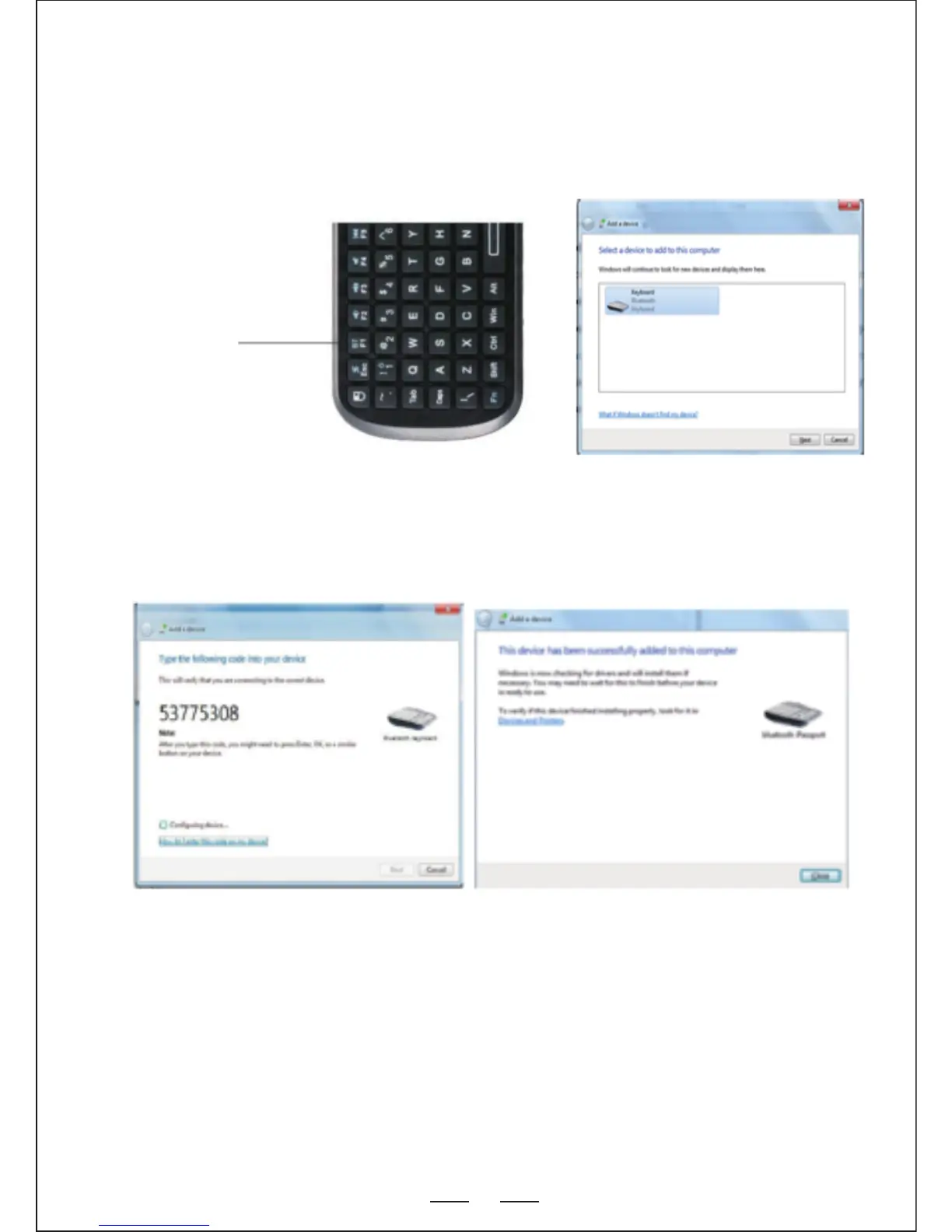
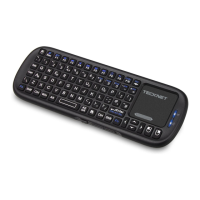
4. Slide the ON button to power up the keyboard and then press and
hold the“Bluetooth Reset” + Fn keys for 5-8 seconds until the LED
blinks 3 times then release. The Bluetooth keyboard will appear in
the window, select it and click “Next”.
5. You will be prompted to choose a pass code for your device.
Type the pass code of your choice into the X340 keyboard and press
enter.
Note:
1. Note: Do not press the Bluetooth Reset button while using the
keyboard or it will be disconnected from your computer.
2. Keyboard functions will not work until the bluetooth connection
process is complete


 To Next Page