EasyManua.ls Logo

Tecmobile Titan 550 - User Manual

Tecmobile Titan 550
49 pages
Print Icon
To Next Page IconTo Next Page
Loading...
DUAL SIM
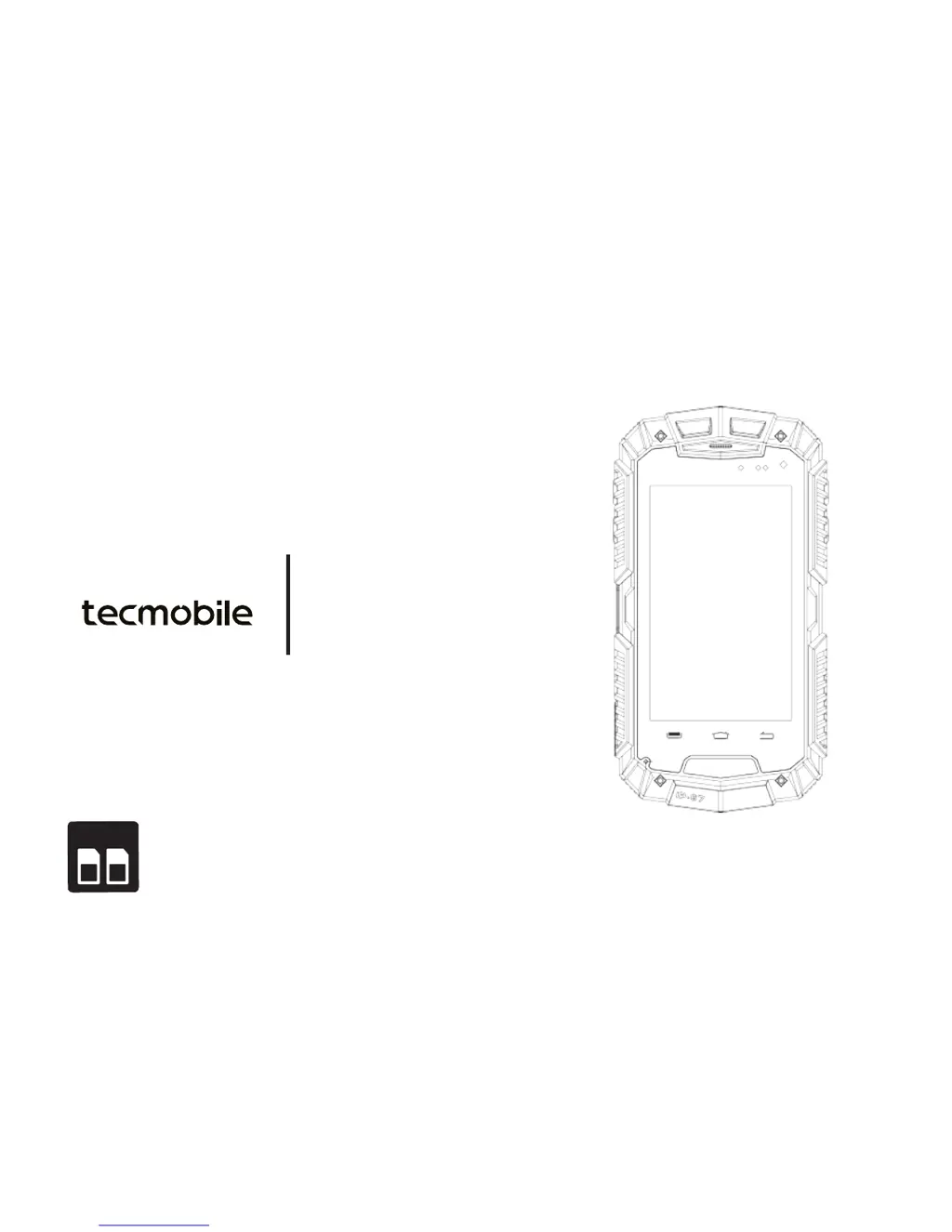
Titan 550
User Manual
Dual SIM (850/2100)

Questions and Answers

  • L
    leahjohnsonAug 15, 2025
    What to do if I get a SIM card error on my Tecmobile Titan 550?
    • C
      cobbbrandonAug 15, 2025
      If your Tecmobile Cell Phone displays a 'SIM card error,' it could be due to several reasons. The SIM card might be damaged, not installed correctly, or the contact point may be dirty. Ensure the SIM Card has been installed correctly. If it still doesn't work, use a clean, dry cloth to gently clean the SIM card's metal contact point. For damaged SIM cards, contact your network operator.
  • A
    Anthony RodriguezAug 18, 2025
    Why is my Tecmobile Cell Phone unable to connect to the network?
    • T
      Tammy OliverAug 19, 2025
      If your Tecmobile Cell Phone is unable to connect to the network, it might be due to a weak signal. Move to an area with a stronger signal. If that doesn't work, the SIM card might be invalid, or you might be outside of a GSM or 3G network service area. Contact your network operator for more information.
  • N
    Nicole DavisAug 22, 2025
    Why does my Tecmobile Cell Phone have a poor signal?
    • S
      Sarah CookAug 22, 2025
      If you are experiencing poor signal on your Tecmobile Cell Phone, it may be because you are in an area with poor reception, where buildings obstruct radio waves. Move to an open area away from obstructing buildings. Alternatively, you might be using the phone during peak hours. Wait and avoid making calls during peak hours. Routine maintenance may also be carried out by your network operator. Contact your network operator for more information.
  • R
    Richard GomezAug 25, 2025
    Why does my Tecmobile Titan 550 have a short standby time?
    • M
      Matthew HarrisAug 25, 2025
      If your Tecmobile Cell Phone has a short standby time, it could be due to several factors. The standby time is related to the network system setting, so turn off the mobile phone in the poor reception area. The battery may be near its end of life charging cycle, so replace the battery. The phone might also be constantly searching for a base station, which uses battery power, causing the standby time to become shorter, so move to a strong signal place or turn off the phone.
  • R
    Robert HoltAug 28, 2025
    What to do if my Tecmobile Titan 550 Cell Phone shows a SIM card error?
    • S
      Stephen EsparzaAug 28, 2025
      If your Tecmobile Cell Phone displays a SIM card error, it could be due to several reasons. The SIM card might be damaged, in which case you should contact your network operator. Alternatively, the SIM card may not be installed correctly; ensure it is properly inserted. Another possibility is that the SIM card contact point is dirty. If so, gently clean the metal contact point with a clean, dry cloth.
  • J
    James ParkAug 30, 2025
    How to fix Tecmobile Cell Phone when it is unable to boot?
    • K
      Kathy Espinoza PhDAug 30, 2025
      If your Tecmobile Cell Phone is unable to boot, it is possible that the battery has no power. Please recharge your battery.
  • C
    Cynthia CooperSep 3, 2025
    What to do if my Tecmobile Titan 550 is unable to charge?
    • R
      Rachel ConwaySep 3, 2025
      If you are unable to charge your Tecmobile Cell Phone, the battery or charger may be damaged. Please replace them with a new battery or charger.
  • S
    Susan HopkinsSep 5, 2025
    Why does my Tecmobile Titan 550 have short standby time?
    • B
      Brianna CastanedaSep 6, 2025
      If you are experiencing short standby time with your Tecmobile Cell Phone, it could be related to the network system setting. Try turning off the phone in areas with poor reception. The battery might also be near the end of its life cycle, so consider replacing it. Additionally, if the phone is constantly searching for a base station, move to a strong signal area or turn off the phone.
  • W
    William GregorySep 8, 2025
    Why does my Tecmobile Titan 550 Cell Phone have echo and noise?
    • J
      Jason JenkinsSep 8, 2025
      If you are experiencing echo and noise on your Tecmobile Cell Phone, it may be due to poor network coverage in your region. Disconnect the current call and try redialing.
  • P
    Phillip HooperSep 12, 2025
    Why can't I make calls to a specific contact on my Tecmobile Cell Phone?
    • T
      taylorgarySep 12, 2025
      If you are unable to make calls to a specific contact on your Tecmobile Cell Phone, it could be because the call barring function is activated. In this case, cancel the call barring function. Alternatively, the fixed dial function might be activated; cancel the fixed dial function.

Summary

Getting Started with Your Phone

Installing SIM, SD Card, and Battery

Instructions on removing the battery cover to access internal components.

SIM Card and Micro-SD Card Installation

Guide on inserting SIM cards and a Micro SD card into their respective slots.

Inserting the Battery

Step-by-step instructions for properly inserting the battery into the phone.

Charging Your Phone

Details on the initial charging procedure and battery indicator behavior.

Powering the Phone ON;OFF

Procedure for turning the phone on, off, and accessing power options.

Basic Phone Functions

Making a Phone Call

Guidance on using the keypad dialer to initiate phone calls.

Answering and Rejecting Calls

How to accept or decline incoming calls and send SMS responses.

Sending and Receiving Messages

Instructions for composing and sending text messages, including MMS.

Phone Tools and Applications

Using the Camera

Guide to accessing the camera viewfinder and basic shooting functions.

Phone Settings and Configuration

Security Settings

Setting up screen security, SIM card lock, and device passwords.

SOS Setting Configuration

Configuring the SOS function for emergency number and text messages.

Troubleshooting Common Issues

Health and Safety Guidelines

F;SAR Information

Information on radio frequency (RF) exposure and Specific Absorption Rate (SAR) values.

Battery Safety Precautions

Safety precautions for handling, charging, and disposing of batteries.

Safe Operating Environment

Guidelines for safe operating temperatures and usage conditions.

Medical Device Precautions

Precautions when using the phone near medical devices like pacemakers.

Pacemaker Safety Advice

Specific safety advice for individuals with pacemakers.

Tecmobile Titan 550 Specifications

General IconGeneral
Display Size5.5 inches
DisplayIPS LCD
Resolution720 x 1280 pixels
ProcessorQuad-core 1.3 GHz
Operating SystemAndroid